
Struggling to get your M3U playlist working in VLC? You’re not alone. Whether you are setting up an IPTV stream or organizing your local music library, loading an .m3u file can sometimes feel more complicated than it should be.
I’ve been using VLC for years, and it is hands-down the best player for M3U files because it handles almost any format you throw at it. In this guide, I’ll walk you through the fastest, most reliable ways to load your playlists on Windows, Mac, Android, and iOS.
How to Watch M3U Playlists on Windows & Mac
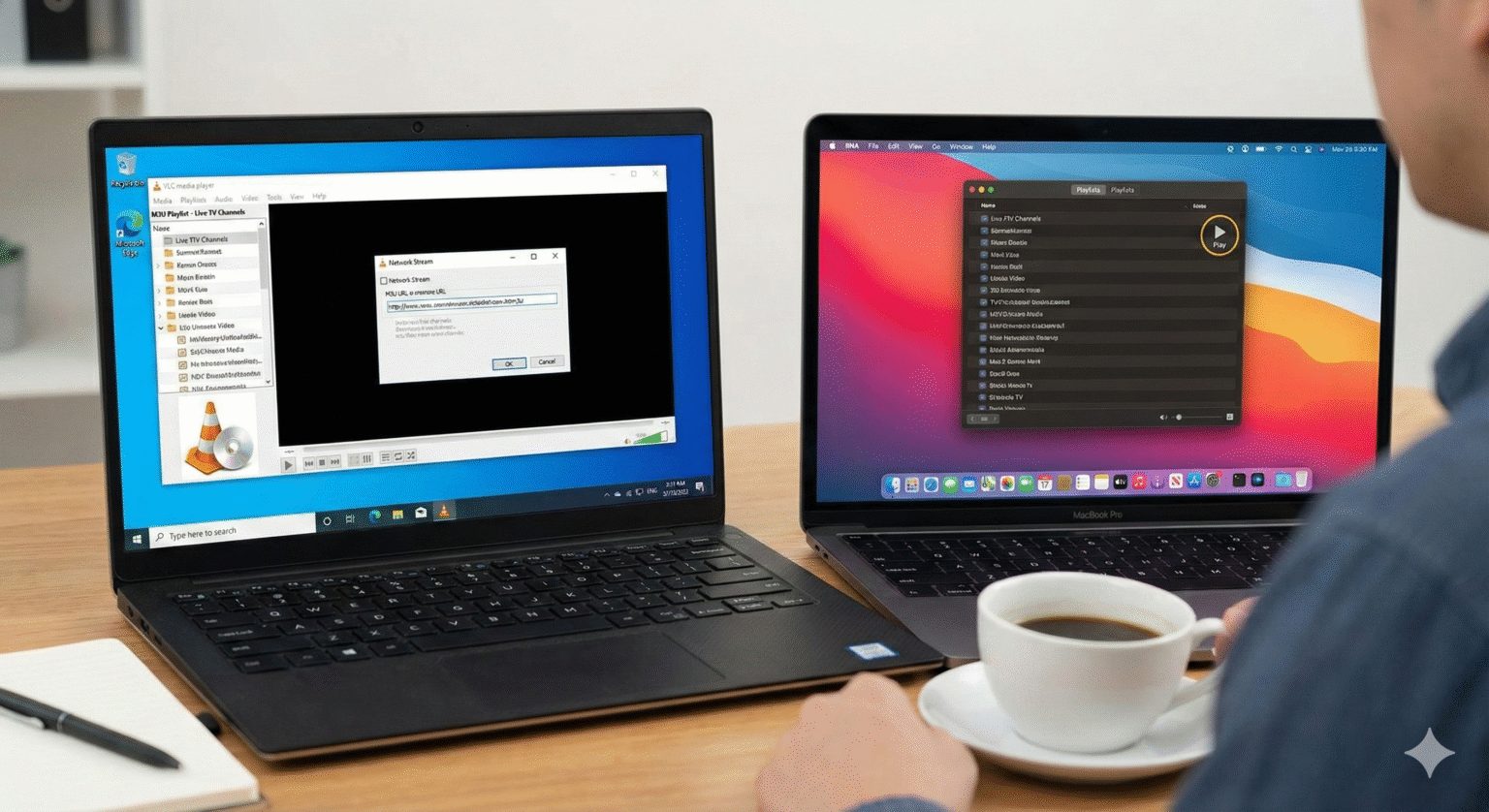
If you’re on a desktop, you have the most control. Here are my three go-to methods, ranked from easiest to most advanced.
Method 1: The “Drag and Drop” (Fastest)
Best for: Local files saved on your computer.
Launch VLC Media Player.
Open your file folder and find your
.m3uor.m3u8file.Click, drag, and drop the file directly into the VLC window.
Boom your playlist is loaded. Press
Ctrl + L(Windows) orCmd + Shift + P(Mac) to view the full list of tracks or channels.
Method 2: The “Open File” Route
Best for: When you want to browse for files formally.
In VLC, click Media (Windows) or File (Mac) in the top menu.
Select Open File….
Navigate to your saved
.m3uplaylist and double-click it.
Method 3: Streaming via Network URL (Essential for IPTV)
Best for: Live TV streams and IPTV links.
Copy your M3U URL to your clipboard.
In VLC, click Media > Open Network Stream (Windows:
Ctrl + N) or File > Open Network (Mac:Cmd + N).Paste the URL into the network URL box.
Click Play.
Pro Tip: If the stream buffers, try pausing it for a few seconds to let it cache.
How to Load M3U Playlists on Android
VLC for Android is a powerhouse. Here is how to get your streams running on your phone or tablet.
Option A: Direct File Load
Download the
.m3ufile to your device.Open your File Manager app (like Google Files).
Tap the
.m3ufile.Select VLC when asked “Open with…”.
Note: Tap the “hamburger” icon (three lines) in the player to see your full channel list.
Option B: Streaming a URL
Open the VLC for Android app.
Tap More (the three dots
...) in the bottom right.Tap + New Stream.
Paste your M3U link and hit the Orange Arrow.
How to Load M3U Playlists on iPhone & iPad (iOS)
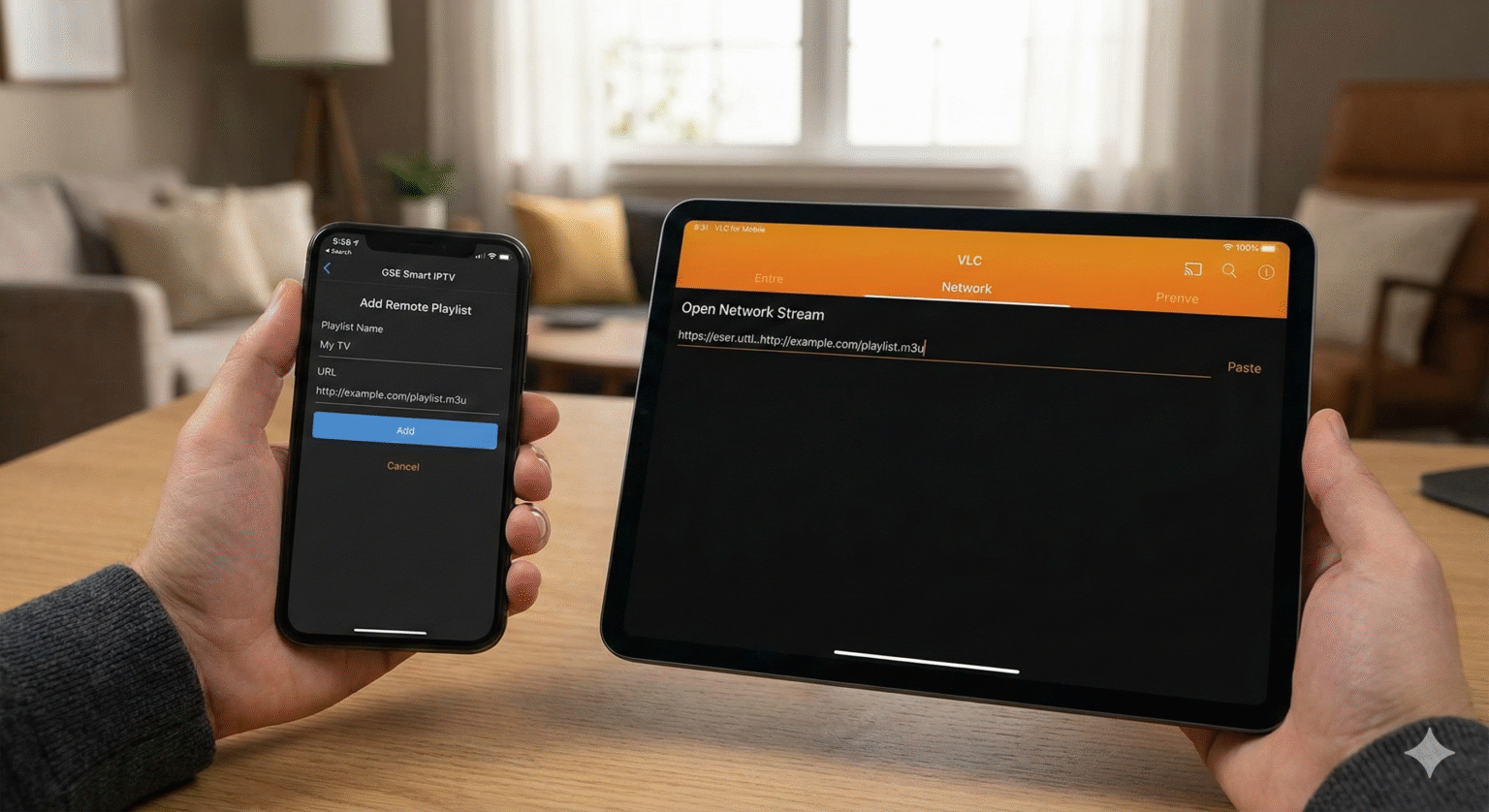
Apple makes file management tricky, but VLC bridges the gap.
Option A: The Network Stream Method (Recommended)
Open VLC for Mobile.
Tap the Network tab at the bottom.
Select Open Network Stream.
Paste your URL and tap Open Network Stream.
Option B: Importing Local Files
Save your
.m3ufile to your Files app (On My iPhone or iCloud).Open the Files app and locate the playlist.
Long-press the file -> Share.
Tap the VLC icon. This forces VLC to open and index the playlist.
Troubleshooting: Why Is My Playlist Not Working?
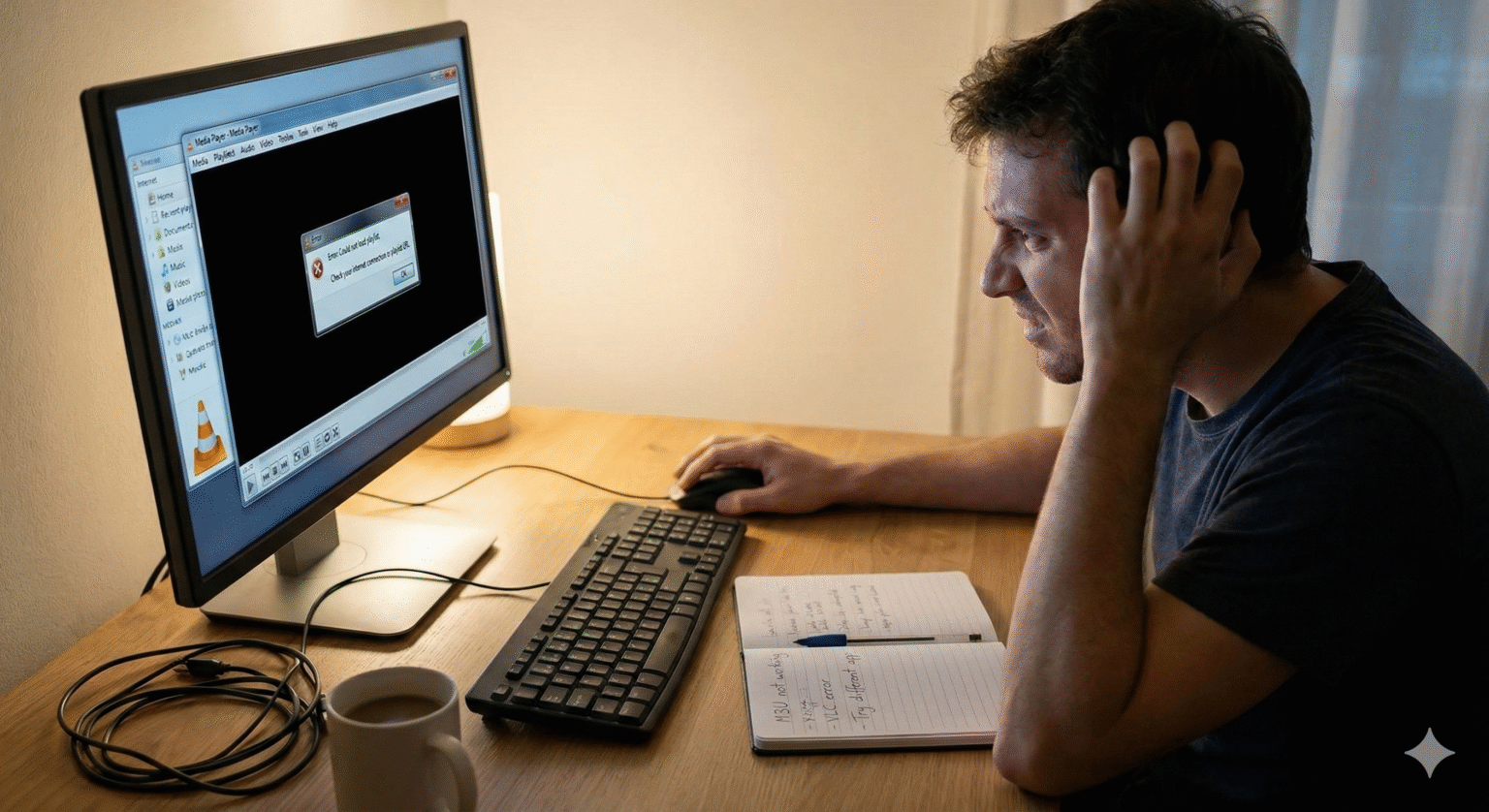
If you are seeing errors, check these common fixes before giving up.
🛑 Problem: The Playlist is Empty (0 Tracks)
The Cause: Broken file paths. The Fix: Open your .m3u file in a text editor (Notepad). Look at the file paths.
If they point to a specific drive (e.g.,
D:\Music\Song.mp3) and you moved the file to your phone, it won’t work.Solution: Ensure the audio/video files are in the same folder as the playlist and use “relative” paths (e.g., just
Song.mp3).
⏩ Problem: VLC Skips Through Channels
The Cause: VLC can’t connect to the source. The Fix:
For IPTV: Your link might be expired, geo-blocked (try a VPN), or maxed out on connections.
For Local Files: The files aren’t where the playlist thinks they are.
🔒 Problem: Error 403 Forbidden / 401 Unauthorized
The Cause: Your IPTV provider rejected the connection. The Fix:
Check your URL for typos in the username/password.
Some providers block VLC specifically. You may need to use an IPTV-specific app (like TiviMate or Smarters) if VLC continues to fail, as VLC cannot easily inject custom User-Agent headers on mobile.
Did this guide help you get set up? Save this page for later in case you need to troubleshoot your connection again!
 English (United States)
  German
  Dutch
Dutch  Swedish
  Danish
  English (UK)
  English (Australia)
  English (New Zealand)
  Norwegian