
If you’ve been navigating the crowded world of cord-cutting apps, you’ve likely heard of Smart One IPTV. It has quickly become one of the most downloaded media players for smart TVs, particularly for users looking for a clean, buffer-free interface to handle massive channel lists.
But before you spend time setting it up, there is one massive misconception we need to clear up right away: Smart One IPTV does not come with any channels, movies, or subscriptions. It is strictly an empty media player. To watch anything, you need to provide your own IPTV service details (usually in the form of an M3U link or Xtream Codes API).
Think of it like buying a brand new 4K TV it’s just hardware until you actually plug a cable box or game console into it. Once you have your playlist, though, this app is arguably one of the best ways to organize it. Here is everything you need to know about setting it up, pricing, and whether it’s actually worth your time.
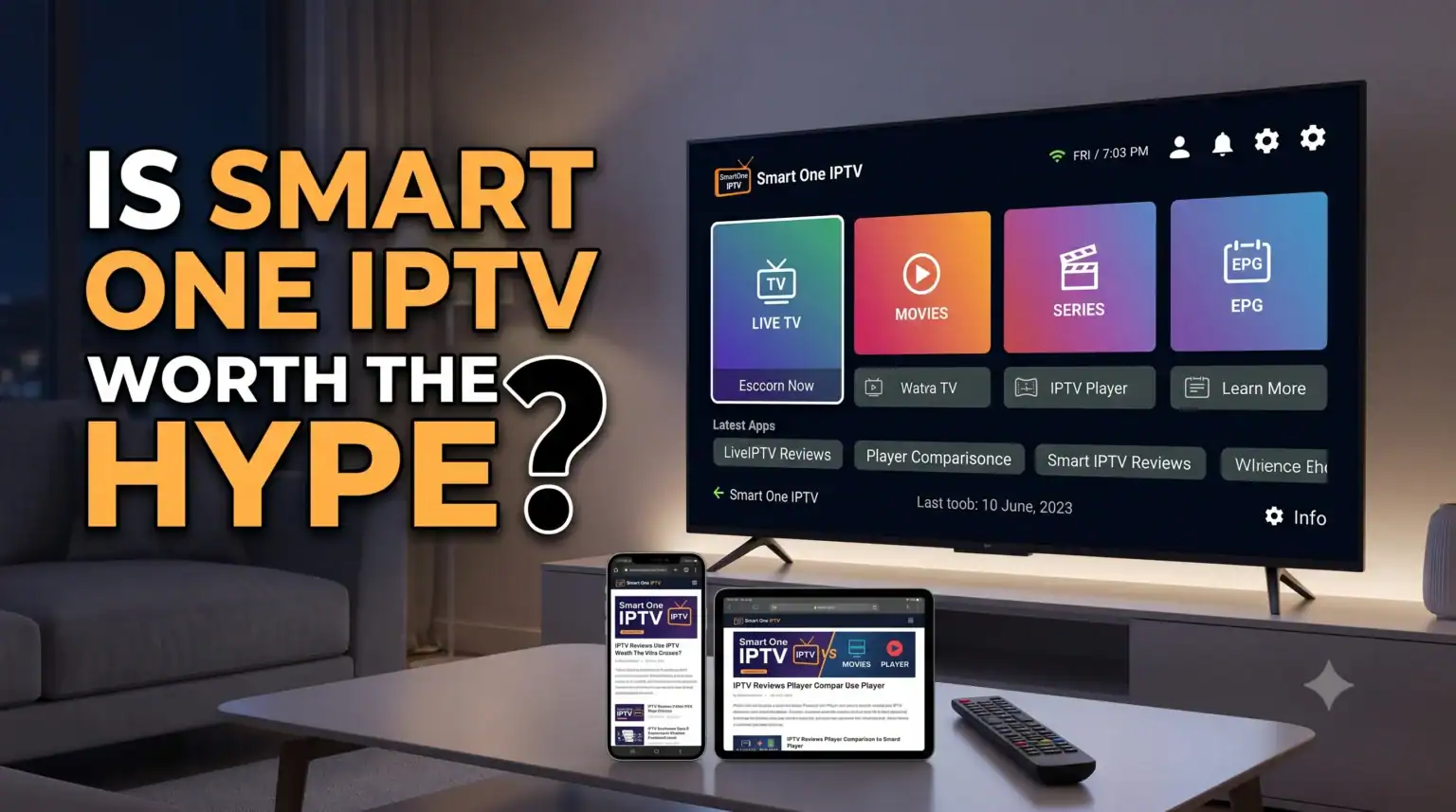
At a Glance: Key Specifications
| Functie | Details |
| Ondersteunde apparaten | Samsung Tizen, LG WebOS, Android TV, Firestick, Philips |
| Playlist Formats | M3U URLs, Xtream Codes API, Stalker Portal |
| Gratis proefabonnement | 7 Days (Full premium features) |
| License Type | Yearly or Lifetime (Tied to the device’s MAC Address) |
Why Choose Smart One Over Other Players?
Ik heb tientallen IPTV-spelers, and many of them suffer from the exact same issues: clunky interfaces, massive lag when trying to load large VOD (Video on Demand) libraries, and broken TV guides. Smart One takes a different approach.
It Handles Massive Playlists: A common issue with older smart TV apps is that they simply crash or freeze if your provider’s list has over 10,000 live channels and movies. Smart One is specifically optimized to load heavy lists quickly without bottlenecking your TV’s processor.
Universal Format Support: Whether your provider gives you a standard M3U URL, an Xtream Codes login, or a Stalker Portal, the app handles it seamlessly.
Centralized Device Management: If you have multiple TVs in your house, you don’t have to configure each one manually. You can create an account on the Smart One website, link all your screens to a single dashboard, and push playlist updates to every TV simultaneously.
Built-in Catch-up and EPG: If your provider supports it, the app easily pulls in Electronic Program Guide (EPG) data and allows you to watch previously aired shows using the Catch-up feature.
How to Install Smart One IPTV
The installation process depends entirely on what operating system your television runs.
For Samsung and LG Smart TVs:
You can usually find the app directly in the official store. Open the Samsung Apps or LG Content Store, search for “SmartOne IPTV,” and download it.
Opmerking: In some regions, IPTV apps are restricted due to local store policies. If you can’t find it, you may need to briefly change your TV’s region settings or use the USB sideload method.
For Android TV and Firestick:
If you have an Android TV, it’s available right on the Google Play Store. For Amazon Fire TV devices, you won’t find it in the default Amazon store you’ll need to use the Downloader app to sideload the official APK directly from their website.
Setting Up Your Playlist
Once the app is installed, here is how to actually get your channels loaded onto your screen.
1.Locate your TV’s MAC Address :
Open the Smart One app on your TV. The main startup screen will display a unique MAC Address (it looks like a mix of letters and numbers, e.g., A1:B2:C3:D4:E5). Write this down.
2.Go to the Smart One website :
On your phone or computer, open your web browser and navigate to the official Smart One IPTV playlist upload page.
3.Link your device :
Input your TV’s MAC Address into the required field on the website. This tells their server which TV to send the channels to.
4.Add your IPTV provider details :
Plak uw M3U-link or enter your Xtream Codes API details provided by your IPTV service. Give the playlist a recognizable name (like “Main Channels”).
5.Restart the app :
Click “Save” on the website, then go back to your TV and restart the Smart One app. Your live TV, movies, and series categories should now populate.
Pricing: The Lifetime License Catch
Smart One IPTV offers a 7-day free trial the moment you open it. During this week, you get access to every feature so you can test how well it handles your specific playlist before spending any money.
Once the trial expires, you have to purchase an activation license. This is where people often get confused: you are paying to unlock the app, niet for a monthly TV abonnement.
You can choose between a yearly license (usually around 2 to 3 euros) or a one-time lifetime license (around 10 to 15 euros).
Here is the catch most people miss: The license is tied directly to your TV’s specific MAC address. If your TV breaks, or you decide to upgrade to a newer model next year, your MAC address changes. You cannot easily transfer a lifetime license to a new television. Because of this hardware limitation, many users opt for the yearly license to maintain flexibility.
Problemen oplossen Veelvoorkomende problemen
“Failed to Load” Errors: 90% of the time, this isn’t an app issue. It means your IPTV provider’s server is temporarily down, or your Internet Service Provider (ISP) is actively blocking the connection. Try running a VPN on your router or TV to see if the block lifts.
Editing playlists: You can upload new playlists via the website, but you cannot edit or delete them from there. If you want to remove an old list, you have to do it directly through the settings menu inside the app using your TV remote.
Missing Channel Logos: Make sure your provider’s M3U link includes the proper tvg-logo tags. If their list is poorly formatted, the app won’t know which images to pull, leaving you with blank squares next to the channel names.
Het definitieve oordeel
If you already have a reliable IPTV-aanbieder and just need a fast, organized way to watch it, Smart One IPTV is easily one of the top contenders right now. Its ability to process massive 4K video libraries without lagging puts it ahead of older alternatives, and the centralized dashboard is a massive time-saver for multi-TV households.
Just make sure to take advantage of the 7-day trial to ensure it plays nicely with your specific provider before locking in an activation fee.
 Dutch
Dutch  English (United States)
  German
  Danish
  English (UK)
  Norwegian
  Swedish