
Want instant live TV on your Samsung of LG Smart TV without complicated apps?
Dit IBO Speler setup guide shows you exactly how to add an M3U playlist, avoid common errors, and unlock smooth IPTV playback fast.
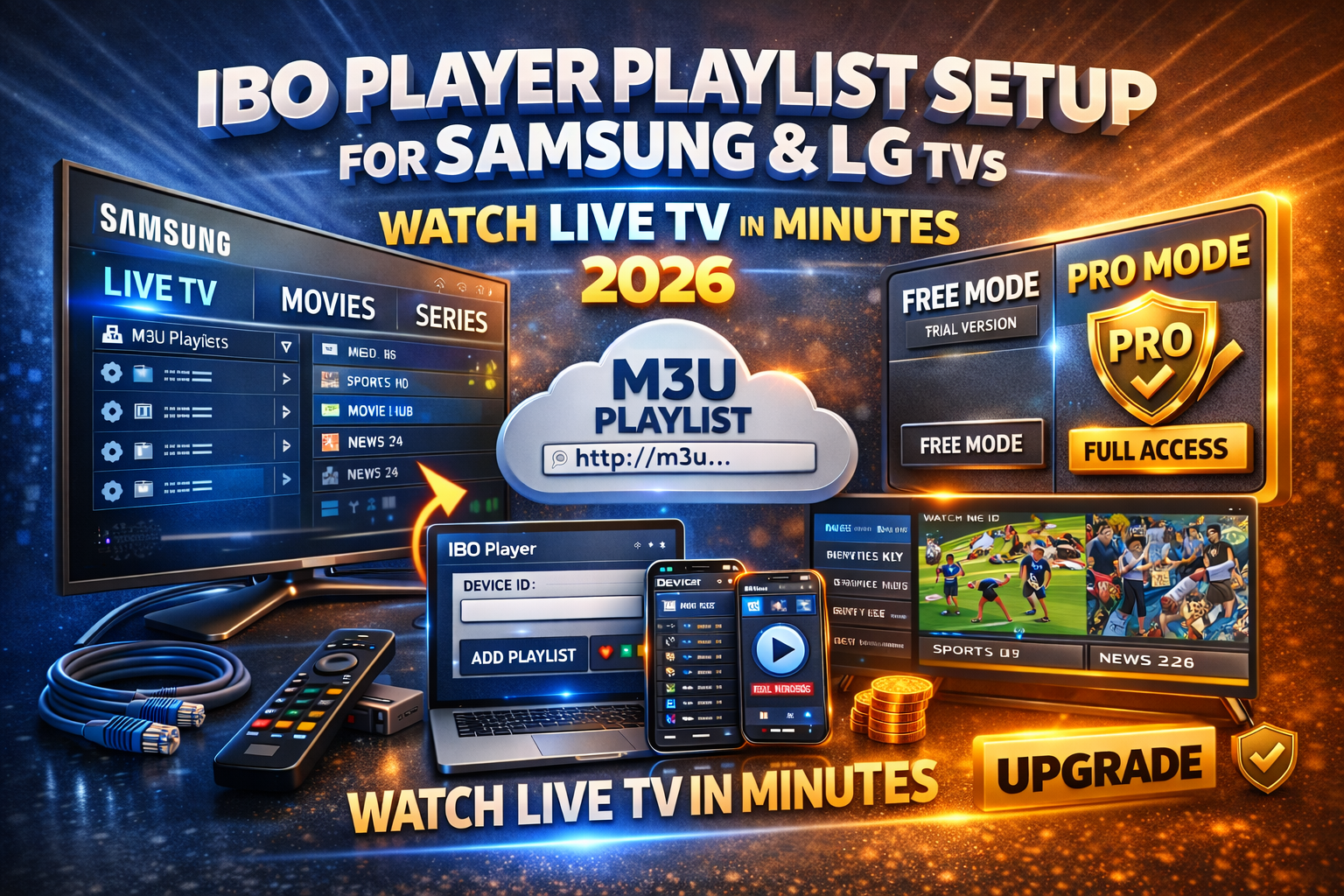
Why Smart TV Users Choose IBO Player in 2026
IBO Speler is built for Samsung (Tizen) en LG (webOS). It doesn’t sell channels it plays je IPTV playlist with speed and stability.
What makes it convert users
TV-optimized interface (remote-friendly)
Fast M3U loading (HD, Full HD, 4K)
Clean categories: Live TV, Movies, Series
Eenmalige Pro-activering (no monthly app fees)
Step 1: Install IBO Player on Your TV (2 Minutes)
Samsung Smart TV
Open Samsung App Store
Zoek op IBO Speler
Install → Open
LG Smart TV
Open LG Store voor inhoud
Zoek op IBO Speler
Install → Launch
✅ No account creation
✅ Works on most modern Samsung & LG models
Step 2: Get Your Device ID & Device Key (Critical)
Open the app and note:
Apparaat-ID
Toets apparaat
👉 These replace usernames/passwords.
👉 Faster setup, fewer errors.
Step 3: Open the IBO Player Playlist Portal
From your phone or computer:
Ga naar de IBO Speler playlist management portal
Ga naar Device ID + Device Key
Klik op Inloggen
This portal controls playlists for your TV simple and reliable.
Step 4: Add Your IBO Player M3U Playlist (Do This Right)

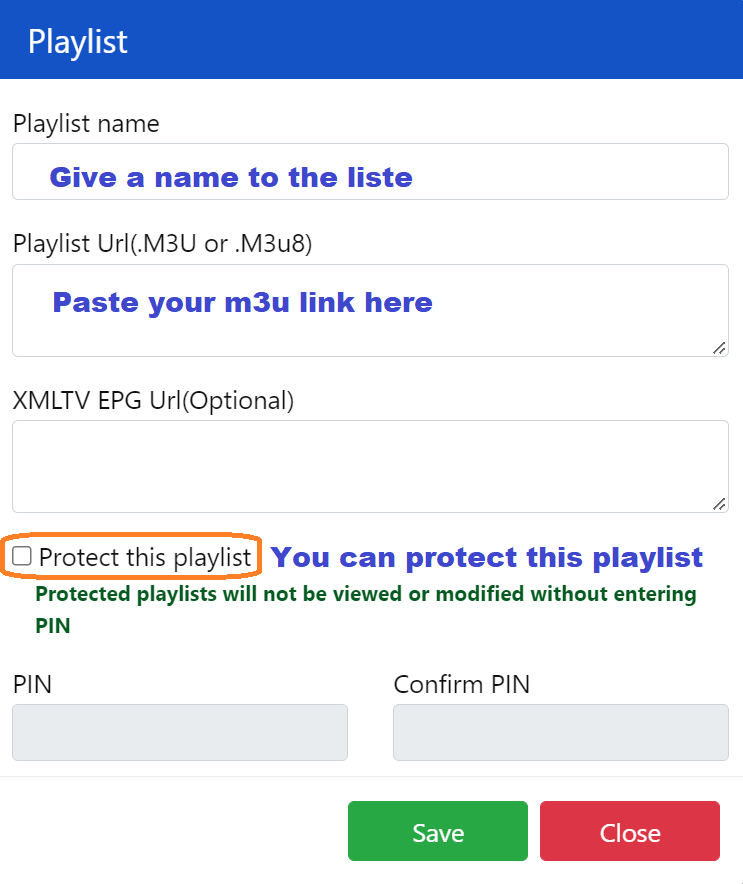
Klik op Afspeellijst toevoegen
Kies M3U URL
Plak de link naar de afspeellijst van je IPTV-aanbieder
(Optional) Add EPG URL for the TV guide
Sla
💡 Pro tip: M3U is the most reliable. Xtream-codes also work if supported.
Step 5: Restart the App & Auto-Load Channels
Close IBO Speler completely → Reopen.
✔ Channels sync automatically
✔ Categorieën worden direct weergegeven
✔ No extra settings needed
Start Watching Live TV on Samsung & LG
Je hebt nu:
📺 Live tv
🎬 Films
📦 Serie
🗓️ EPG (Program Guide)
Navigation is smooth and designed for Smart TV remotes.
Playlist Not Loading? Fix It in 60 Seconds
Als de kanalen niet worden weergegeven:
Controleer nogmaals de M3U URL (no spaces)
Start de tv opnieuw op
De afspeellijst in het portaal vernieuwen
Controleer of je IPTV-abonnement actief is
Probeer de afspeellijst eens op een ander apparaat
🚨 Most failures = expired or copied-wrong links.
Is IBO Player Pro gratis?
❌ Nee. There’s a short trial, but Pro requires a one-time activation.
Free (Trial)
Limited access
Basisweergave
Pro (Recommended)
One-time fee (no subscription)
Onbeperkte afspeellijsten
Sneller laden en vloeiender afspelen
Geen onderbrekingen
👉 Als je regelmatig naar IPTV kijkt, Pro pays for itself.
Best Settings for Samsung & LG TVs (2026)
Gebruik Ethernet instead of Wi-Fi
Belasting one playlist per device
Start de app wekelijks opnieuw op
Zorg ervoor dat de EPG-links up-to-date blijven
Choose stable IPTV providers
These steps cut buffering dramatically.
Final Verdict: Worth It?
Absolutely. For Samsung and LG Smart TVs, IBO Speler delivers the fastest setup, cleanest interface, and most reliable IPTV playback especially with Pro activated.
If you want live TV in minutes with zero hassle, this is it.
 Dutch
Dutch  English (United States)
  German
  Danish
  English (UK)
  Norwegian
  Swedish