
Want instant live TV on your Samsung oder LG Smart TV without complicated apps?
Dies IBO-Spieler setup guide shows you exactly how to add an M3U playlist, avoid common errors, and unlock smooth IPTV playback fast.
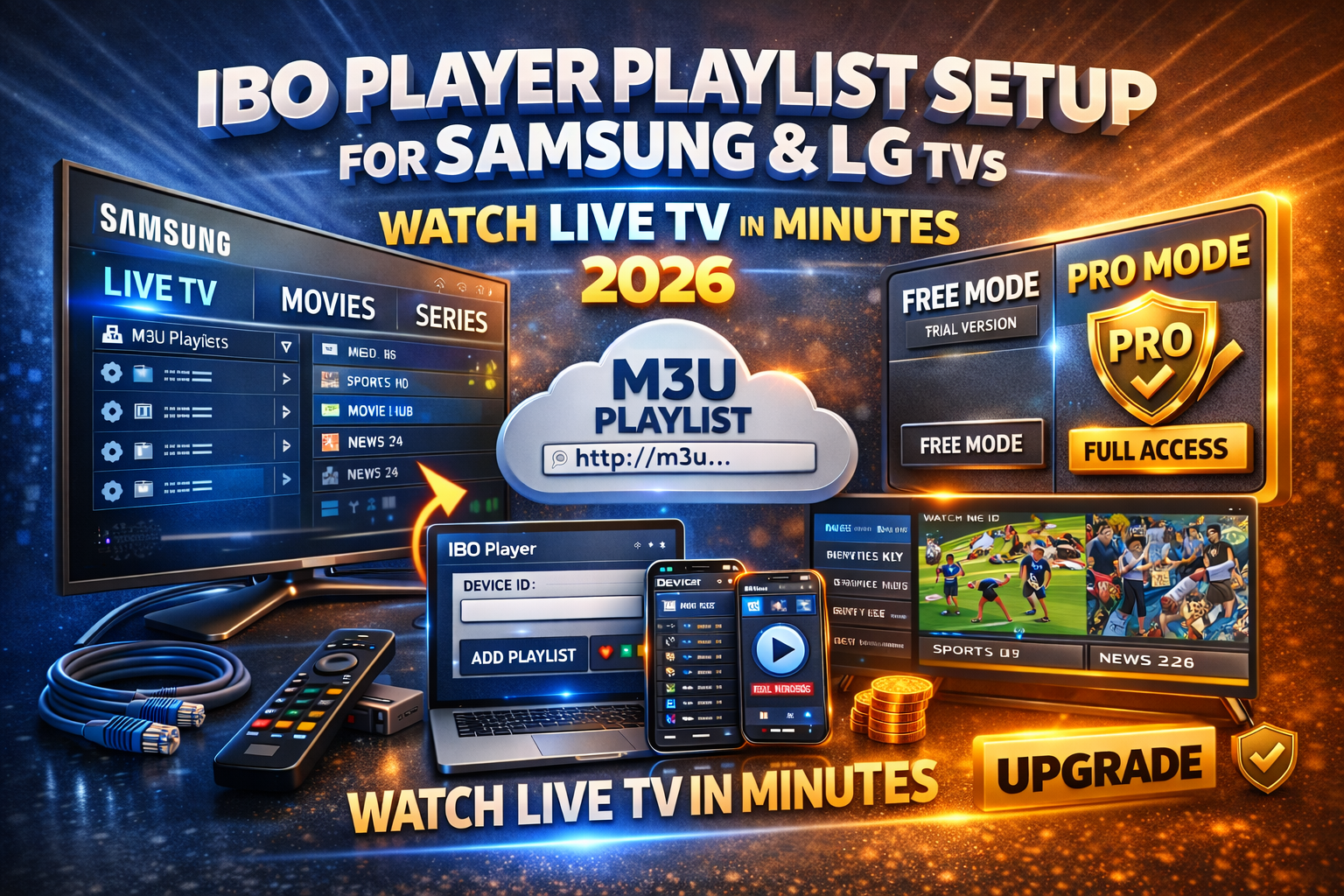
Why Smart TV Users Choose IBO Player in 2026
IBO-Spieler is built for Samsung (Tizen) und LG (webOS). It doesn’t sell channels it plays dein IPTV playlist with speed and stability.
What makes it convert users
TV-optimized interface (remote-friendly)
Fast M3U loading (HD, Full HD, 4K)
Clean categories: Live TV, Movies, Series
Einmalige Pro-Aktivierung (no monthly app fees)
Step 1: Install IBO Player on Your TV (2 Minutes)
Samsung Smart TV
Öffnen Sie Samsung App Store
Suche IBO-Spieler
Install → Open
LG Smart TV
Öffnen Sie LG Content Store
Suche IBO-Spieler
Install → Launch
✅ No account creation
✅ Works on most modern Samsung & LG models
Step 2: Get Your Device ID & Device Key (Critical)
Open the app and note:
Geräte-ID
Geräteschlüssel
👉 These replace usernames/passwords.
👉 Faster setup, fewer errors.
Schritt 3: Öffnen Sie das IBO Player-Playlist-Portal
From your phone or computer:
Gehen Sie zu IBO-Spieler playlist management portal
Eingabe Device ID + Device Key
Klicken Sie auf Anmelden
This portal controls playlists for your TV simple and reliable.
Step 4: Add Your IBO Player M3U Playlist (Do This Right)

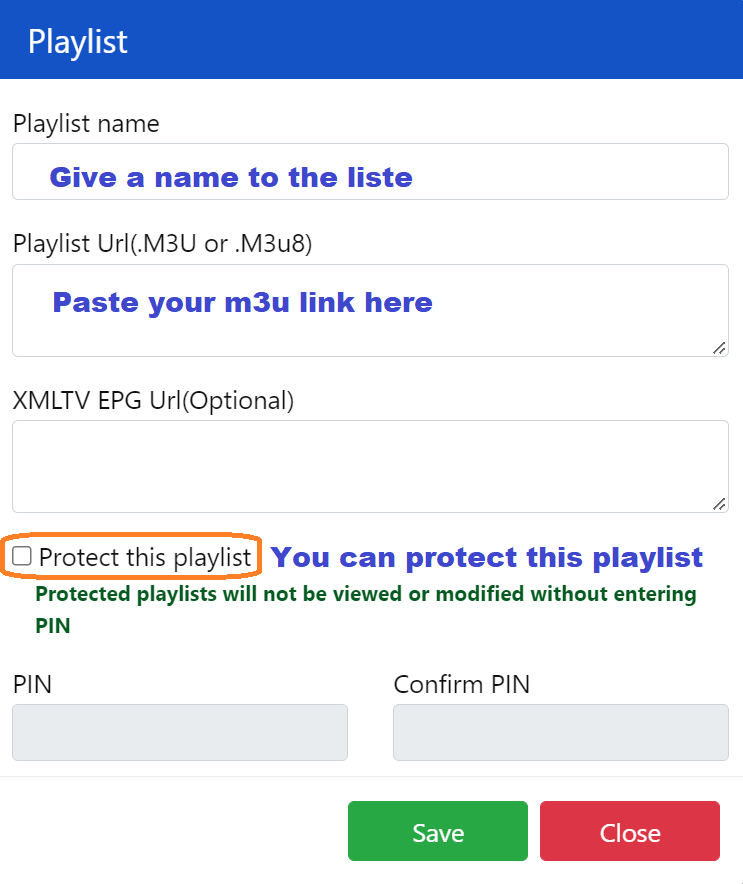
Klicken Sie auf Playlist hinzufügen
Wählen Sie M3U-URL
Paste the playlist link from your IPTV provider
(Optional) Add EPG URL for the TV guide
Speichern
💡 Profi-Tipp: M3U is the most reliable. Xtream-Codes also work if supported.
Step 5: Restart the App & Auto-Load Channels
Close IBO-Spieler completely → Reopen.
✔ Channels sync automatically
✔ Categories appear instantly
✔ No extra settings needed
Start Watching Live TV on Samsung & LG
Sie haben jetzt:
📺 Live-TV
🎬 Filme
📦 SERIEN
🗓️ EPG (Program Guide)
Navigation is smooth and designed for Smart TV remotes.
Playlist Not Loading? Fix It in 60 Seconds
If channels don’t appear:
Recheck the M3U-URL (no spaces)
Restart the TV
Refresh the playlist in the portal
Confirm your IPTV subscription is active
Testen Sie die Wiedergabeliste auf einem anderen Gerät
🚨 Most failures = expired or copied-wrong links.
Ist IBO Player Pro kostenlos?
❌ Nein. There’s a short trial, but Pro requires a one-time activation.
Free (Trial)
Limited access
Basis-Wiedergabe
Pro (Recommended)
One-time fee (no subscription)
Unbegrenzte Anzahl von Wiedergabelisten
Faster loading & smoother playback
Keine Unterbrechungen
👉 If you watch IPTV regularly, Pro pays for itself.
Best Settings for Samsung & LG TVs (2026)
Verwenden Sie Ethernet anstelle von WLAN
Laden one playlist per device
Restart the app weekly
Keep EPG links updated
Choose stable IPTV providers
These steps cut buffering dramatically.
Final Verdict: Worth It?
Absolutely. For Samsung and LG Smart TVs, IBO-Spieler delivers the fastest setup, cleanest interface, and most reliable IPTV playback especially with Pro activated.
If you want live TV in minutes with zero hassle, this is it.
 German
  English (United States)
  Dutch
Dutch  Danish
  English (UK)
  Norwegian
  Swedish