
If you recently picked up an abonnement IPTV, you are probably staring at your living room setup wondering how to actually get it running.
The most common question people ask me is whether they really need to buy an extra streaming stick, or if their shiny new Slimme TV can handle the job on its own. After all, if your TV already has Netflix and YouTube built right in, shouldn’t it be able to stream live channels just fine?
The short answer is almost always no. Unless you want a slow, buffering mess, plugging in a dedicated device is the way to go. Here is a totally honest breakdown of why relying on your TV’s built-in software is usually a mistake, and why making the hardware switch will completely change how you watch television.
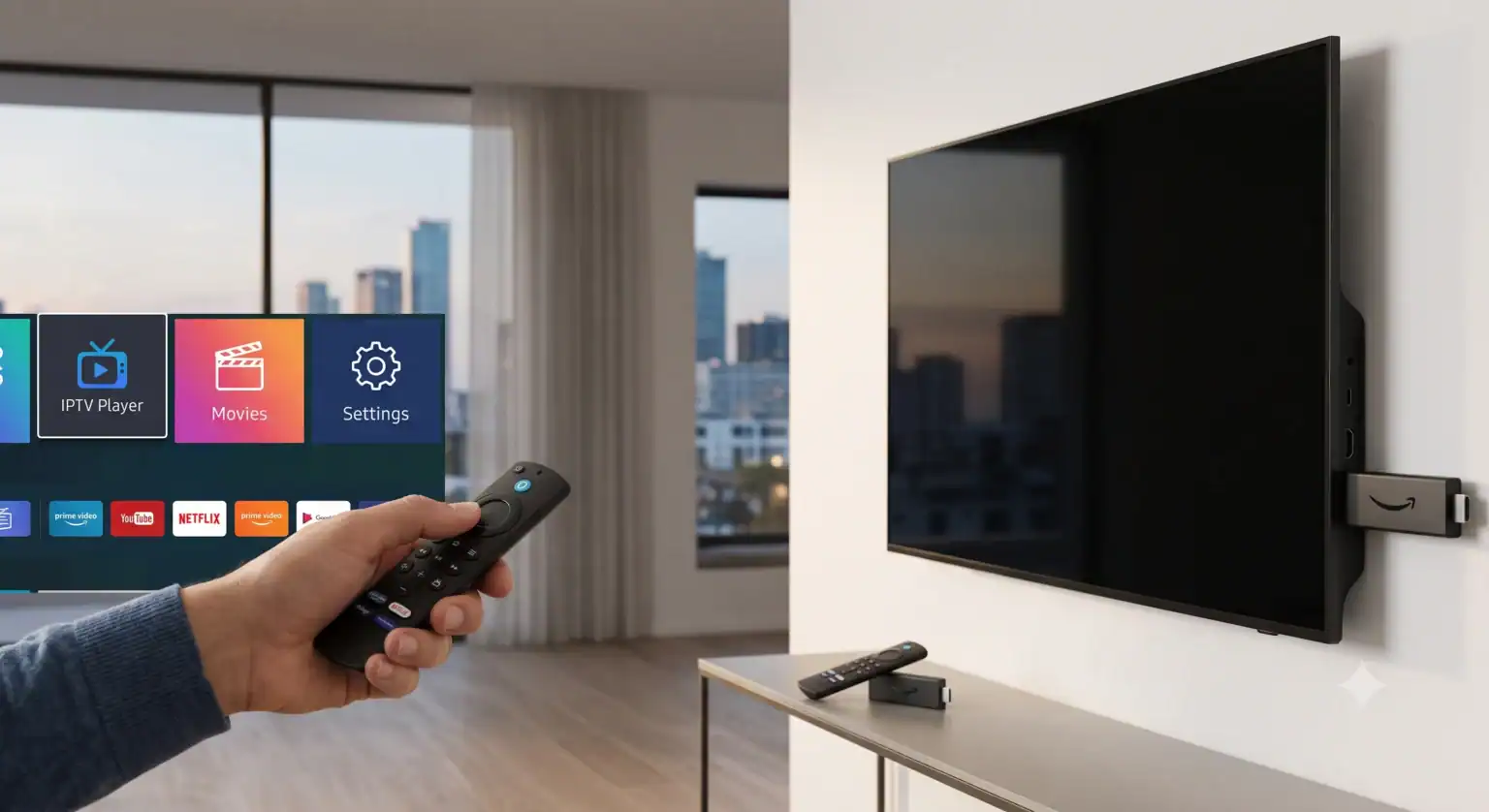
The Problem with Your Smart TV
Television manufacturers care about one thing: the picture quality. The actual computer inside your TV that runs the apps? That is usually a complete afterthought.
Brands like Samsung and LG use their own closed operating systems (Tizen and webOS). This means their app stores are locked down tight. If you are looking for the beste IPTV-dienst players out there, you are going to hit a brick wall. Sure, you might find a legacy app like Slimme IPTV hidden in the store, but trying to install modern, high-performance players is virtually impossible without jumping through ridiculous technical hoops.
Worse yet, as your TV ages, that internal processor starts to crawl. When the interface gets too slow to use, you are stuck having to buy a whole new television just to get a snappy menu again.
Why the IPTV Firestick is the Undisputed King
There is a very clear reason Amazon’s streaming sticks dominate the market and sit in more living rooms than Roku and Apple TV combined. They do one specific job, and they have the dedicated processing power to do it flawlessly.
Here is exactly why an IPTV Firestick setup beats a Smart TV every single time:
Total App Freedom: Fire OS is built on Android. This means you aren’t restricted to what Amazon approves for their official store. You can easily “sideload” almost any third-party app in a matter of minutes by simply toggling one setting. Whether you want to run IPTV Smarters Pro, TiviMate, or XCIPTV, the Firestick handles them all natively.
Zero Buffering: Live sports demand serious bandwidth and processing power. A dedicated stick especially the newer 4K Max models has the Wi-Fi 6 chips and processing speeds needed to handle heavy live streams without freezing right before a goal is scored.
Cheap to Upgrade: If your streaming stick starts feeling a little sluggish after three years, you just toss it in a drawer and plug in a new $40 model. You instantly give your older TV a brand-new, lightning-fast brain.
What About a Dedicated Android Box?
If you don’t want a Firestick, your next best option is a dedicated boitier IPTV (an Android TV box). Devices like the Nvidia Shield or the ONN 4K Pro operate exactly like a Firestick but often come with even more storage and ethernet ports for a hardwired internet connection.
If your Smart TV actually happens to run Google TV right out of the box (like many modern Sony models), you are one of the lucky few. You basically have an Android box built right into your screen, giving you the same app freedom as a Firestick without needing extra hardware at least until the TV’s processor eventually ages out.
For everyone else? Do yourself a favor and spend the forty bucks on a streaming stick. It is the absolute cheapest way to guarantee your live channels actually load when you hit play.
Best IPTV List & Buffering Testimonial This video provides a real-world testimonial on IPTV streaming stability, highlighting the exact kind of buffer-free performance users are actively searching for when configuring their hardware.
 Dutch
Dutch  English (United States)
  German
  Danish
  English (UK)
  Norwegian
  Swedish