
There is a major point of confusion for anyone entering the world of cord-cutting apps. People download a player, see a payment screen, and assume they are buying a television subscription.
Let’s clear this up right now: SmartOne IPTV is a media player application only and does not include any channels, playlists, or content.
When you pay for smart one iptv activation, you are strictly paying to unlock the software. You still need to source your own provider to actually watch anything.
If you are trying to decide whether to activate the app or are confused about how the licensing works, here is exactly what you need to know about the pricing model.
The 14-Day Free Trial
Before you spend a single dime, the developers let you test the software completely risk-free. SmartOne IPTV offers a free 14-day trial to all new customers. The moment you launch the app for the first time, this trial begins automatically.
During these two weeks, you have access to the application without any limit or restriction. This is your opportunity to test how well the app handles your provider’s TV guide, check the loading speeds on your favorite movies, and see if the user interface feels right for your family. If you are not satisfied within the 14 days, you simply do not pay. The account will not be charged, and the subscription will just suspend itself at the end of the trial period.
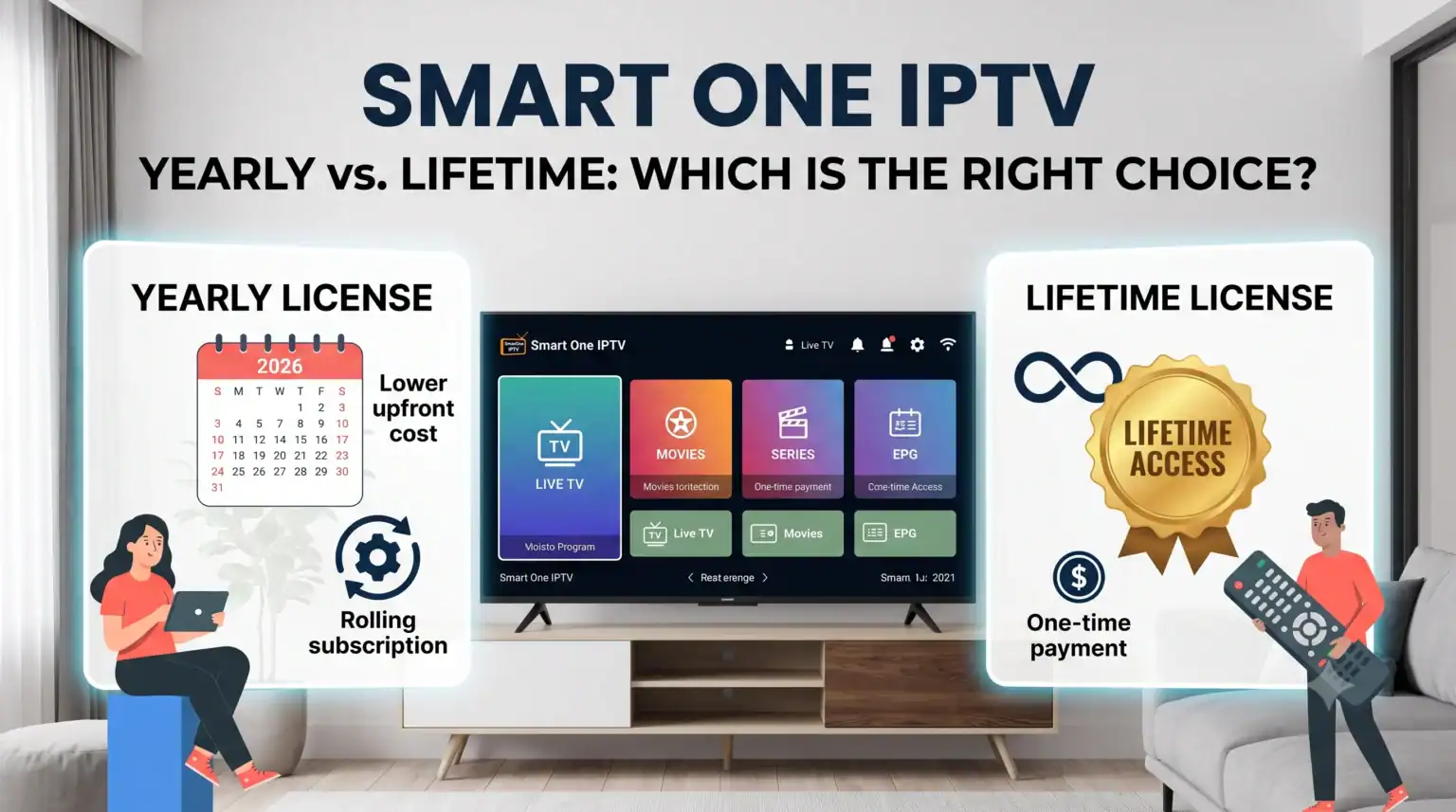
Smart One IPTV Activation: Yearly vs. Lifetime
If you decide you love the player, you will need to purchase a license to keep using it after the trial ends. The payment portal is located directly on the developer’s website.
You generally have two options:
Yearly License: A low-cost subscription that keeps the app active for 12 months. Subscriptions do not renew automatically, so you will be notified in the application before it expires.
Lifetime License: A one-time payment that unlocks the app permanently.
Here is the catch that many users completely miss: The license is permanently tied to your television’s MAC address.
A MAC address is a unique hardware identifier. If you buy a lifetime license for your current living room TV, you cannot transfer that license to a new TV if you decide to upgrade next year. Your new TV will have a different MAC address, meaning you will need to buy a new license.
For this reason, many experienced users prefer the yearly license. It gives you the flexibility to upgrade your hardware without leaving money on the table.
Understanding the Smart One IPTV Playlist Format
A premium media player is useless if it cannot read your provider’s data. Fortunately, the app is highly versatile.
When you go to upload your channels, the smart one iptv playlist format supports all the major industry standards. You can simply log in with an Xtream Codes API or add a standard M3U playlist URL to get started.
Xtream Codes is usually the better choice. It loads faster, organizes your VODs cleanly, and pulls in Electronic Program Guide (EPG) data much more reliably than a raw M3U link.
The Final Verdict
Don’t let the activation fee scare you away. The software is incredibly stable, and the developers are transparent about what you are getting. Use the generous 14-day window to test your provider’s link. If it runs smoothly without buffering, the small activation fee is well worth the upgrade for a clean, fast television interface.
Need a high-quality provider to test out your new trial? Check out our top-rated subscription services that integrate flawlessly with this player using our exclusive Promo Code for the best rates.
 English (UK)
  English (United States)
  German
  Dutch
Dutch  Danish
  Norwegian
  Swedish