
Tired of expensive cable bills? You aren’t alone. Millions are cutting the cord and switching to IPTV to get more content for a fraction of the price.
In this guide, I will show you exactly how to install the best IPTV players on your Amazon Firestick oder Android TV in under 5 minutes. No technical degree required just follow these simple steps to unlock your device’s full potential.
Step 0: Don't Stream Without Protection (Critical)
Before we start, let’s talk about safety. Your Internet Service Provider (ISP) can see everything you stream. If they detect IPTV traffic, they often throttle your speed, leading to endless buffering and lag.
Profi-Tipp: Use a reliable VPN (Virtual Private Network) to encrypt your connection. This hides your activity from your ISP, prevents throttling, and keeps your data private.
Step 1: Prepare Your Firestick ("Jailbreak" Mode)
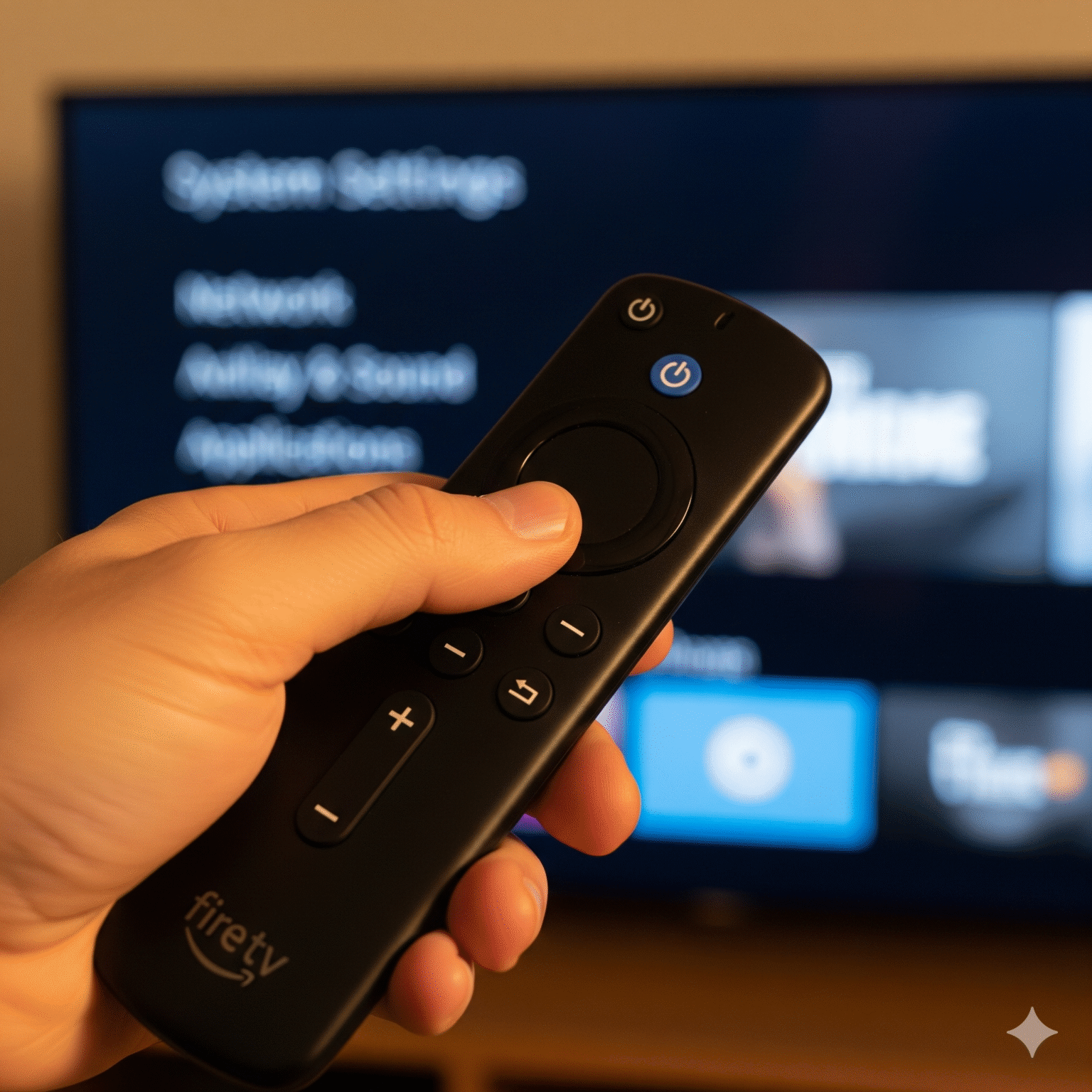
To install apps like TiviMate or Smarters that aren’t in the official Amazon App Store, we need to enable “Developer Options.” This is often called “jailbreaking,” but it’s 100% safe and reversible.
For Firestick / Fire TV Users:
Navigieren Sie zu Einstellungen (Gear icon on the far right).
Wählen Sie My Fire TV.
Klicken Sie auf Über.
The Secret Trick: Hover over Fire TV Stick (the first item) and click your remote’s Select/Center Button 7 times rapidly.
Look for the pop-up: “No need, you are already a developer.”
Drücken Sie die Back button once.
Open the new Developer Options menu.
Turn ON “Install unknown apps” (or “Apps from Unknown Sources”).
Note: If you see a list of apps, find “Downloader” and turn it ON after Step 2.
For Android TV (Nvidia Shield / ONN Box):
Go to Einstellungen > System > Über.
Klicken Sie auf Android TV OS Build 7 times to unlock Developer Mode.
Go to Einstellungen > Apps > Security & Restrictions > Unknown Sources.
Set Downloader zu Allowed.
Step 2: Get the "Downloader" App
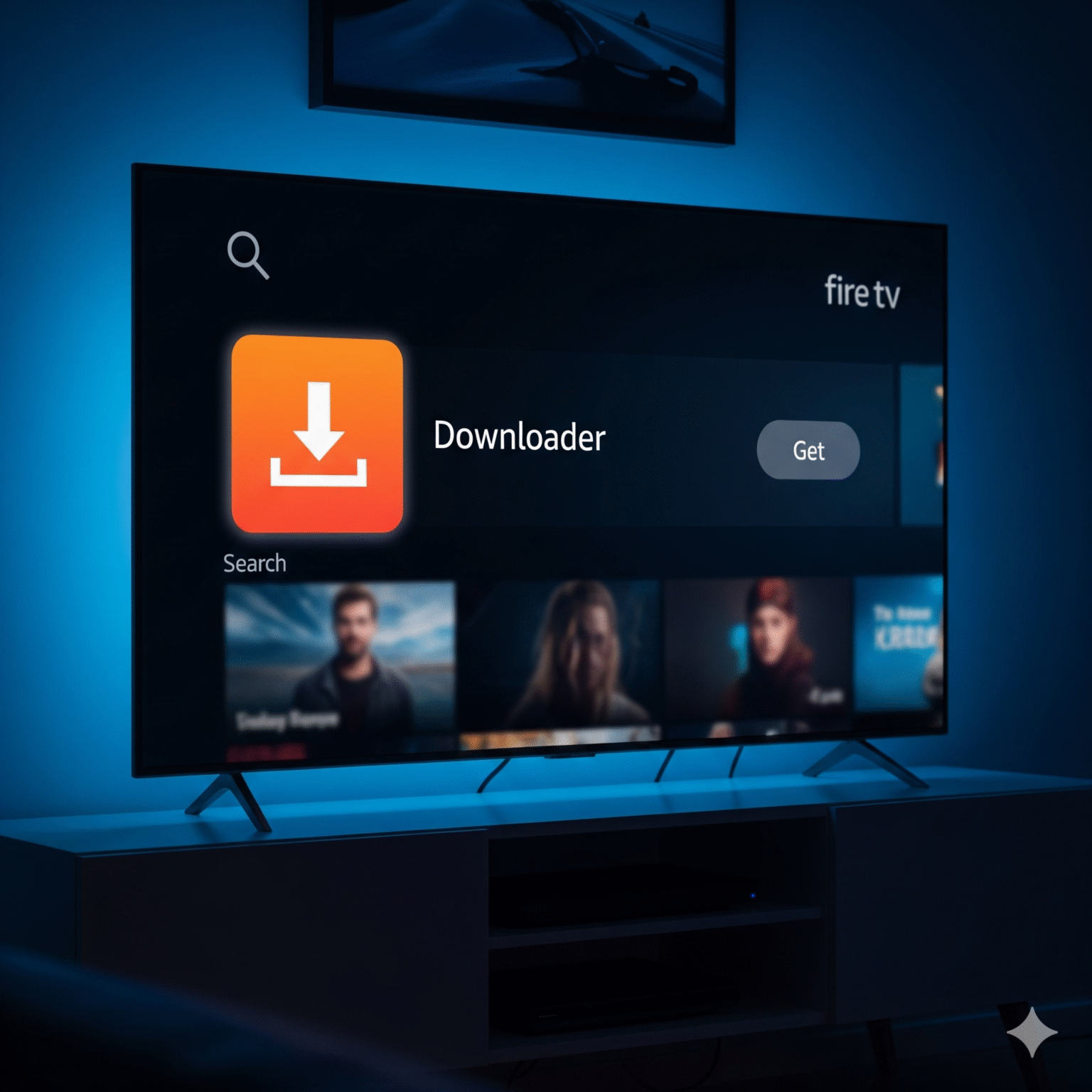
This is the bridge between your TV and the apps you actually want.
Gehen Sie zu Home Screen and click the Find/Search (magnifying glass).
Typ
Downloader.Wählen Sie die Downloader app (Orange icon).
Klicken Sie auf Herunterladen oder Siehe.
Wichtig: When you open it, click Erlauben Sie for media permissions. If you deny this, the app cannot save the installation files.
Step 3: Install the Best IPTV Player
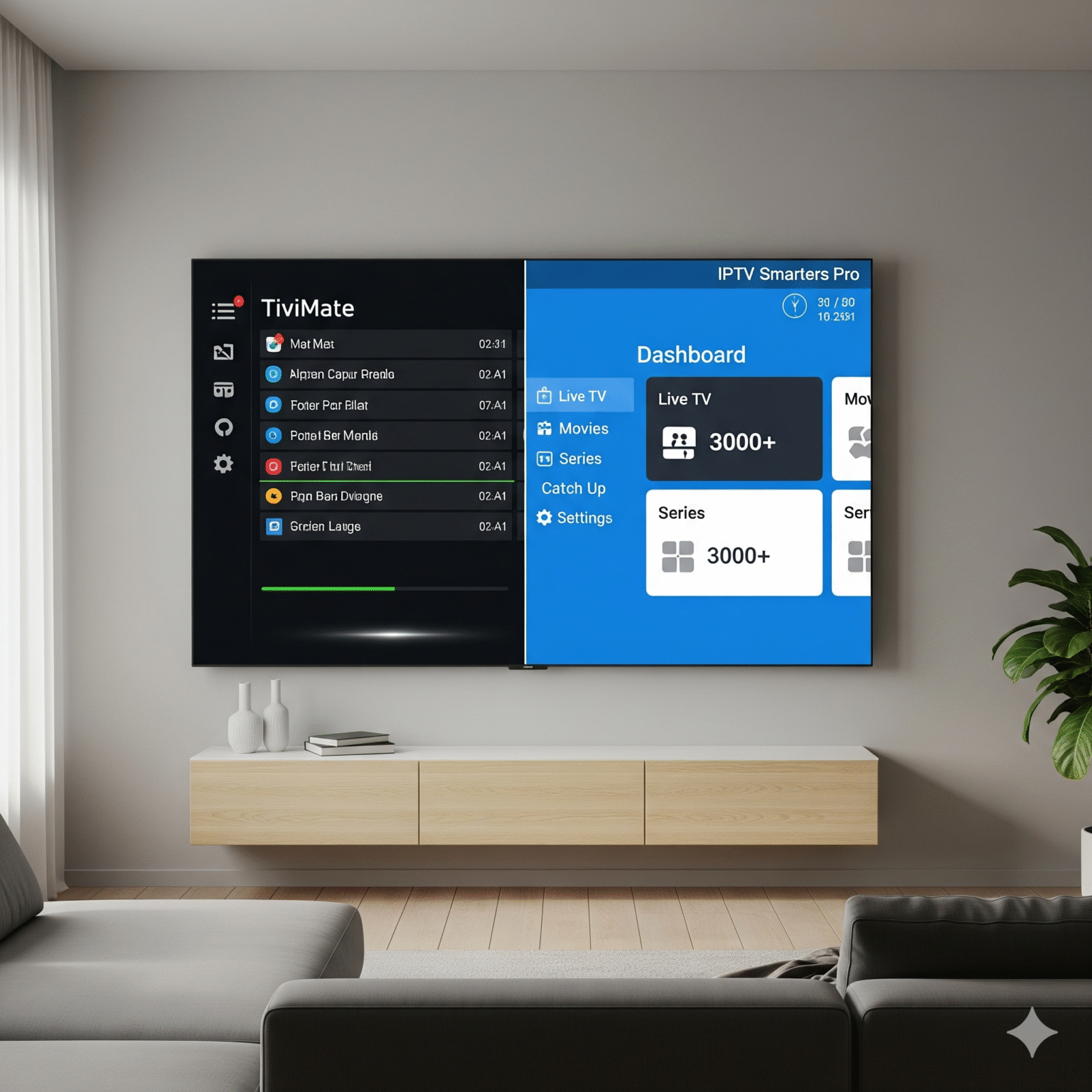
You need a “container” to play your channels. I’ve listed the two absolute best options for 2026. Choose one.
🏆 Choice A: TiviMate (The Premium Choice)
Verdict: If you want your IPTV to look and feel exactly like cable TV with a sleek guide, this is the one. It is unrivaled in speed and design.
Öffnen Sie Downloader.
In the URL box, enter this shortcode: 272483
Klicken Sie auf Go.
Wait for the file to download, then click Installieren Sie.
Once installed, click Done (do not open yet).
Space Saving Tip: Klicken Sie auf Delete on the APK file prompt, then Delete again. You don’t need the installation file anymore.
🥈 Choice B: IPTV Smarters Pro (The Best Free Option)
Verdict: A solid, reliable workhorse. It’s not as pretty as TiviMate, but it’s free and very easy to navigate.
Öffnen Sie Downloader.
In the URL box, enter this shortcode: 78522 oder 222010
Backup URL:
iptvsmarters.com/smarters.apk
Klicken Sie auf Go and wait for the download.
Klicken Sie auf Installieren Sie.
Klicken Sie auf Done > Delete > Delete.
Step 4: Login & Activation
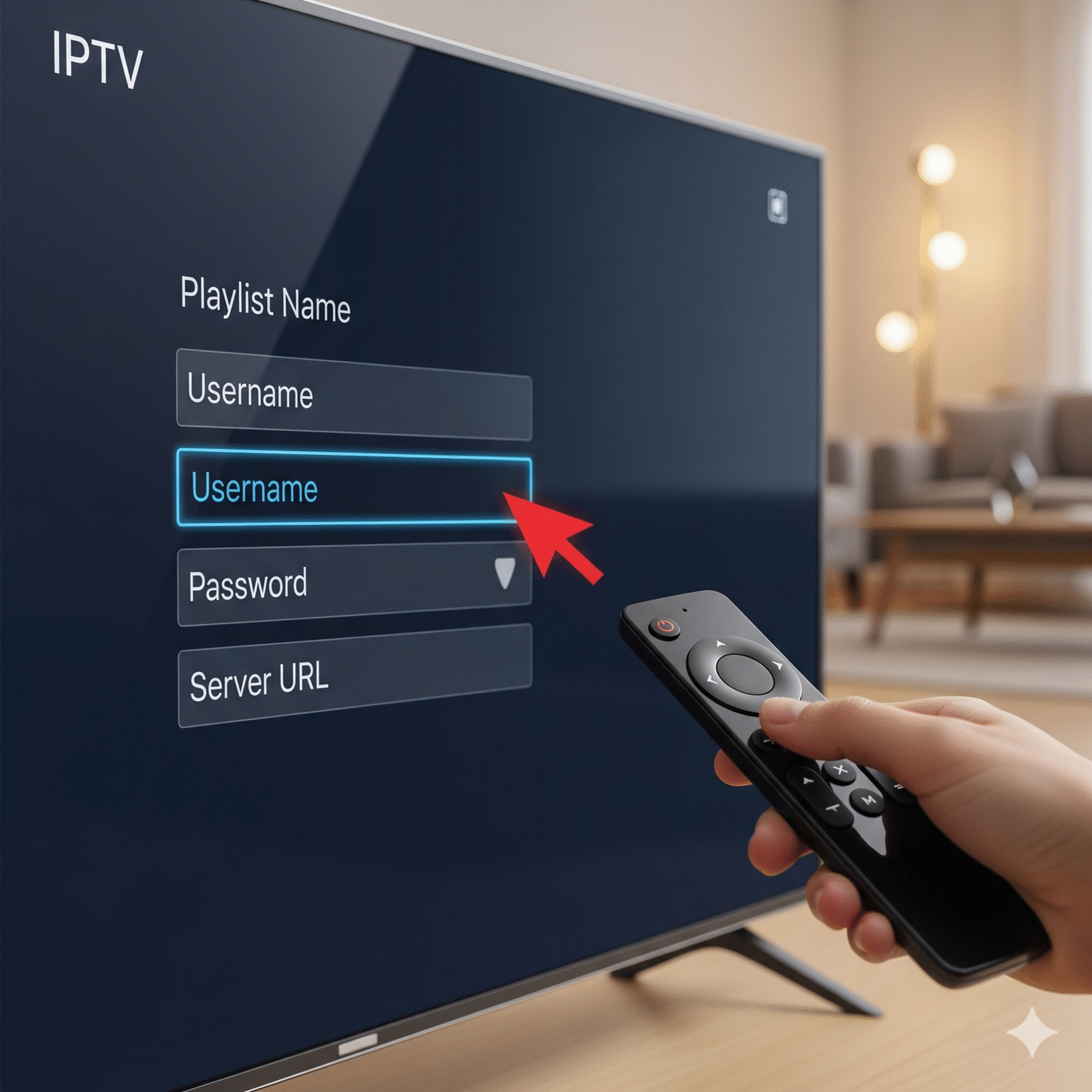
This is where the magic happens. You need the login details sent to you by your IPTV provider (usually via email).
If you chose TiviMate:
Open TiviMate.
Wählen Sie Add Playlist.
Wählen Sie Xtream-Codes (The industry standard method).
Geben Sie die Server-URL (often starts with
http://), your Benutzername, and your Passwort.Check “Include VOD” if you want movies and TV shows.
Klicken Sie auf Next and watch it load your channels!
If you chose IPTV Smarters:
Open the app.
Wählen Sie Anmeldung mit Xtream Codes API.
Name der Wiedergabeliste: Type anything (e.g., “Bedroom TV”).
Geben Sie Ihre Benutzername, Passwortund Server-URL.
Klicken Sie auf Benutzer hinzufügen.
Häufig gestellte Fragen (FAQ)
Q: Why is my stream buffering? A: 90% of the time, this is ISP throttling. Turn on your VPN. If that doesn’t work, reboot your router or try a hardwired Ethernet connection instead of WiFi.
Q: Is TiviMate free? A: TiviMate has a free version, but the Premium version (about $10/year) unlocks the TV guide (EPG), catch-up, and favorites. It is highly recommended.
Q: My remote isn’t working with the app. A: Ensure you installed the correct version. The codes provided above (272483 for TiviMate) are optimized for TV remotes. Avoid “Touch” versions of apps meant for phones.
Q: Can I get in trouble for this? A: The players themselves (TiviMate/Smarters) are 100% legal software. However, accessing copyrighted content without a license is illegal in many jurisdictions. Always protect your privacy.
 German
  English (United States)
  Dutch
Dutch  Swedish
  Danish
  English (UK)
  English (Australia)
  English (New Zealand)
  Norwegian