
Ben je de dure kabelrekeningen beu? Je bent niet de enige. Miljoenen mensen zeggen hun kabelabonnement op en stappen over op IPTV om meer content te krijgen voor een fractie van de prijs.
In deze handleiding laat ik je precies zien hoe je de beste IPTV spelers op je Amazon Fire Stick of Android TV in minder dan 5 minuten. Je hebt geen technische opleiding nodig; volg gewoon deze eenvoudige stappen om het volledige potentieel van je apparaat te benutten.
Stap 0: Stream niet zonder bescherming (cruciaal)
Voordat we beginnen, willen we het even over veiligheid hebben. Je internetprovider (ISP) kunnen alles zien wat je streamt. Als ze merken dat IPTV verkeer, ze vaak je snelheid verminderen, wat leidt tot eindeloos bufferen en vertraging.
Pro-tip: Gebruik een betrouwbare VPN (Virtual Private Network) om je verbinding te versleutelen. Hierdoor blijft je activiteit verborgen voor je internetprovider, wordt snelheidsbeperking voorkomen en blijven je gegevens privé.
Stap 1: Je Firestick voorbereiden ("Jailbreak"-modus)
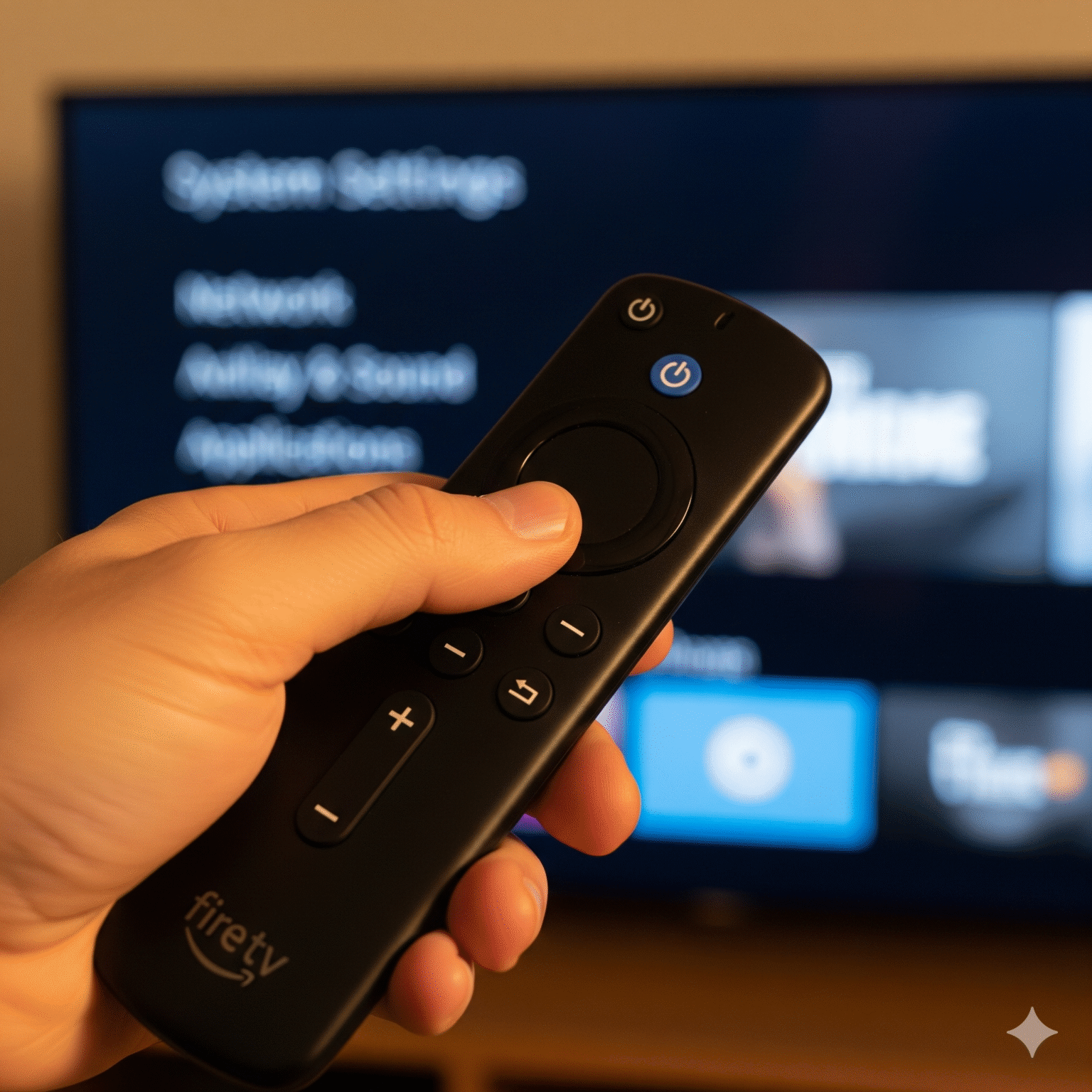
Om apps zoals TiviMate Of voor Smarters die niet in de officiële Amazon App Store staan, moeten we de “Ontwikkelaarsopties” inschakelen. Dit wordt vaak “jailbreaken” genoemd, maar het is 100%-veilig en omkeerbaar.
Voor gebruikers van Firestick / Fire TV:
Navigeer naar Instellingen (Het tandwielpictogram helemaal rechts).
Selecteer Mijn Fire TV.
Klik op Over.
De geheime truc: Beweeg over Fire TV-stick (het eerste item) en druk op de knop van je afstandsbediening Druk 7 keer op de Select/Center-knop snel.
Let op het pop-upvenster: “Dat hoeft niet, je bent al ontwikkelaar.”
Druk op de Terug druk één keer op de knop.
Open het nieuwe Opties voor ontwikkelaars menu.
Draai OP “Onbekende apps installeren” (of “Apps uit onbekende bronnen”).
Opmerking: Als je een lijst met apps ziet, zoek dan “Downloader” en schakel deze in na stap 2.
Voor Android TV (Nvidia Shield / ONN Box):
Ga naar Instellingen > Systeem > Over.
Klik op Android TV-besturingssysteemversie 7 keer om de ontwikkelaarsmodus te activeren.
Ga naar Instellingen > Apps > Beveiliging en beperkingen > Onbekende bronnen.
Set Downloader naar Toegestaan.
Stap 2: Download de app "Downloader"
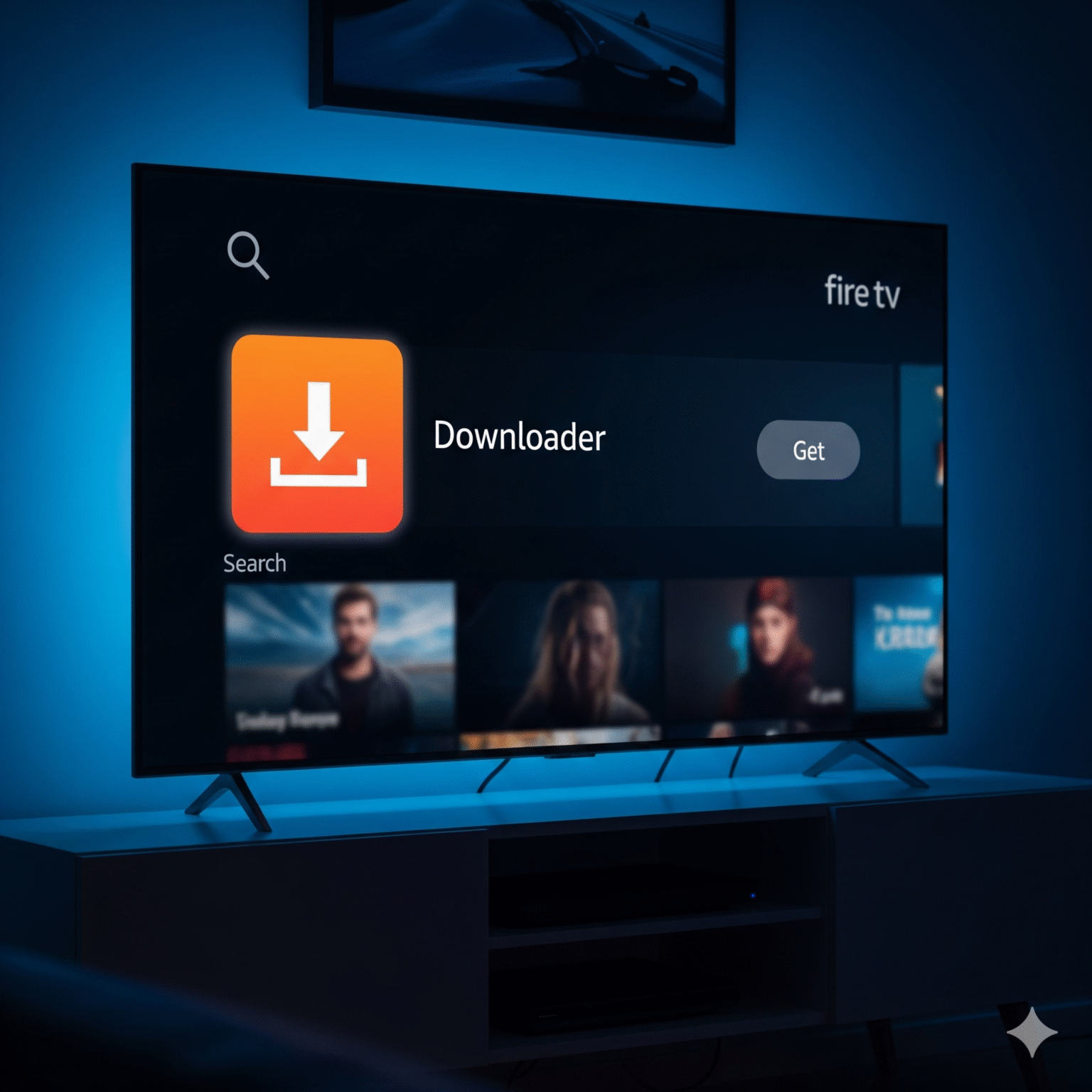
Dit is de schakel tussen je tv en de apps die je echt wilt gebruiken.
Ga naar de Startscherm en klik op de Zoeken (vergrootglas).
Type
Downloader.Selecteer de Downloader app (oranje pictogram).
Klik op Downloaden of Ga naar.
Belangrijk: Als je het opent, klik dan op Toestaan voor mediatoestemmingen. Als je dit weigert, kan de app de installatiebestanden niet opslaan.
Stap 3: Installeer de beste IPTV-speler
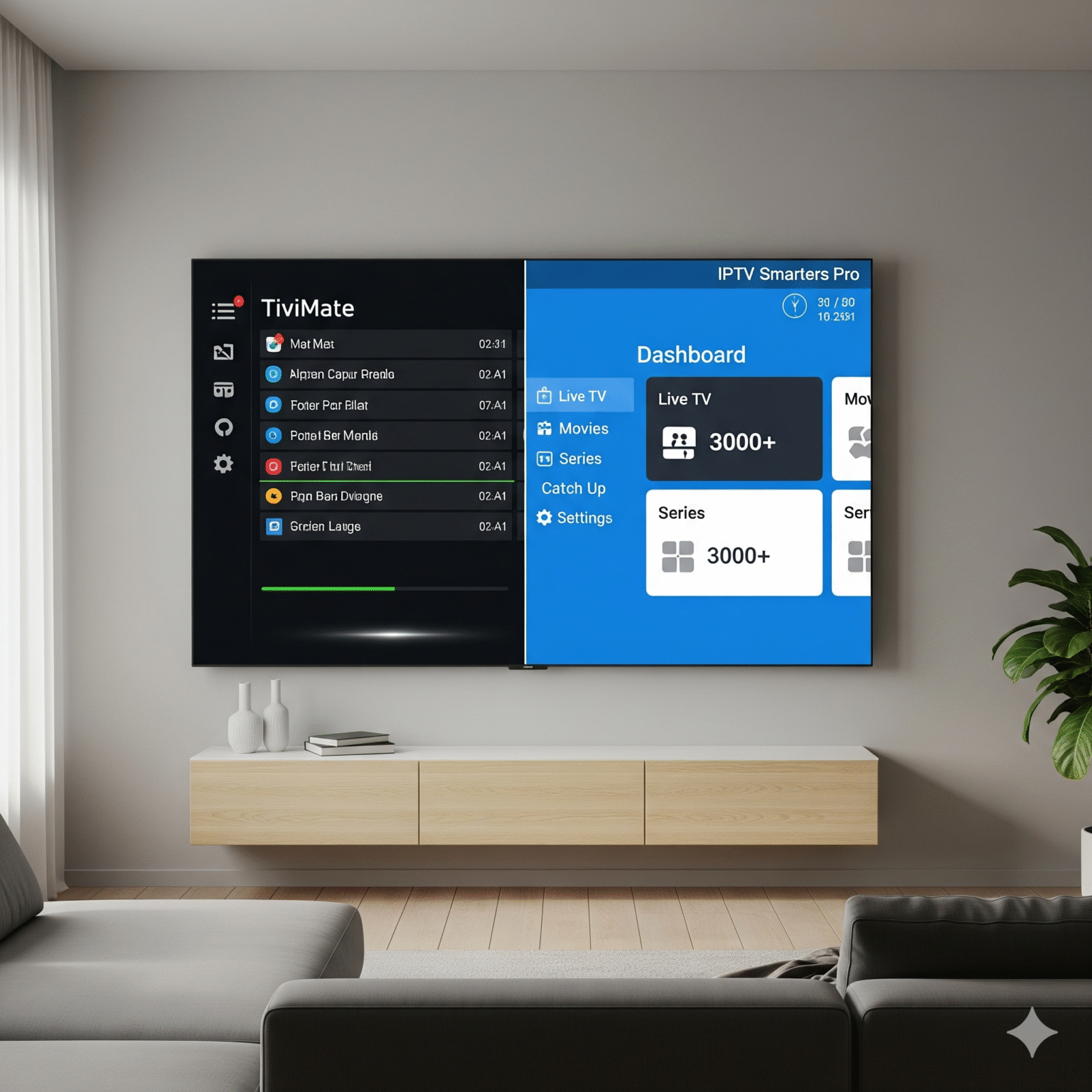
Je hebt een “container” nodig om je kanalen af te spelen. Ik heb de twee allerbeste opties voor 2026 op een rijtje gezet. Kies een.
🏆 Keuze A: TiviMate (de premiumkeuze)
Conclusie: Als je wilt dat je IPTV er precies zo uitziet en aanvoelt als kabel-tv Als je op zoek bent naar een strak vormgegeven gids, dan is dit het juiste exemplaar. Qua snelheid en ontwerp is hij ongeëvenaard.
Open Downloader.
Voer in het URL-veld deze shortcode in: 272483
Klik op Ga naar.
Wacht tot het bestand is gedownload en klik vervolgens op Installeer.
Zodra de installatie is voltooid, klik je op Gedaan (nog niet openen).
Tip om ruimte te besparen: Klik op Verwijder bij de vraag om het APK-bestand, en vervolgens Verwijder Nogmaals: je hebt het installatiebestand niet meer nodig.
🥈 Keuze B: IPTV Smarters Pro (de beste gratis optie)
Oordeel: Een degelijk, betrouwbaar werkpaard. Het ziet er niet zo mooi uit als TiviMate, maar het is gratis en heel gebruiksvriendelijk.
Open Downloader.
Voer in het URL-veld deze shortcode in: 78522 of 222010
Reserve-URL:
iptvsmarters.com/smarters.apk
Klik op Ga naar en wacht tot het downloaden is voltooid.
Klik op Installeer.
Klik op Gedaan > Verwijder > Verwijder.
Stap 4: Inloggen en activeren
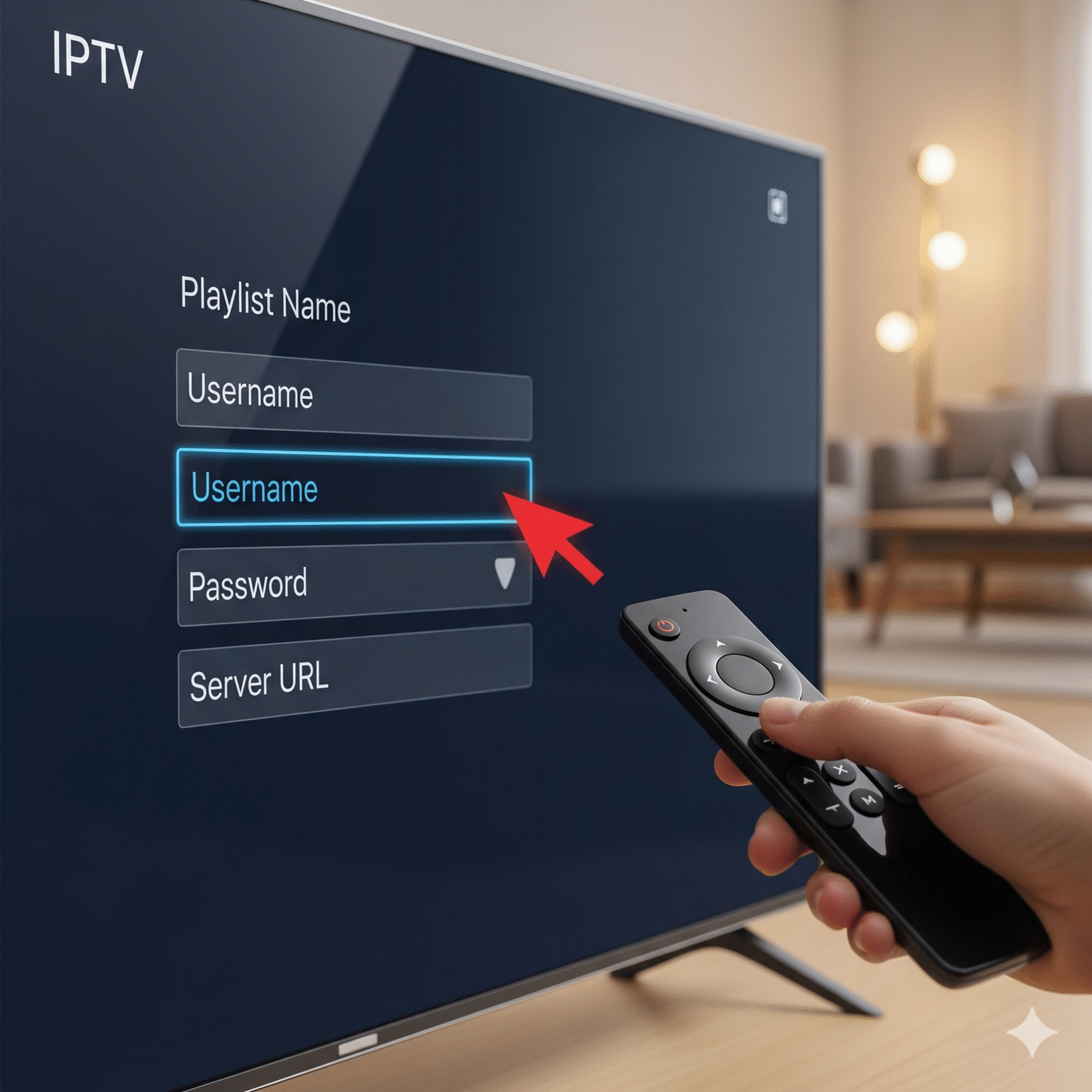
Hier gebeurt het allemaal. Je hebt de inloggegevens nodig die je hebt ontvangen van je IPTV-aanbieder (meestal via e-mail).
Als je voor TiviMate hebt gekozen:
Open TiviMate.
Selecteer Afspeellijst toevoegen.
Kies Xtream-codes (De in de sector gangbare methode).
Voer de Server URL (begint vaak met
http://), jouw Gebruikersnaam, en jouw Wachtwoord.Vink “VOD opnemen” aan als je films en tv-programma’s wilt.
Klik op Volgende en kijk hoe je zenders worden geladen!
Als je voor IPTV Smarters hebt gekozen:
Open de app.
Selecteer Inloggen met Xtream Codes API.
Naam afspeellijst: Typ iets in (bijvoorbeeld “TV in de slaapkamer”).
Voer uw Gebruikersnaam, Wachtwoorden Server URL.
Klik op Gebruiker toevoegen.
Veelgestelde vragen (FAQ)
V: Waarom moet mijn stream bufferen? A: In 90% van de gevallen gaat het om snelheidsbeperking door de internetprovider. Schakel je VPN in. Als dat niet werkt, start je router dan opnieuw op of probeer eens een bekabelde ethernetverbinding in plaats van wifi.
V: Is TiviMate gratis? A: TiviMate heeft een gratis versie, maar met de Premium-versie (ongeveer $10 per jaar) krijg je toegang tot de tv-gids (EPG), de terugkijkfunctie en favorieten. Deze versie is een echte aanrader.
V: Mijn afstandsbediening werkt niet met de app. A: Zorg ervoor dat je de juiste versie hebt geïnstalleerd. De hierboven vermelde codes (272483 voor TiviMate) zijn geoptimaliseerd voor tv-afstandsbedieningen. Vermijd de “Touch”-versies van apps die bedoeld zijn voor telefoons.
V: Kan ik hierdoor in de problemen komen? A: De spelers zelf (TiviMate/Smarters) zijn legitieme software volgens de 100%-wetgeving. Het is echter in veel rechtsgebieden illegaal om zonder licentie toegang te krijgen tot auteursrechtelijk beschermde inhoud. Zorg er altijd voor dat je privacy gewaarborgd blijft.
 Dutch
Dutch  English (United States)
  German
  Danish
  English (UK)
  Norwegian
  Swedish