
If you are looking to build the perfect home entertainment setup, you have likely come across the Nvidia Shield TV. Even years after its release, it remains the gold standard for streaming enthusiasts. But where this Android TV powerhouse truly shines is in how it handles IPTV (Internet Protocol Television).
For anyone tired of high cable bills and limited channel selections, combining a reliable IPTV-Dienst with the hardware capabilities of the Nvidia Shield creates an unmatched viewing experience. Here is exactly why the Nvidia Shield is the best streaming device for IPTV and how to set it up for maximum performance.
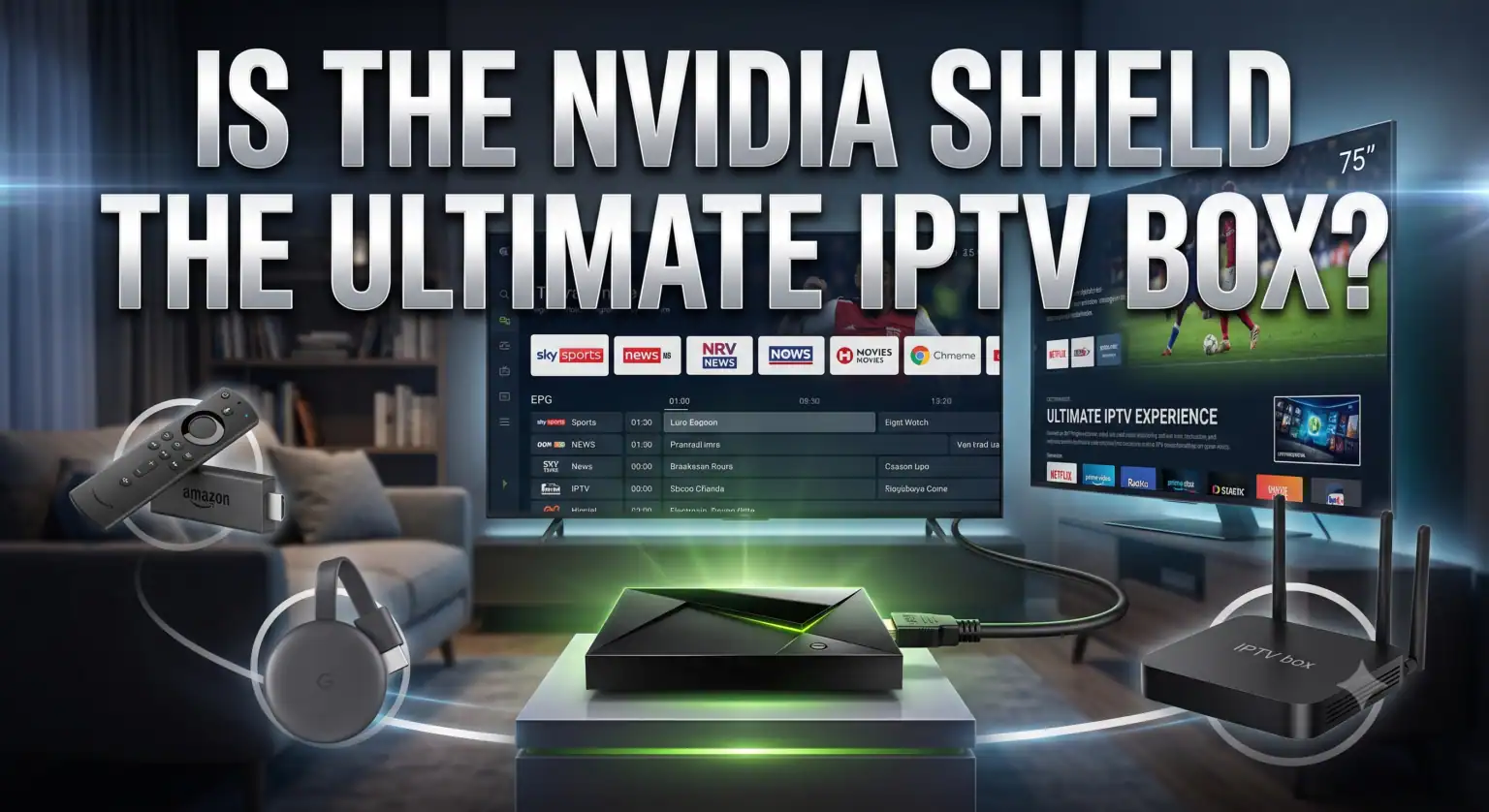
Why Nvidia Shield TV is the Best Device for IPTV
While Firesticks and built-in Smart-TV-Apps can get the job done, they often struggle with heavy channel lists, comprehensive EPGs (Electronic Program Guides), and high-bitrate 4K sports streams. The Nvidia Shield TV and Shield TV Pro solve these bottlenecks through sheer hardware superiority.
-
Tegra X1+ Processor: Navigating through an IPTV playlist with 10,000+ channels and loading multi-day TV guides requires significant processing power. The Tegra X1+ chip handles massive playlists without the interface lag common on cheaper streaming sticks.
-
AI Upscaling: Many live TV channels still broadcast in 720p or 1080p. The Shield’s built-in AI upscaling analyzes the video in real-time and sharpens it to 4K resolution, making standard HD sports broadcasts look remarkably crisp on modern TVs.
-
Gigabit Ethernet Port: The number one cause of IPTV buffering is an unstable Wi-Fi connection. The Shield TV Pro includes a dedicated Gigabit Ethernet port, allowing you to hardwire your connection for flawless, uninterrupted live TV and VOD streaming.
Top IPTV Players for Nvidia Shield
Ein IPTV-Abonnement provides the content, but you need a dedicated media player to watch it. The Google Play Store on the Nvidia Shield offers several premium options:
-
TiviMate: Widely considered the best IPTV app available. It offers a cable-like interface, multi-screen viewing, catch-up support, and seamless EPG integration.
-
IPTV Smarters Pro: A highly popular, user-friendly option that works flawlessly with Xtream Codes API. It clearly separates Live TV, Movies, and Series into an easily navigable dashboard.
-
XCIPTV: Known for its fast loading times and modern interface, XCIPTV is a great alternative if you prefer a highly visual layout with built-in media player support.
How to Set Up TiviMate on Nvidia Shield
TiviMate is the preferred choice for most Nvidia Shield users. Here is the simplest way to get it running:
-
Laden Sie die App herunter: From your Nvidia Shield home screen, navigate to the Google Play Store. Search for “TiviMate” and click Installieren Sie.
-
Launch TiviMate: Open the application and select Playlist hinzufügen.
-
Wählen Sie Ihre Anmeldemethode: Most modern IPTV providers use the Xtream-Codes API. Select this option.
-
Geben Sie Ihre Anmeldedaten ein: Input the Server URL, Username, and Password provided by your IPTV-Dienst.
-
Process the Playlist: Klicken Sie auf Weiter and wait for TiviMate to download your channels, VOD library, and TV guide.
(Note: TiviMate is a media player and does not supply content itself; you must obtain a subscription from a third-party IPTV provider.)
Pro-Tips for a Buffer-Free IPTV Experience
Even with top-tier hardware, live streaming can occasionally run into hiccups. Follow these best practices to ensure your Nvidia Shield performs flawlessly:
-
Verkabeln Sie Ihre Verbindung: Always use an Ethernet cable if possible. If you must use Wi-Fi, ensure your Shield is connected to the 5GHz band of your router, not the 2.4GHz band.
-
Überprüfen Sie Ihre Internetgeschwindigkeit: For SD and basic HD streaming, 15-20 Mbps is sufficient. However, if you are streaming 4K VODs or live sports, aim for a consistent minimum of 50 Mbps.
-
Verwenden Sie ein VPN: Some Internet Service Providers (ISPs) actively throttle IPTV traffic, especially during major live sporting events. Running a quality VPN on your Shield encrypts your data, preventing your ISP from restricting your bandwidth.
-
Clear App Cache: If your IPTV player starts feeling sluggish over time, go to the Shield’s settings, find your IPTV app (like TiviMate), and select “Clear Cache” to free up memory.
(After the article, I need to add the YouTube video link and a sentence explaining its relevance. No “Here is a video…” phrasing.)
Complete Setup Guide for TiviMate on Android TV
Watching a visual walkthrough can make the process of navigating menus, enabling necessary permissions, and inputting Xtream Codes much easier for first-time users.Here is a comprehensive, naturally written article designed to highlight the strengths of the Nvidia Shield for IPTV streaming, incorporating relevant keywords organically throughout the text.
 German
  English (United States)
  Dutch
Dutch  Danish
  English (UK)
  Norwegian
  Swedish