
If you’ve been looking into cutting the cord or upgrading your home entertainment setup, you’ve almost certainly stumbled across the term “M3U-Link.” It usually pops up right when you’re trying to figure out how to get live TV streaming onto your device.
But what exactly is it? And more importantly, how do you actually use an M3U-Wiedergabeliste to watch your favorite channels?
Whether you are setting up a Smart TV, an Android box, or just watching on your laptop, this guide will walk you through everything you need to know to get your IPTV streams running smoothly.
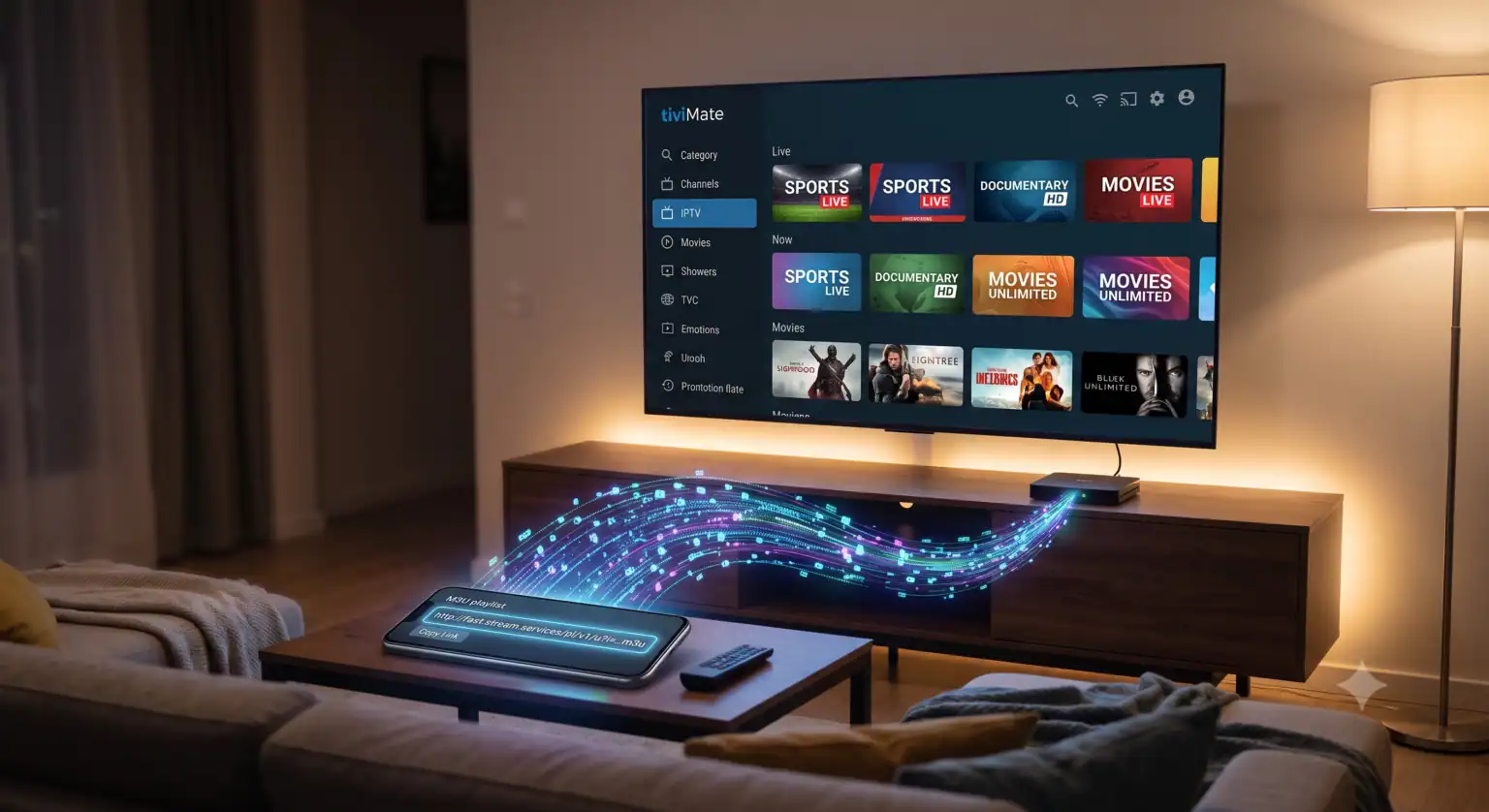
What is an M3U Link?
At its core, an M3U playlist is just a simple plain-text file that contains a list of media stream URLs. Believe it or not, the format was originally created back in the 1990s as a way to organize MP3 audio files for media players like Winamp. Fast forward to 2026, and it has become the absolute de-facto standard for distributing massive IPTV channel catalogs.
Even a massive 500-channel IPTV-Dienst can be packed into a single M3U file that is under 100 KB roughly the size of a tiny image. When you load this link or file into a compatible media player, the software reads the text, fetches the live stream URLs, and organizes them into a channel list on your screen.
How to Use an M3U Link: Step-by-Step
Using an M3U link is incredibly straightforward once you have the right software. The exact steps depend on your device, but the general concept is always the same: download an IPTV player, find the “add playlist” option, and paste your URL.
Here are the setup instructions for the two most common scenarios:
1. Setting it up on a PC or Mac (Using VLC Media Player)
If you just want to test an M3U link quickly to see if the channels are live, your computer is the best place to start. VLC Media Player is free, open-source, and handles M3U files perfectly.
Download and open VLC-Medienspieler.
In the top menu, click on Medien, und wählen Sie dann Netzwerk-Stream öffnen.
Paste your M3U link into the network URL box.
Treffer Spielen.
To see your full channel list, click on the View menu and select Wiedergabeliste (or press Ctrl + L).
Pro Tip: VLC has a very strict M3U parser. If a link works flawlessly in VLC, it means the syntax is perfect and it should work on almost any other device.
2. Setting it up on a Smart TV or Fire Stick (Using TiviMate or IPTV Smarters)
For a true “cable box” experience in your living room, you’ll want a dedicated IPTV app.
Go to your device’s app store and download an IPTV player (like TiviMate for Android/Fire TV or IPTV Smarters for Apple/Samsung TVs).
Öffnen Sie die App und wählen Sie Playlist hinzufügen oder Benutzer hinzufügen.
Choose the option for M3U-URL.
Paste the URL provided by your IPTV service and give the playlist a name (e.g., “My Live TV”).
Treffer Speichern and wait a few moments. The app will parse the link and download the channels and the Electronic Program Guide (EPG).
Best IPTV Players for M3U Links (2026 Comparison)
Not all media players are created equal. Some are heavily monetized with annoying ads, while others offer premium, ad-free experiences. Here is a quick breakdown of the top players available today:
| Media Player | Am besten für | Key Strengths |
| TiviMate | Android TV, Google TV, Fire TV | Offers a premium, cable-box style guide. Built specifically for remote controls. |
| VLC-Medienspieler | Windows, Mac, Linux | Completely free and instantly opens any M3U link with zero setup required. |
| IPTV-Smarter | iPhone, iPad, Samsung / LG Smart TVs | Highly reliable on mobile and proprietary smart TV operating systems. |
| Kodi | Full Home Theater PCs | Integrates live TV alongside your existing local movie and music libraries. |
Pro Tips for a Buffer-Free Experience
Having a working M3U link is only half the battle. To ensure you get a seamless streaming experience, keep these factors in mind:
Always Use a Dynamic URL: It is much better to paste the M3U link directly into your app rather than downloading a static .m3u file. A dynamic URL automatically updates when the provider adds new channels or fixes broken streams.
FastoCloudPrioritize Your Internet Connection: Live streaming demands consistent bandwidth. If possible, hardwire your TV or streaming box to your router using an Ethernet cable rather than relying on Wi-Fi.
YouTubeVerwenden Sie eine VPN: A Virtual Private Network (VPN) is highly recommended for streaming. It helps protect your data and can prevent your Internet Service Provider (ISP) from throttling your speeds during peak streaming hours.
By using the right player and following basic setup best practices, an M3U link can transform any screen in your house into a powerful, customized entertainment hub
 German
  English (United States)
  Dutch
Dutch  Danish
  English (UK)
  Norwegian
  Swedish