
You don’t just ansehen IPTV; you stream it, experience it, and sometimes, fight with it when the connection slows down. If you’re tired of buffering circles, blocked content, or the nagging feeling that your Internet Service Provider (ISP) is watching your every click, you’re not alone.
The most common question people ask before diving fully into Internet Protocol Television is: Do I need a VPN für IPTV?
The short answer is a resounding yes. But to understand warum, we need to look at how IPTV works and the unique challenges it presents.
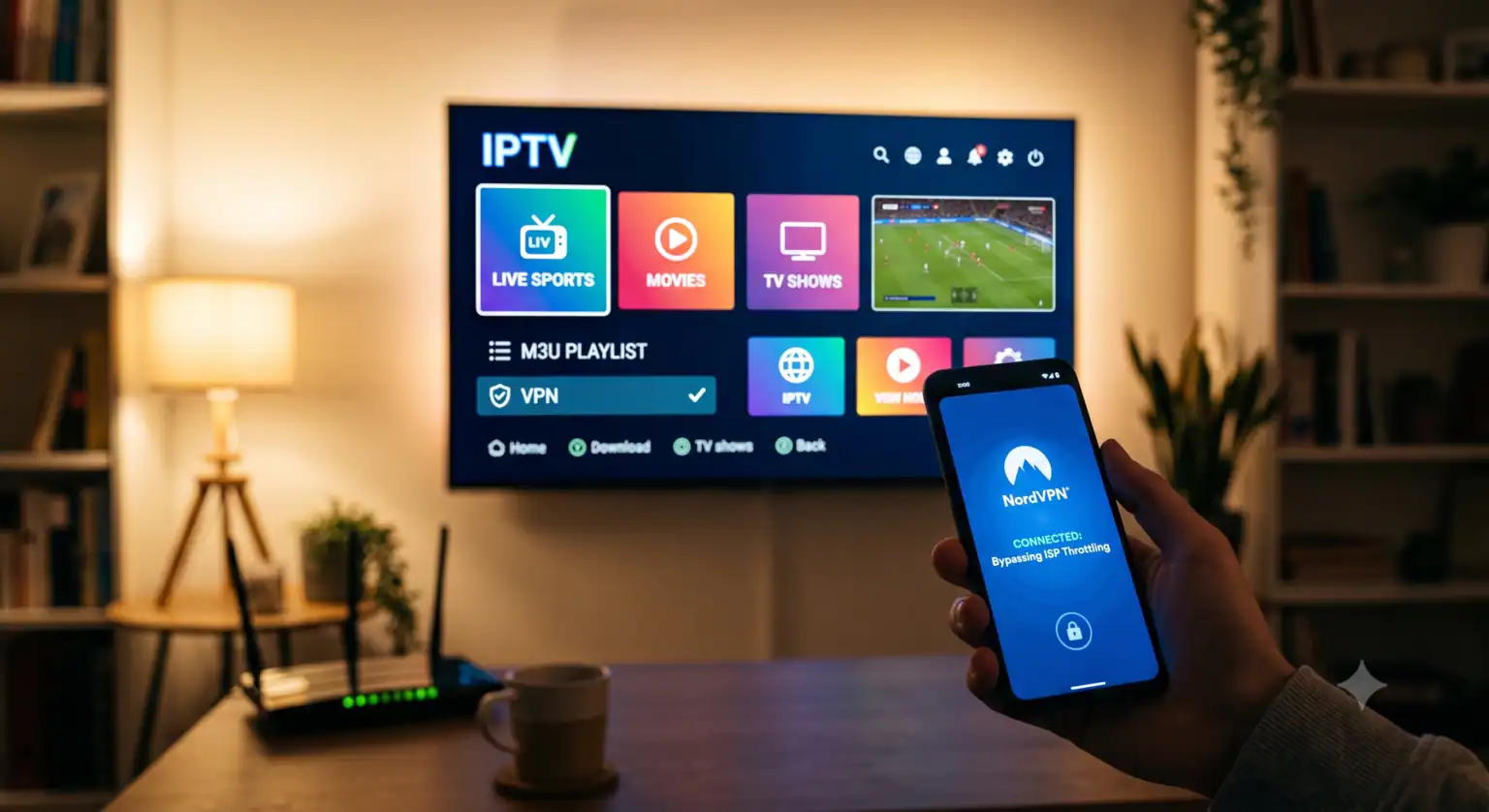
Why You Need a VPN for IPTV
Using a Virtual Private Network (VPN) with your IPTV setup isn’t just for tech-savvy hackers; it’s a practical necessity for several reasons.
1. Stopping ISP Throttling
Have you ever noticed your stream buffering right when the game gets good, even though you have high-speed internet? This is often due to ISP-Drosselung.
ISPs monitor your traffic. When they see heavy data usage like streaming high-definition video through an M3U stream URL they often intentionally slow down your connection to manage network congestion.
A VPN encrypts your traffic before it leaves your device. To your ISP, your IPTV stream just looks like random, scrambled data. Because they don’t know what you’re doing, they can’t target your activity for throttling, leading to a smoother, buffer-free experience.
2. Bypassing Geo-Restrictions
Many IPTV providers and specific channels are restricted by location. If you want to access sports networks from another continent or news channels not available in your region, you’re out of luck without a VPN.
A VPN allows you to change your apparent location by routing your connection through a server in a different country. This tricks the IPTV service into granting you access, giving you true unrestricted internet freedom.
3. Protecting Your Privacy and Security
Let’s be honest: not all IPTV providers operate in the clear light of day. Some exist in a gray area, and broadcasting your real IP address while using them can expose you to risks.
A VPN hides your IP address, replacing it with the IP address of the VPN server. This makes it significantly harder for anyone from hackers to your ISP to track your online behavior or tie your streaming habits back to your physical location. It also secures your connection if you stream on public Wi-Fi.
The Best VPNs for IPTV
If you’re ready to secure your stream, not all VPNs are created equal. Free VPNs often have data limits, slow speeds, and questionable privacy practices. For IPTV, you need a premium service with high speeds and a large server network.
Here is a comparison of the top choices for 2026:
| VPN Provider | Am besten für | Server | Notable Features |
| NordVPN | Overall Best Performance | 211+ Locations | Fastest speeds, huge US server network |
| Surfshark | Budget & Multi-Device | 100 Countries | Unlimited device connections, built-in ad blocking |
| ExpressVPN | Fast & Reliable | 113 Countries | Lightway protocol for speed, great for bypassing blocks |
How to Set Up Your IPTV VPN
The easiest way to get started is to download the VPN app directly onto your streaming device (like an Android Box, Firestick, or Smart TV). However, if your TV doesn’t support VPN apps, you can install the VPN directly on your router. This protects every device connected to your home network simultaneously.
 German
  English (United States)
  Dutch
Dutch  Danish
  English (UK)
  Norwegian
  Swedish