
If there is one complaint I hear more than any other from my readers, it’s this: “My internet is slow, and my IPTV keeps Pufferung.”
Most people think the only solution is paying their ISP for a more expensive plan. However, after years of testing streaming setups, I can tell you that throwing money at bandwidth isn’t always the answer. In reality, the true secret lies in the technology delivering your video.
Ultimately, it comes down to a battle of codecs: H.264 (AVC) gegen. H.265 (HEVC).
Therefore, if you are struggling with a slow DSL connection, rural satellite internet, or congested 4G, switching to H.265 isn’t just an option it’s the single best upgrade you can make for your viewing experience. Here is why I consider HEVC critical for modern streaming.
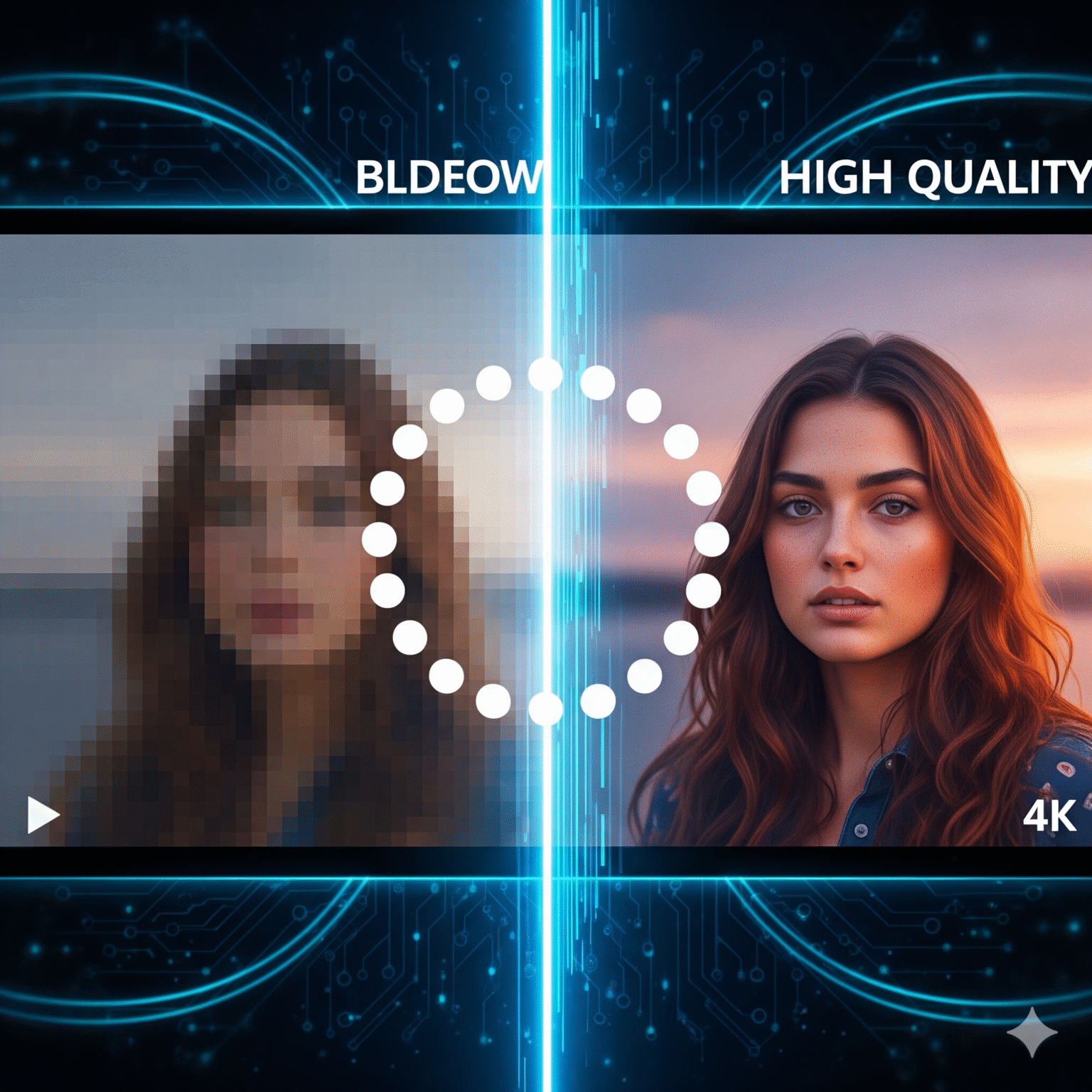
The "Bandwidth Trap": Understanding the Difference
To understand why your stream freezes, you need to understand the data flowing through your cables.
H.264 (The Old Guard)
H.264 has been the industry standard since 2003. Admittedly, it is reliable and plays on almost anything from that old dusty tablet in your drawer to a brand-new TV. However, it was built for a different era. Consequently, it is “data-heavy,” requiring a massive pipe to push through HD quality.
H.265 (The Game Changer)
In contrast, H.265, also known as HEVC (High Efficiency Video Coding), is the successor designed specifically for the 4K era.
Here is the golden rule I live by:
H.265 offers approximately 50% better data compression than H.264 at the exact same quality.
Essentially, this means H.265 is much “smarter” at packaging video. Instead of sending every single pixel update, it uses advanced algorithms (Coding Tree Units) to predict movement and static backgrounds more efficiently than H.264 ever could.
Why I Recommend H.265 for Slow Connections
When I configure a setup for a client with a 5 Mbps or 10 Mbps connection, I exclusively use H.265. Here is the math behind why this works.
For example, if an IPTV provider streams a channel in H.264, they need a wide “pipe.” Conversely, if they stream that same channel in H.265, they can fit the same quality through a pipe half the size.
Bandwidth Showdown: Real-World Requirements
I’ve compiled these numbers based on average bitrate demands. Specifically, look at the massive difference in required speed:
Auflösung | Quality Level | Internet Speed Needed (H.264) | Internet Speed Needed (H.265) |
|---|---|---|---|
SD (480p) | Standard | ~ 2.5 Mbps | ~ 1.0 Mbps |
HD (720p) | Hoch | ~ 4-6 Mbps | ~ 2-3 Mbps |
FHD (1080p) | Crystal Clear | ~ 8-10 Mbps | ~ 4-5 Mbps |
4K (2160p) | Ultra HD | ~ 25+ Mbps | ~ 12-15 Mbps |
The Scenario: To illustrate, imagine you have a 6 Mbps DSL connection.
On H.264: You try to watch a 1080p soccer match. The stream demands 8 Mbps. Unfortunately, your internet can only provide 6 Mbps. As a result, the buffer runs dry, and the video freezes every 10 seconds.
On H.265: Next, you watch the exact same 1080p match. The stream only demands 4.5 Mbps. Denn your 6 Mbps connection handles it easily, you have overhead to spare. Therefore, you experience no buffering.
Benefits Beyond Bandwidth
1. Reduced Data Usage
Furthermore, for users on metered connections (4G/LTE mobile data or satellite plans with data caps), H.265 is vital. Streaming a 90-minute movie in H.265 consumes roughly half the gigabytes of the same movie in H.264.
2. Improved Visual Quality at Low Bitrates
Zusätzlich, when connection speeds drop drastically, H.264 streams tend to suffer from “blockiness” (macroblocking artifacts), where the picture breaks into visible squares. Fortunately, H.265 handles low-bitrate situations much better, smoothing out artifacts so the picture remains watchable even when the internet fluctuates.
3. Enabling 4K Streaming
Finally, for most of the world, 4K streaming via the internet is impossible with H.264 because the file sizes are simply too massive. Thus, H.265 is the only reason 4K IPTV is viable for the average consumer.
The Trade-Off: Hardware Requirements
If H.265 is so superior, why isn’t it used universally? The answer lies in Processing Power.
Denn H.265 compresses data so tightly, the device playing the video (your Smart TV, Android Box, or Fire Stick) has to work much harder to “unzip” (decode) that video.
H.264: Can be decoded by almost any device made after 2005. Therefore, it is computationally light.
H.265: However, this codec requires modern hardware. For instance, if you try to play an H.265 stream on an old, cheap IPTV box, the video might stutter, audio might desync, or the device might overheat.
Hardware Recommendation: To utilize HEVC/H.265, ensure your IPTV device supports Hardware Decoding for H.265.
Recommended: NVIDIA Shield, Amazon Fire Stick 4K (or newer), Apple TV 4K, Chromecast with Google TV.
Avoid: Generic Android boxes with older chipsets (Rockchip 3229, etc.).
Summary
To summarize, for IPTV users struggling with slow internet speeds:
Check your IPTV Provider: Ask if they offer an “HEVC” or “H.265” category in their playlist.
Check your Settings: Subsequently, in your IPTV app (TiviMate, IPTV Smarters), ensure “Hardware Decoding” is enabled.
Upgrade Hardware: Finally, if your internet is slow, spending $40 on a modern stick that handles H.265 efficiently is cheaper than upgrading your monthly internet plan.
Conclusion: H.265 is not just a technical specification; rather, it is a critical tool for accessibility, allowing high-quality streaming on infrastructure that was previously thought too slow for HD video.
 German
  English (United States)
  Dutch
Dutch  Swedish
  Danish
  English (UK)
  English (Australia)
  English (New Zealand)
  Norwegian