
Is your network ready for the next World Cup or Super Bowl?
If you are relying solely on Unicast ABR to deliver live events, the answer is likely “no.” As live streaming audiences break records year after year, the traditional delivery model is hitting a breaking point. You are facing skyrocketing bandwidth costs, edge congestion, and the constant fear of the “buffering” wheel ruining your subscribers’ experience.
It’s time to stop fighting physics.
This guide explores Multicast ABR (mABR) the hybrid architecture that allows operators to scale live events infinitely without upgrading their entire core network.
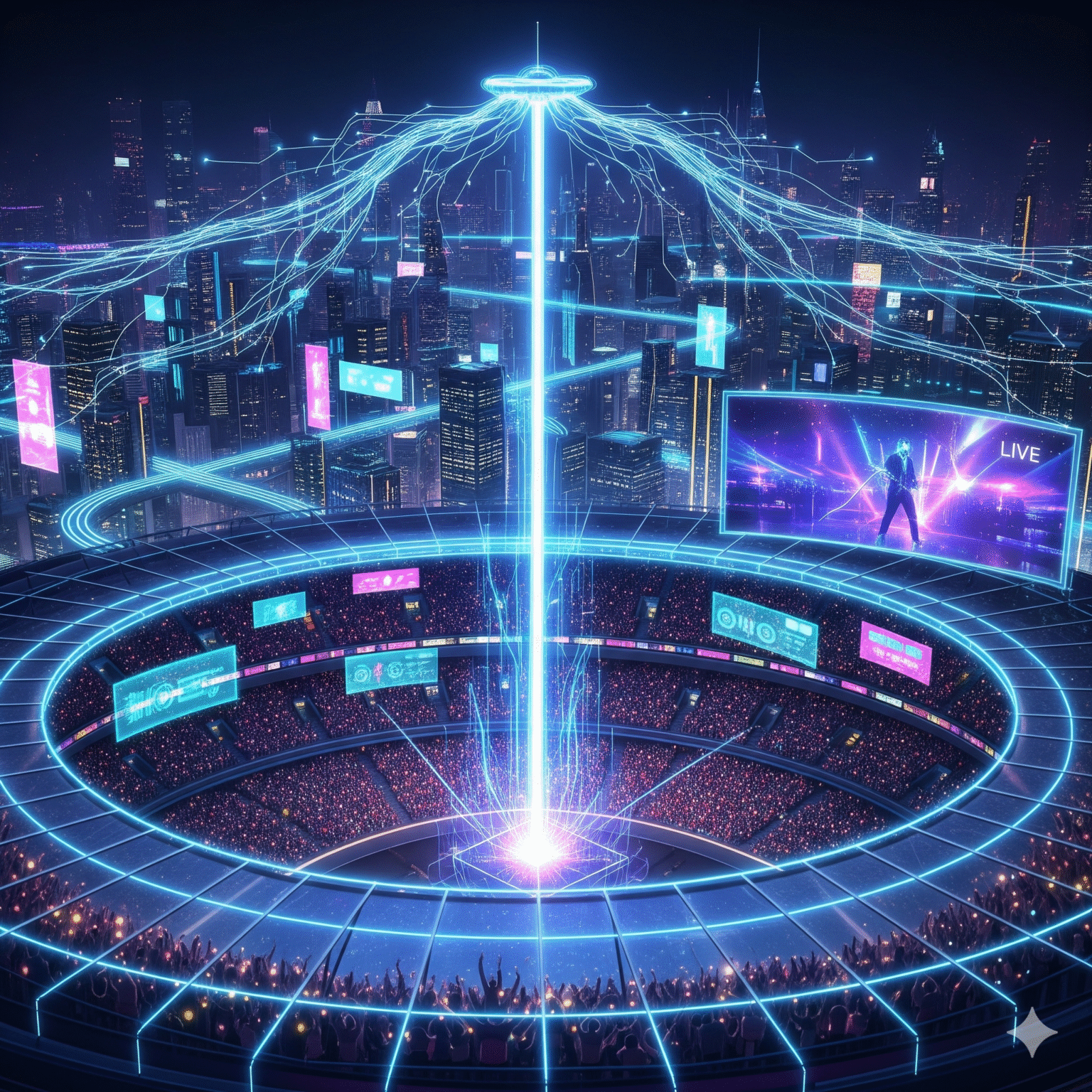
The "Unicast Scaling Wall": Why Your CDN Can't Keep Up
In a standard Unicast deployment, you are fighting a losing battle against linear math. For every single viewer tuning into a live stream, your network must generate a distinct stream.
1 Viewer: 5 Mbps
1 Million Viewers: 5 Tbps
That is 5 Terabits per second of throughput required for a single event. While CDN'er handle the global load, the Last Mile (ISP access network) gets crushed.
The result?
Massive Bandwidth Costs: You pay for every byte, even if 50,000 neighbors are watching the exact same goal.
Latency Spikes: Congestion forces players to buffer, putting your “live” stream 45 seconds behind reality.
Churn: Viewers don’t blame the network; they blame your app. And then they cancel.
The Solution: Multicast ABR (mABR)
Multicast ABR is the game-changer. It combines the massive efficiency of IP Multicast with the reliability and device compatibility of HTTP Adaptive Streaming (HLS/DASH).
How It Works: The “One-to-Many” Magic
Instead of sending 1 million copies of a stream, mABR sends one high-quality copy into the core network. This single stream traverses your backbone and is only replicated when necessary.
Crucially, the end-user device never knows the difference.
Core Network: The video travels as efficient Multicast traffic (UDP).
The Home (CPE): A “Multicast Gateway” inside the user’s router receives the stream and converts it back to Unicast.
The Device: The TV, phone, or tablet requests the video via standard HTTP from the router, just as it always has.
The result? “Flat” network scaling. Whether you have 100 viewers or 10 million, your backbone bandwidth usage remains exactly the same.
The Architecture: Under the Hood
To deploy mABR, you need three specific components working in harmony.
Component | Also Known As | The Role |
|---|---|---|
Multicast Server | Transcaster | The Sender. Sits at the headend. It wraps your standard HLS/DASH segments into a multicast envelope (using FLUTE or ROUTE protocols) and blasts them into the network. |
Multicast Gateway | mABR Agent / NanoCDN | The Receiver. A lightweight software agent inside the home router or STB. It joins the multicast group, fixes any packet errors (FEC), and serves the video to local devices. |
Control Plane | Rendezvous Service | The Brains. Decides when a user should be watching via Unicast (CDN) and when they should be switched to Multicast (mABR) based on popularity and network status. |
4 Steps to Deployment: Your Roadmap
Implementing mABR isn’t just a software update; it’s a strategic network evolution. Here is how successful operators do it.
Phase 1: Network Readiness (The Pipes)
Before you stream a single frame, your network must speak IP Multicast.
Enable PIM-SSM: Protocol Independent Multicast – Source Specific Multicast must be active in your core.
Check the Last Mile: Your OLTs (Fiber), CMTS (Cable), or DSLAMs need to support multicast replication to the subscriber line.
Phase 2: Deploy the Transcaster (The Server)
The Multicast Server ingests your existing ABR streams. It doesn’t transcode; it encapsulates.
Forward Error Correction (FEC): Since UDP is “fire and forget,” the server adds repair packets (RaptorQ). This ensures that even if the network drops packets, the Gateway can reconstruct the video without asking for a retransmission.
Phase 3: Activate the Gateway (The Agent)
This is the most critical step. You push a firmware update to your subscriber’s routers (CPE) containing the mABR agent.
Transparent Proxy: The agent sits quietly, intercepting video requests.
Zero-Touch: The user does nothing. They launch the app, and the agent takes over the delivery automatically.
Phase 4: The Logic Layer
You don’t want to use Multicast for a show only 5 people are watching. You configure the Control Plane to trigger mABR only for high-concurrency events (e.g., “The Big Game”).
Dynamic Switching: If a user hits “Pause” (Time Shift), the agent seamlessly hands them back to the Unicast CDN.
The ROI: Why This Pays for Itself
Still on the fence? Let’s look at the bottom line.
1. Slash Delivery Costs
Stop paying CDN overage fees. By offloading 90% of your peak traffic to multicast, you dramatically reduce your transit bill.
2. Best-in-Class Quality (QoE)
Because the multicast stream reserves its own lane in the pipe, it is immune to internet congestion. Viewers get the highest bitrate profile consistently, with zero buffering.
3. Lower Latency
A stable, congestion-free path means you can reduce player buffers safely, bringing your stream latency down to broadcast levels.
Conclusion: Future-Proof Your Streaming
The transition to All-IP is inevitable. You can either keep throwing money at bandwidth upgrades to support Unicast, or you can innovate with Multicast ABR.
By adopting standards like DVB-mABR (ETSI TS 103 769), you build a network that is resilient, cost-effective, and ready for the future of live entertainment.
 Danish
  English (United States)
  German
  Dutch
Dutch  Swedish
  English (UK)
  English (Australia)
  English (New Zealand)
  Norwegian