
If you are setting up an IPTV-tjeneste, you have almost certainly been asked to enter an M3U-spilleliste URL. At first glance, it looks like a massive, confusing string of text. But this single web link is the absolute core of modern IPTV.
Without it, popular apps like TiviMate, IPTV Smarters, and VLC are just empty shells. With it, they transform into powerful cable replacements.
In this guide, we will break down exactly what an M3U link is, how it works under the hood, and how to set it up correctly across your favorite streaming devices.
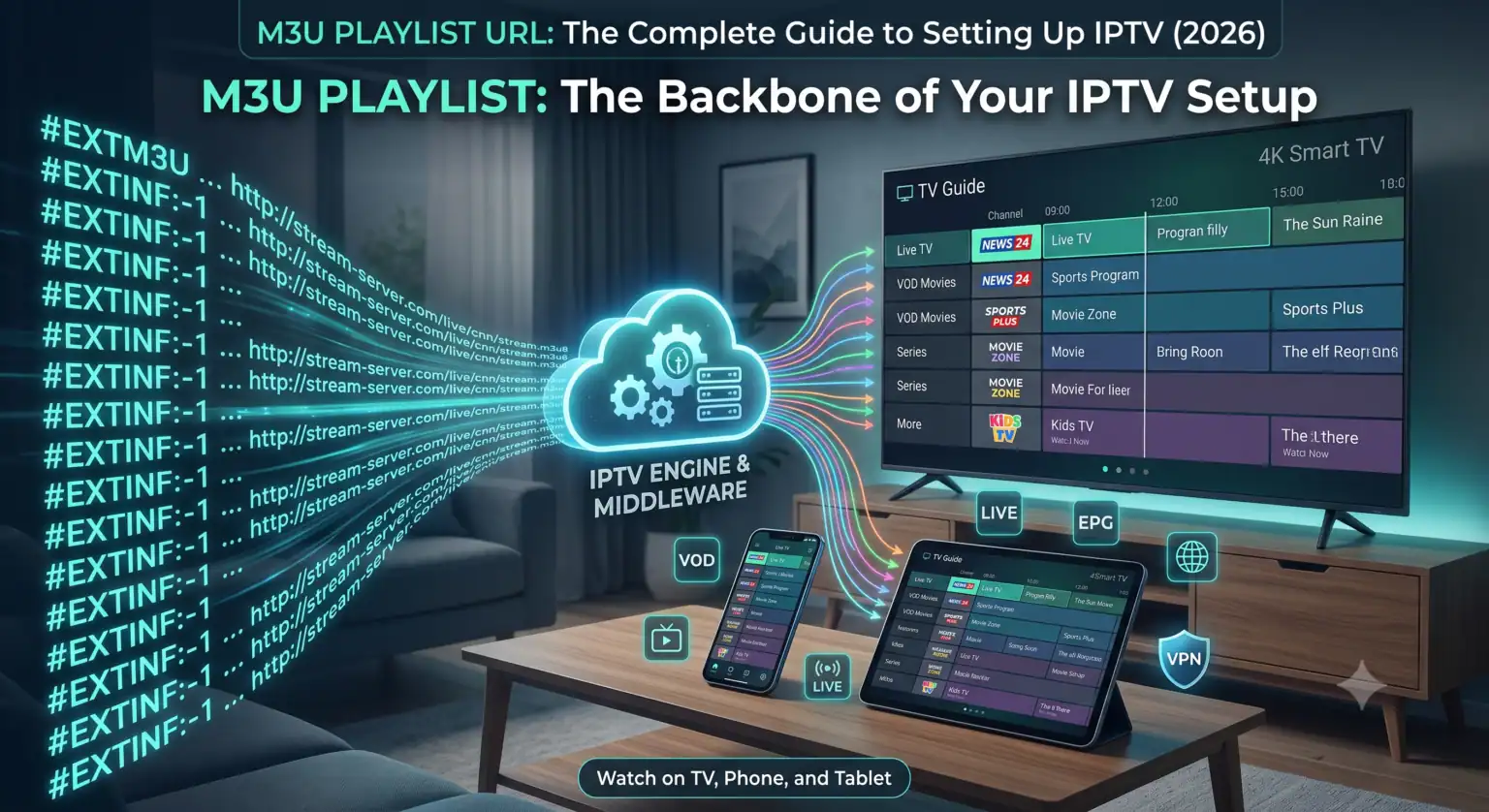
What Exactly is an M3U Playlist URL?
An M3U (Moving Picture Experts Group Audio Layer 3 Uniform Resource Locator) playlist is essentially a plain-text file that acts as a directory for multimedia streaming links.
The format actually dates back to the 1990s when it was developed for the Winamp music player to queue up MP3 files. Because the structure was so lightweight and adaptable, the IPTV industry eventually adopted it as the universal standard for delivering live TV.
When you subscribe to a service or find a free channel list, nobody sends you actual video files. Instead, they give you an M3U playlist URL. When you paste this link into your media player, the app reads the text file, extracts the stream addresses for each individual channel, and organizes them into the visual TV guide you scroll through on your screen.
Why You Should Always Use the URL (Not the File)
De fleste IPTV-afspillere give you two options: upload a downloaded .m3u file, or paste the live URL.
Always choose the URL.
If you download the file directly to your device, your channel list is frozen in time. If a broadcaster changes their streaming server the very next day, that specific channel will go dead on your TV. By using the dynamic M3U playlist URL, your IPTV app fetches a fresh, updated copy of the channel lineup straight from the source every time you boot the app.
Where to Find Free and Legal M3U Playlists
You don’t always have to pay for a premium provider to watch live TV. There are thousands of free-to-air channels broadcast legally across the internet, and the open-source community has aggregated them into easy-to-use links.
Here are a few reliable, legitimate sources:
The IPTV-Org GitHub Project: This is the gold standard for free, legal IPTV. It is a massive community-maintained database of publicly available broadcast streams from around the world. You can grab their master M3U playlist URL (https://iptv-org.github.io/iptv/index.m3u) and load it into your player to access global news, weather, and public broadcasts.
FAST (Free Ad-supported Streaming TV) Lists: Independent developers frequently compile direct M3U links for free platforms like Pluto TV, Samsung TV Plus, and The Roku Channel. These lists allow you to aggregate content from multiple free apps into one centralized, ad-supported TV guide.
Disclaimer: Always verify the copyright laws in your specific jurisdiction. Sticking to public, free-to-air broadcasts ensures you remain compliant with local regulations.
Step-by-Step: Adding an M3U Link to Your Devices
The biggest advantage of the M3U format is its universal compatibility. If a device has a screen, there is an app that can read your playlist.
On a Smart TV or Firestick (Using TiviMate or IPTV Smarters)
For television interfaces, dedicated apps like TiviMate (Android/FireOS) and IPTV Smarters Pro are widely considered the best options.
Download your preferred IPTV-afspiller from your device’s app store.
Åbn appen, og vælg Add Playlist eller Login with Xtream Codes / M3U.
Vælg den M3U URL option.
Carefully type or paste your M3U playlist URL into the required field. (Pro tip: Using the Firestick companion app on your smartphone makes copy-pasting complex URLs much easier).
Name the playlist whatever you want and hit Gemme. The app will take a few moments to download the channel list and populate your electronic program guide (EPG).
On a PC or Mac (Using VLC Media Player)
Even with a top-tier internet connection, streaming live TV isn’t always flawless. If your M3U playlist URL is giving you trouble, check these common culprits:
Typographical Errors: A single misplaced character or missing backslash in the link will cause it to fail entirely. Always copy and paste the URL instead of manually typing it.
Begrænsning af internetudbydere: Many internet service providers throttle or block IPTV traffic, especially during major live sporting events. Routing your connection through a reliable VPN usually bypasses this interference immediately.
Dead Streams: If you are using a free list found on a random forum, there is a high chance the streams have already been taken offline. Public server links decay rapidly due to heavy traffic. If one channel fails to load, try another in the same list to see if the entire URL is dead or just that specific broadcast.
Getting comfortable with M3U playlist URLs is the first step to mastering your home entertainment setup. Once you understand how these simple text files dictate your channel list, you gain total control over your streaming experience.
 Danish
  English (United States)
  German
  Dutch
Dutch  English (UK)
  Norwegian
  Swedish