
Are you still paying $100+ a month for cable? It’s time to stop.
Internetprotokoll-tv (IPTV) has completely disrupted the entertainment industry. It’s not just about saving money it’s about unlocking a world of content that traditional providers can’t match. From live sports in 4K to on-demand movies the day they are released, IPTV is the future of consumption.
In this guide, we’re going to cut through the noise. Whether you are a complete beginner or a cord-cutting veteran looking to optimize your setup, this is the only resource you need to master the IPTV landscape.
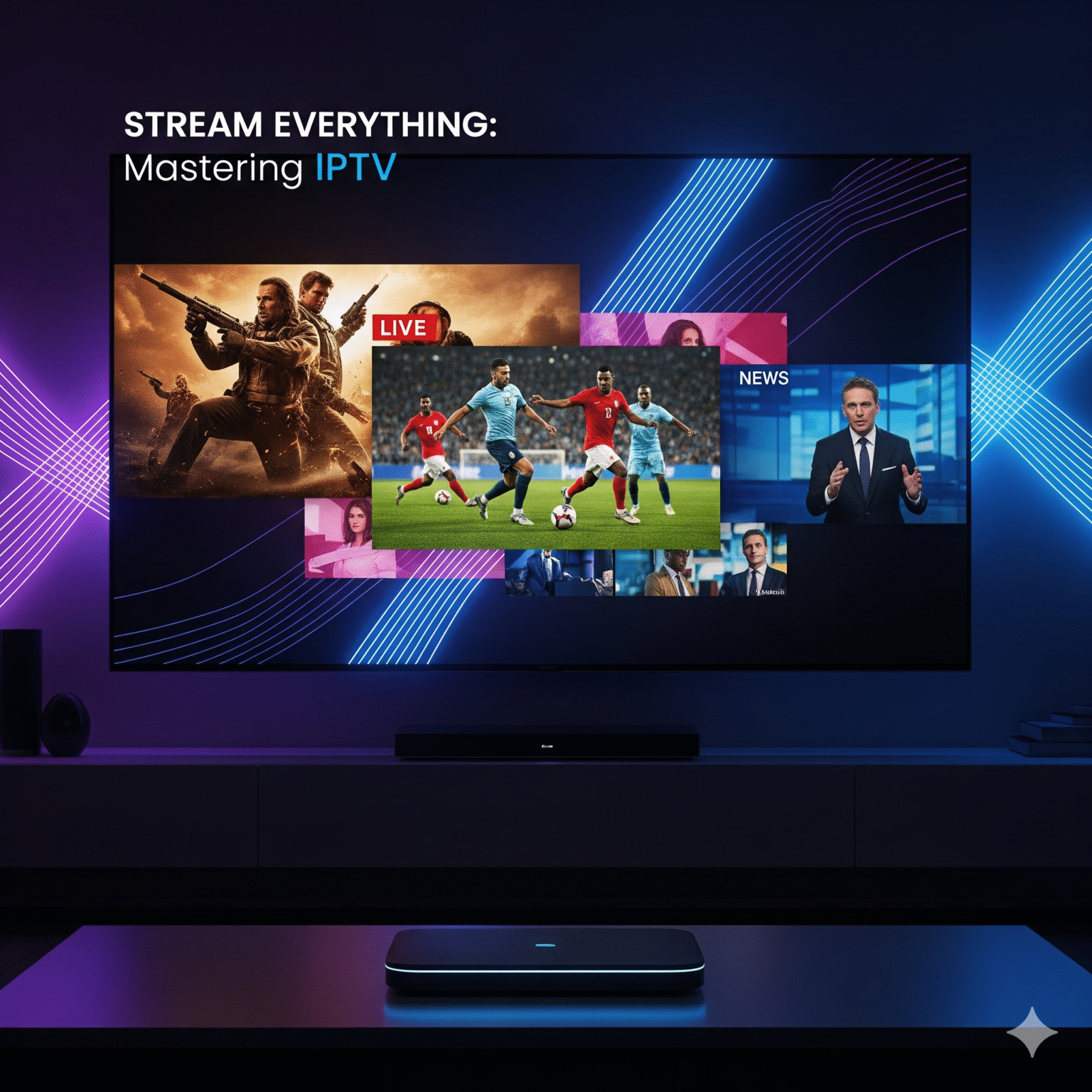
1. What is IPTV and Why Is Everyone Switching?
IPTV (Internet Protocol Television) delivers television content over the internet rather than through traditional terrestrial, satellite, or cable formats.
But why the massive shift? It comes down to control.
On-Demand Freedom: Watch what you want, when you want.
Device Independence: Stream on your TV, phone, tablet, or PC.
Cost Efficiency: Get thousands of channels for a fraction of a cable bill.
The 3 Core Types of IPTV
If you want to build the perfect setup, you need to know what you’re buying:
Live IPTV: Real-time broadcasts (Sports, News, Events).
Video on Demand (VOD): Netflix-style libraries of movies and series.
Time-Shifted TV: Catch-up features that let you replay shows from the last 7 days.
2. Is IPTV Legal? The Honest Truth
This is the #1 question we get. The short answer: The technology is legal; the source matters.
White Market (Verified): Services like YouTube TV, Sling, and Hulu Live. They are 100% legal, available on App Stores, and pay for broadcasting rights. They are stable but expensive.
Grey Market (Unverified): Third-party services that offer thousands of global channels for a low monthly fee. While these offer incredible value, they often operate in a legal grey area regarding licensing.
Proffstips: Regardless of which route you choose, internet privacy is paramount. Never stream without protection. Internet Service Providers (Internetleverantörer) aggressively monitor streaming traffic. We strongly recommend using a reputable VPN to encrypt your data and prevent throttling.
3. Best IPTV Hardware: Don't Buy Junk
Your stream is only as good as the device decoding it. Don’t ruin a premium service with a cheap stick. Here is our ranked list of hardware for a buffer-free experience.
🥇 The Gold Standard: NVIDIA Shield TV Pro
If you have the budget, buy this. Its AI Upscaling transforms HD streams into crisp 4K. It handles the heaviest apps effortlessly and never stutters.
🥈 The Apple Ecosystem: Apple TV 4K
The fastest processor in the game. If you use an iPhone, this is a no-brainer. The downside? Apple is stricter on what apps you can install compared to Android.
🥉 The Best Value: Amazon Fire TV Stick 4K Max
The “People’s Champ.” It’s affordable, supports WiFi 6, and is incredibly easy to “sideload” (install third-party apps). This is the best entry point for 90% of users.
4. The Software: Top 3 IPTV Players Ranked
A common mistake beginners make is confusing the Service (who provides the channels) with the Player (the app used to watch them). You need a top-tier player to organize your content.
TiviMate (Android/Fire TV): The undisputed king. It offers a sleek, cable-box style interface, multi-screen viewing (watch 4 channels at once), and unparalleled customization. It is worth every penny of the premium version.
IPTV Smarters Pro: The most popular cross-platform choice. It’s reliable, free to use, and works on almost everything. A great starting point.
Televizo: A lightweight, snappy player perfect for Android mobile devices.
5. Speak the Language: Key Terminology
Don’t get confused by the technical jargon. Here is your cheat sheet:
M3U URL: The “key” to your content. It’s a long web link your provider gives you that loads all your channels into the player.
Xtream Codes: A user-friendly login method (URL, Username, Password) that is easier to type than an M3U link.
EPG (elektronisk programguide): The TV guide. Without a working EPG link, you’ll see channels but won’t know what’s playing.
6. Optimization: How to Kill Buffering for Good
Buffering is the enemy. If your stream is lagging, it’s rarely the TV’s fault—it’s your network. Here is the 3-step fix:
Hardwire Everything: WiFi is convenient; Ethernet is stable. If your device has an Ethernet port, use it. This solves 90% of buffering issues.
Beat ISP Throttling: ISPs will deliberately slow down your connection if they detect you are streaming high-bandwidth live sports. Turn on your VPN to hide your activity and bypass these speed limits.
Increase Buffer Size: In apps like TiviMate, go to Settings > Playback and increase the “Buffer Size” to Large. This downloads more video ahead of time, smoothing out network hiccups.
7. The 5-Minute Setup Guide
Ready to start? Follow this workflow:
Secure Your Connection: Install and activate your VPN.
Prep the Device: On Fire Stick/Android, enable “Install Unknown Apps” in developer settings.
Get the Player: Nedladdningar Nedladdare from the app store, then use it to install TiviMate eller Smarters.
Login: Enter the Xtream Codes or M3U URL provided by your service.
Sync EPG: Allow the guide to update (this may take a minute).
Stream: Welcome to the future of TV.
Slutsats
Cutting the cord doesn’t mean sacrificing quality. With the right hardware (Shield/Fire Stick), the right software (TiviMate), and a secure connection (VPN), you can build an entertainment hub that puts traditional cable to shame.
Ready to upgrade your viewing experience? Choose your hardware, secure your connection, and start streaming today.
 Swedish
  English (United States)
  German
  Dutch
Dutch  Danish
  English (UK)
  English (Australia)
  English (New Zealand)
  Norwegian