
If you are still using a basic Smart TV app or a cheap $20 stick for your IPTV-tjänst, you are leaving 40% of your picture quality on the table. To handle high-bitrate 4K live streams without the dreaded “spinning circle,” you need a dedicated processor, advanced video codecs, and high-speed networking.
After testing the latest hardware for 2026, here is our definitive guide to the only IPTV boxes worth your money this year.
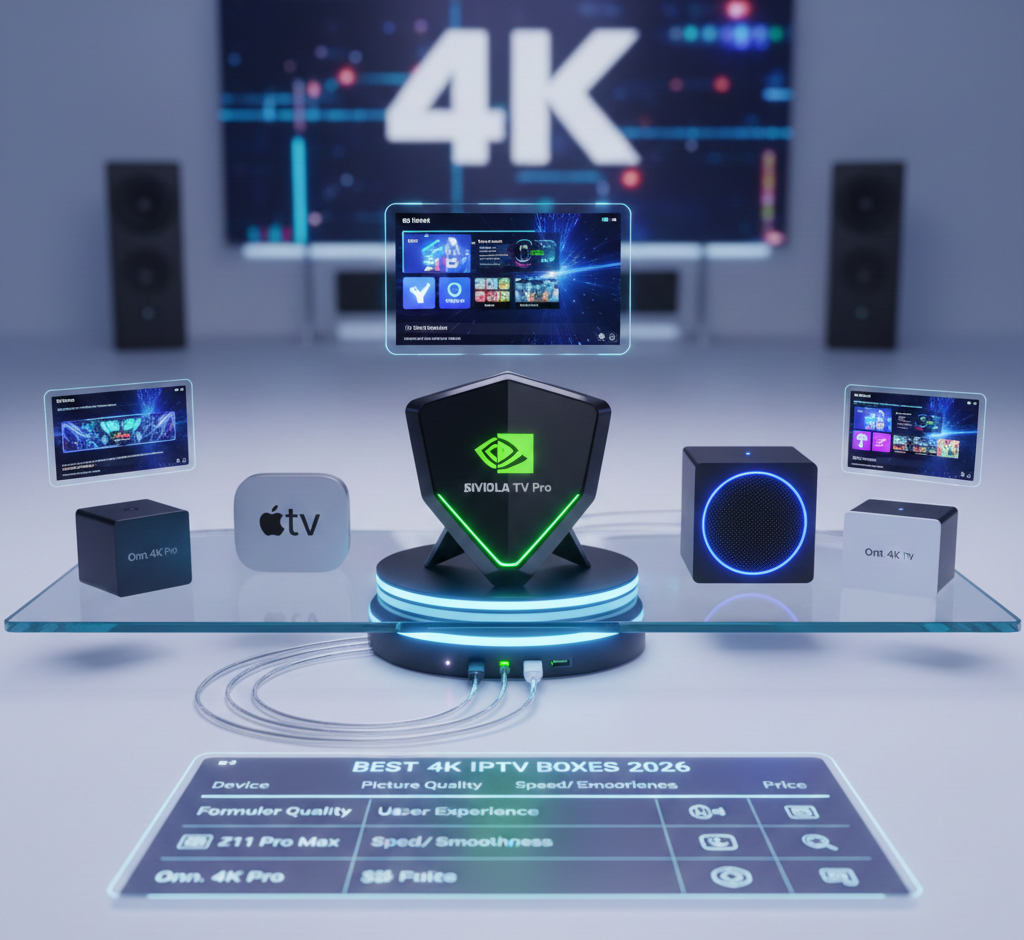
1. NVIDIA Shield TV Pro: The King of Upscaling
The Best Choice for: Maximum Picture Quality & Power Users
Den NVIDIA Shield TV Pro remains the undisputed heavyweight champion. While other boxes simply play video, the Shield improves it.
Why it Wins in 2026: Its AI-Enhanced Upscaling is still the industry leader. It takes 1080p live sports and uses a neural network to sharpen them into near-4K clarity in real-time.
The Hardware: Powered by the Tegra X1+ chip, it handles Dolby Vision and Atmos effortlessly.
The Pro Tip: This is an Android TV device, meaning you have total freedom. We recommend installing TiviMate Premium eller Sparkle TV for the ultimate cable-box experience.
The Bottom Line: If you want the best possible image on a 65″+ OLED TV, buy the Shield. Period.
2. Formuler Z11 Pro Max: The IPTV Specialist
The Best Choice for: A “Plug-and-Play” Cable Experience
Most boxes are general streamers that happen to run IPTV-appar. The Formuler Z11 Pro Max is built from the ground up specifically for IPTV.
The Secret Weapon (MyTVOnline3): This is the best proprietary IPTV app on the planet. It integrates your Live TV, VOD, and Catch-up into one seamless interface that rivals high-end satellite providers.
Advanced Tech: It supports the AV1 Codec, which allows you to stream 4K using 30% less bandwidth essential if your internet provider throttles high-speed data.
The Remote: It comes with a premium IR/Bluetooth learning remote designed for channel flipping, not just scrolling menus.
The Bottom Line: If you want a box that feels like a traditional cable box with a dedicated “Record” button, this is your winner.
3. Apple TV 4K (2026 Edition): The Speed Demon
The Best Choice for: Apple Ecosystem & Zero Lag
For users who value a clean, ad-free interface and lightning-fast navigation, the Apple TV 4K is unrivaled.
Prestanda: With the A-series silicon, apps open instantly. There is zero “UI lag,” which is common on cheaper Android sticks.
Stability: Its frame-rate matching ensures that 4K 60fps sports look buttery smooth without the “soap opera effect” or stuttering.
The Catch: You can’t “sideload” as easily. You’ll be using premium apps from the App Store like iPlayTV eller Snappy.
The Bottom Line: Best for those who want a premium, secure, and incredibly fast user experience.
4. Amazon Fire TV Cube (3rd Gen): The Mid-Range Heavyweight
The Best Choice for: Voice Control & Connectivity
The Fire TV Cube is twice as fast as the Firestick 4K Max and offers much better thermal management.
Unique Feature: It features an HDMI Input, allowing you to plug your existing cable box or game console into it and control everything via Alexa.
Networking: Den stöder Wi-Fi 6E, which is a game-changer if you live in an apartment complex with crowded Wi-Fi signals.
The Bottom Line: A great “everything” box that handles 4K IPTV reliably while doubling as a smart home hub.
5. Onn. 4K Pro: The Budget Disruptor
The Best Choice for: Extreme Value
Don’t let the price tag fool you. This Google TV-powered box is punching way above its weight class.
Why it’s here: It offers a clean Google TV interface, a built-in speaker for “Find My Remote” functionality, and 3GB of RAM more than most sticks at double the price.
Dom: It handles 4K 60fps streams perfectly. It lacks the AI-upscaling of the Shield, but for a bedroom TV, it’s unbeatable.
4K IPTV Buyer’s Guide: What to Look For
Before you buy, ensure your hardware meets these “2026 Standards”:
Gigabit Ethernet: Don’t rely on Wi-Fi for 4K. A physical wire is the only way to guarantee 0% packet loss.
RAM (3GB+): IPTV apps (especially those with large EPGs) are RAM-heavy. 2GB is the bare minimum; 3GB or more ensures the app won’t crash.
AV1 Decoding: Ensure your box supports AV1. Most providers are moving to this codec to save bandwidth while maintaining 4K quality.
Jämförelsetabell
Enhet | Bäst för | OS | Storage | Ethernet |
|---|---|---|---|---|
NVIDIA Shield Pro | Picture Quality | Android TV | 16GB | 1000Mbps |
Formuler Z11 Pro | Användarupplevelse | Android (Custom) | 32GB | 1000Mbps |
Apple TV 4K | Speed/Smoothness | tvOS | 64GB+ | 1000Mbps |
Fire TV Cube | Voice/Wi-Fi 6E | FireOS | 16GB | 100Mbps* |
*Requires adapter for Gigabit speeds.
Editor’s Choice: For the ultimate setup, we recommend the NVIDIA Shield TV Pro paired with a TiviMate Premium subscription. It remains the most stable and visually impressive way to watch 4K content in 2026.
 Swedish
  English (United States)
  German
  Dutch
Dutch  Danish
  English (UK)
  English (Australia)
  English (New Zealand)
  Norwegian