
Stop scrolling through thousands of dead channels. It’s time to turn your bloated playlist into a premium cable experience.
If you’ve just subscribed to a new IPTV-service or set up a motorized dish, you’re likely staring at a “successful” scan of 20,000 channels. It sounds great on paper, but in reality? It’s a usability nightmare.
You can’t find the game. The guide says “No Information.” Your spouse hates using it.
I have configured hundreds of setups for clients, and I can tell you this: The difference between a $10 frustration and a premium TV experience isn’t the provider it’s the organization.
This is the exact, step-by-step professional workflow I use to strip down bloatware playlists and build a sleek, fast, and fully populated Electronic Program Guide (EPG).
The Golden Rule: Stop Using Your Remote
Let’s get the biggest mistake out of the way immediately.
Do not try to organize channels using your Firestick of Shield remote.
I see people wasting hours trying to hide groups, reorder favorites, and block channels using a clumsy D-pad. It is slow, it doesn’t back up, and if you reset your app, you lose everything.
The Pro Strategy: We manage the playlist on a Desktop or Web Interface. We generate a clean, optimized output link, and we feed that single link into your TV. When you fix it in the cloud, it fixes it on every TV in your house instantly.
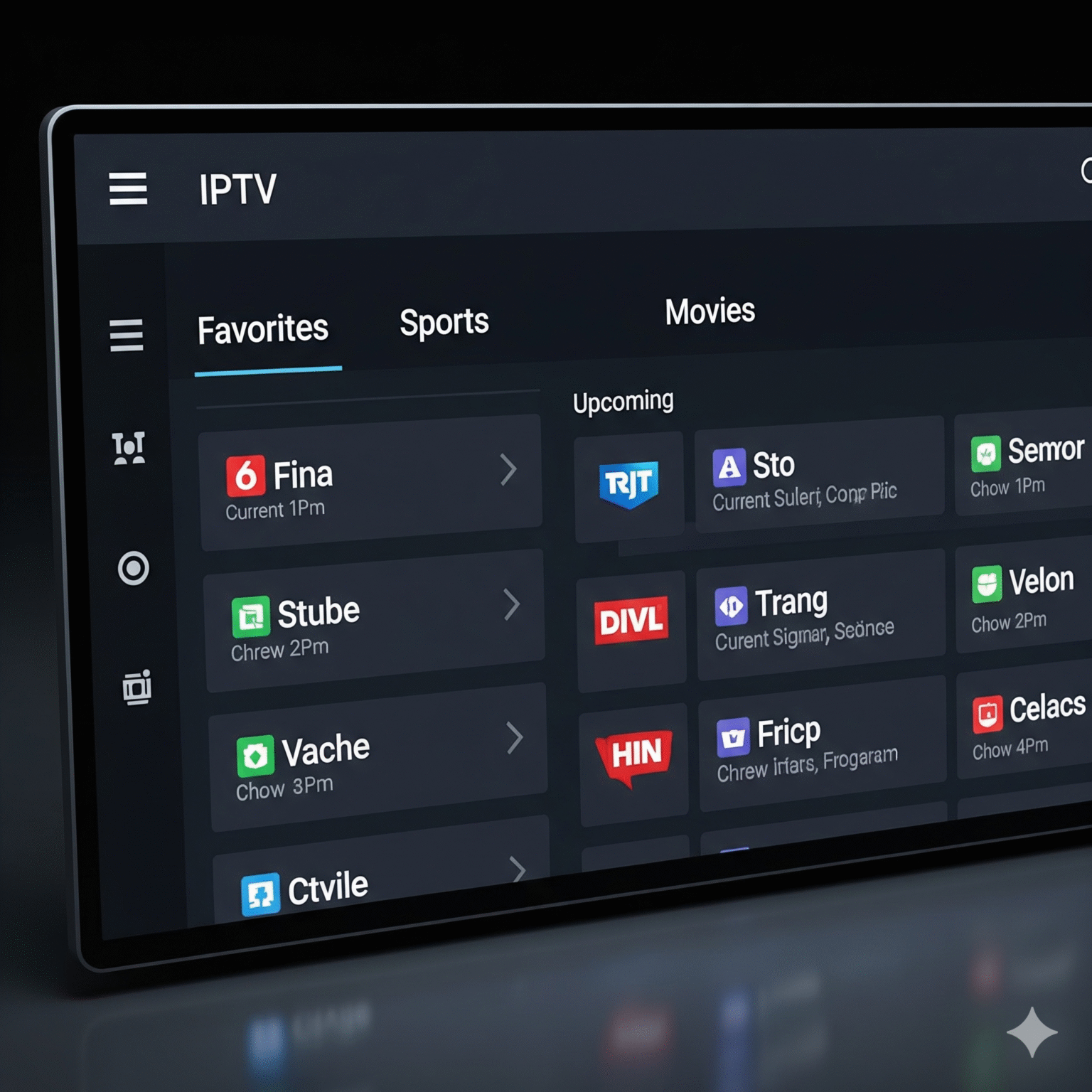
Phase 1: Choose Your Weapon (The Best IPTV Editors)
To do this right, you need a “Man in the Middle” a tool that sits between your provider and your TV. Here is the software stack I recommend.
1. The Best Free Option: m3u4u
Target Audience: 90% of users.
Why I Use It: It’s web-based, so there’s no software to install. It syncs with your provider automatically and gives you a shortened URL. The EPG assignment is intuitive, and it’s completely free (donation supported).
2. The Power User Choice: IPTVBoss or IPTV Editor
Target Audience: Data hoarders and perfectionists.
Why I Use It: If you care about custom channel logos, merging three different providers into one list, or using “fuzzy matching” algorithms to auto-fix 5,000 broken EPG links, this is worth the subscription cost.
3. For Enigma2/Satellite Enthusiasts: E-Channelizer
Target Audience: Dreambox and Vu+ owners.
Why I Use It: If you are mixing satellite feeds with IPTV streams, this edits the
lamedbdirectly. It’s the industry standard for set-top boxes.
Phase 2: The Funnel Method (Delete 90% of Your List)
Efficiency is king. Your device has limited RAM. Loading a 20,000-channel playlist every time you open the app makes it sluggish. You don’t need to organize all those channels you need to delete them.
Step 1: The Regional Purge
Your provider likely includes ALBANIË, ZIMBABWEen VIETNAM. If you don’t speak those languages, they are dead weight.
The Fix: In your editor, disable (don’t just hide) entire country groups. Remove them from the synchronization entirely.
Step 2: The “24/7” Trap
Does your provider have a group called 24/7 SHOWS with a loop of Friends of Breaking Bad?
The Fix: Unless you have a specific need for background noise, cut these. They rarely have accurate EPG data and just clutter your search results.
Step 3: Resolution Deduplication
You will often see three versions of the same channel:
Sky Sports Main Event SDSky Sports Main Event HDSky Sports Main Event FHDSky Sports Main Event UHD/4K
The Fix: Be ruthless. If you have a 4K TV and fast internet, keep the FHD/4K versions and delete the rest. You do not need SD backups clogging your “Sports” folder in 2024.
Phase 3: Creating "Bouquets" (Custom Groups)
Never use the groups your provider gives you. Names like UK | VIP | PREMIER LEAGUE | 50FPS look terrible on a UI.
Create your own clean structure. I recommend this specific hierarchy for maximum WAF (Wife Acceptance Factor):
01. Favorites / Main (The 20 channels you actually watch daily)
02. Sports – Live (Major networks: ESPN, Sky, TNT)
03. Sports – Events (PPV, EFL, RedZone – temporary channels)
04. Movies (Cinema channels, HBO, Starz)
05. Entertainment (General TV)
06. News
07. Kids
99. All Channels (A folder for everything else, just in case)
Pro-tip: Add the numbers (01., 02.) to the group names. This forces your TV app to sort them in je desired order, rather than alphabetically.
Phase 4: The Secret Sauce (Mapping the EPG)
This is the step most people skip, and it’s why their setup looks cheap. If your guide says “No Information”, the channel might as well not exist.
Your provider sends a channel name, e.g., US: CNN FHD. The EPG source has a channel ID, e.g., CNN.us.
If these don’t match perfectly, you get no guide.
How to Fix It in m3u4u/IPTVBoss:
Open de EPG Manager tab.
Filter your list by “Missing EPG”.
Manually search for the correct ID.
Search: “CNN”
Select: “CNN (United States)”
Save.
Do this for your top 50 channels. It takes 15 minutes, but it transforms your experience from “pirate TV” to “premium cable.”
Phase 5: The End-User Experience (TiviMate Setup)
You’ve done the hard work in the cloud. Now, let’s display it. I recommend TiviMate for Android/FireTV users, as it respects the work we just did.
The TiviMate Configuration Checklist:
Input the New URL: Do not use your provider’s link. Use the new M3U link generated by your editor.
Force Your Order: Ga naar
Settings > Playlists > Sortand ensure “By order in playlist” is selected.Clean Up the Look:
Ga naar
Settings > Appearance > TV Guide.Toggle ON: “Show channel numbers”.
Toggle OFF: “Assign channel numbers from playlist”.
Why? This creates a clean
1, 2, 3, 4...index based on your new, curated list, rather than showing random numbers like14053.
Summary Checklist: Are You Done?
If you can check all these boxes, you have successfully mastered your EPG.
[ ] Audit: Did you delete the 15,000 foreign channels you’ll never watch?
[ ] Tool: Are you using a cloud editor (m3u4u) instead of the remote?
[ ] Group: Are your groups renamed cleanly (e.g., “Movies” vs “UK: VIP MOVIES”)?
[ ] Map: Do your top 50 channels have logos and full program data?
[ ] Sync: Is your TV pointing to the new, optimized M3U link?
Ready to get started? Head over to m3u4u and import your playlist now.
 Dutch
Dutch  English (United States)
  German
  Swedish
  Danish
  English (UK)
  English (Australia)
  English (New Zealand)
  Norwegian