
As streaming technology continues to evolve, more users are switching to IPTV-apps for Windows and Mac to enjoy live TV, movies, and series in high definition. With simple installation, powerful features, and support for HD and 4K content, IPTV software turns any computer into a complete smart TV solution.
In this updated guide, we break down the best IPTV apps for Windows & macOS, explain why they outperform traditional TV options, and help you choose the right IPTV player for a smooth, high-quality viewing experience.
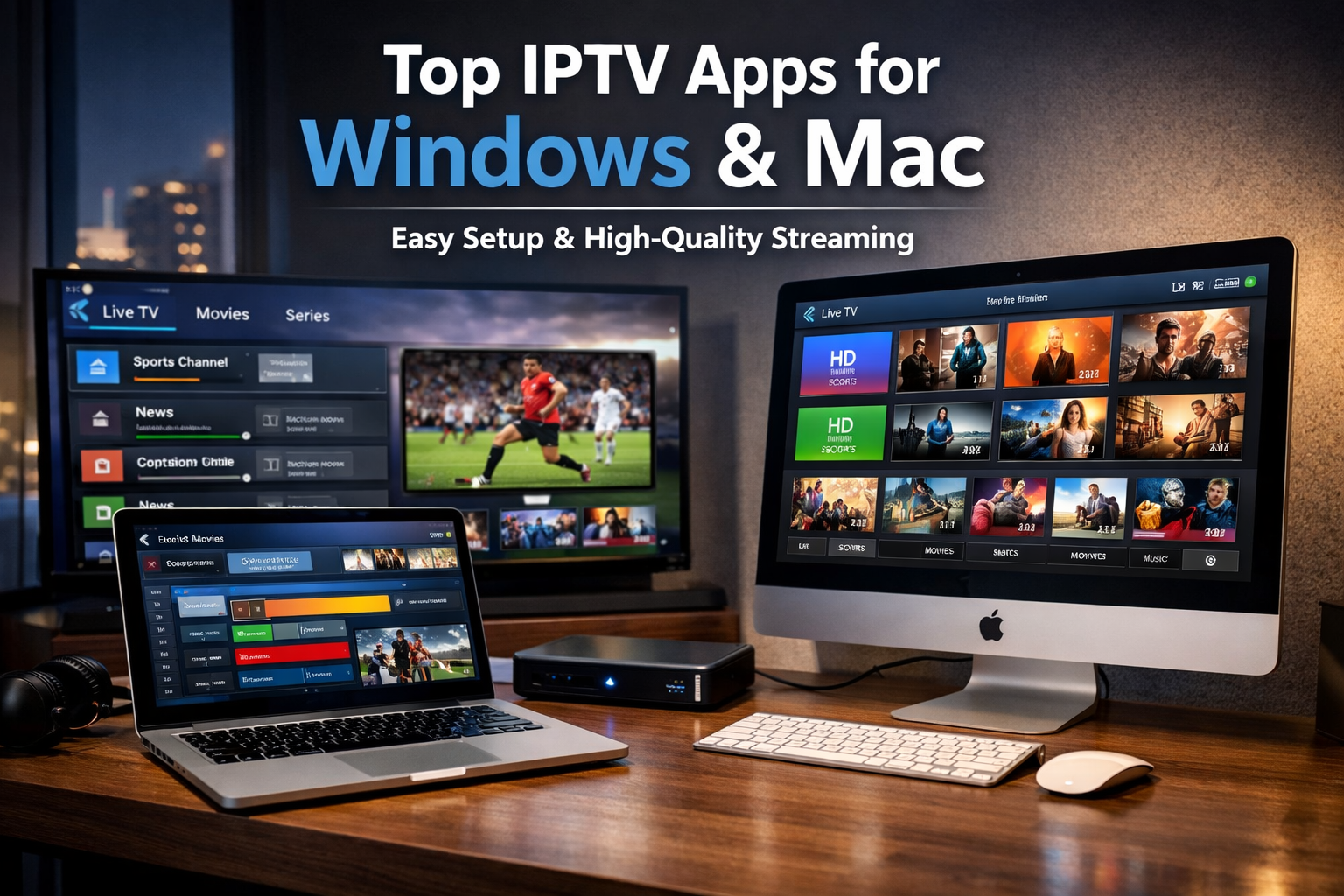
Why IPTV Apps for Windows & Mac Are Growing Fast
Using IPTV on your computer gives you more control, better performance, and a larger viewing experience compared to mobile devices. Modern IPTV players are designed for speed, stability, and ease of use.
Key benefits of IPTV on PC & Mac:
Stream live TV and VOD on large screens
Support for HD, Full HD, and 4K quality
Faster processing and smoother playback
Advanced features like EPG, recording, and playlists
Ideal for home entertainment or office setups
With a reliable IPTV app and a strong internet connection, buffering becomes a thing of the past.
Best IPTV Apps for Windows & Mac (2025 Updated List)
1. VLC Media Player – Simple & Powerful (Windows & Mac)
VLC remains one of the most trusted IPTV players worldwide. It’s lightweight, free, and supports M3U playlists without extra configuration, making it perfect for beginners.
Top features:
Free and open-source
M3U and streaming URL support
Fast loading and stable playback
Works seamlessly on Windows and macOS
2. IPTV Smarters – Premium IPTV Experience (Windows & Mac)
IPTV Smarters is a top-rated IPTV app built for professional IPTV subscriptions. It offers a sleek interface and advanced streaming features.
Top features:
Supports Xtream Codes API & M3U playlists
Live TV, Movies, and Series sections
Built-in EPG (TV Guide)
Smooth HD & 4K playback
Optimized for Windows and Mac systems
3. MyIPTV Player – Windows-Optimized Performance
Designed specifically for Windows users, MyIPTV Player offers a clean layout and reliable performance for IPTV streaming.
Top features:
Easy playlist and EPG import
User-friendly channel management
Stable HD streaming
Ideal for Windows PCs and laptops
4. GSE Smart IPTV – Advanced Player for macOS
GSE Smart IPTV is a feature-rich IPTV app for Mac users who want customization and advanced controls.
Top features:
Supports M3U, JSON, and multiple formats
Advanced playback engine
EPG and parental control
Optimized for macOS performance
5. Kodi – Ultimate Custom IPTV Platform (Windows & Mac)
Kodi is a powerful media center that becomes a complete IPTV solution when combined with IPTV add-ons or M3U playlists.
Top features:
Fully customizable interface
IPTV add-on and playlist support
Works on Windows and macOS
Supports HD, Full HD, and 4K streaming
Un abonnement IPTV permet de regarder la télévision via une connexion Internet.
Contrairement au câble, tout fonctionne en streaming, ce qui offre plus de flexibilité.
De plus, l’installation est simple et fonctionne sur :
Smartphone
PC / Mac
Ainsi, l’utilisateur profite :
de plus de 20.000 chaînes,
de milliers de films et séries VOD,
d’une qualité HD, Full HD ou 4K,
et d’une large compatibilité (M3U, MAG, Xtream Codes).
How to Set Up IPTV on Windows & Mac
Getting started with IPTV on your computer is fast and simple:
Download an IPTV app compatible with your system
Install it on Windows or macOS
Add your IPTV subscription (M3U link or login details)
Load channels and EPG data
Start streaming instantly
Most IPTV apps can be configured in under five minutes.
Enjoy High-Quality IPTV Streaming Without Buffering
The best IPTV apps for Windows and Mac are built to deliver buffer-free streaming, especially when paired with a premium IPTV provider. High-speed servers and anti-freeze technology ensure:
Instant channel switching
Stable live TV streams
Crystal-clear HD and 4K quality
Smooth playback on large displays
For optimal results, always choose IPTV services with fast global servers and strong uptime.
Final Verdict: Best IPTV Apps for Windows & Mac
Using IPTV apps on Windows and Mac is one of the most efficient ways to enjoy modern television. With easy setup, advanced features, and outstanding video quality, IPTV software delivers a superior streaming experience compared to cable or satellite TV.
Whether you choose VLC for simplicity, IPTV Smarters for premium features, or Kodi for full customization, the right IPTV app will completely transform how you watch TV on your computer.
 Dutch
Dutch  English (United States)
  German
  Swedish
  Danish
  English (UK)
  English (Australia)
  English (New Zealand)
  Norwegian