
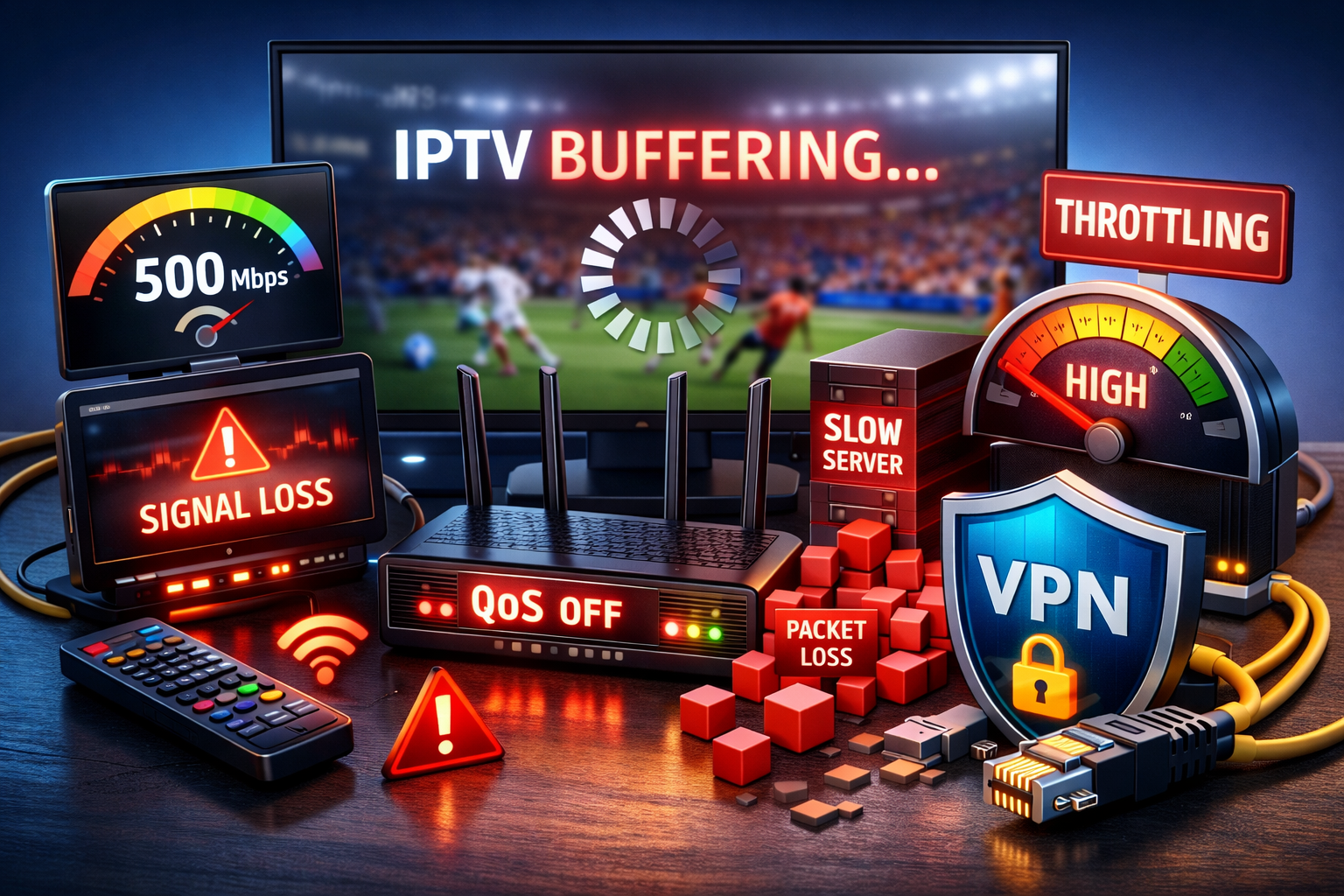
IPTV buffering is one of the most common streaming complaints in 2026. Many users experience freezes, loading circles, or sudden drops in quality even with fast fiber or 5G internet connections.
This article explains why IPTV buffering happens and outlines practical, technical solutions, without hype or marketing language.
What Is IPTV Buffering?
IPTV buffering occurs when video data does not arrive fast or consistently enough to maintain continuous playback. When the player’s buffer empties, the stream pauses until enough data is received again.
Unlike traditional TV, IPTV relies on:
Internet routing
Server capacity
Network stability
Device decoding performance
If any of these fail, buffering appears.
Why Fast Internet Alone Does Not Prevent IPTV Buffering
Internet speed (measured in Mbps) shows how much data can be transferred, not how consistently it arrives.
IPTV is sensitive to:
Latency (ping) – delay between server and device
Jitter – variation in packet timing
Packet loss – missing data packets
Even a 1 Gbps connection can buffer if latency or packet loss is high.
Common Causes of IPTV Buffering in 2026
1. IPTV Server Overload
Mange IPTV-leverandører oversubscribe their servers. During peak hours (evenings, weekends, live sport), servers may not deliver streams fast enough to all users.
Typical signs:
Buffering only during live events
Channels work late at night but not in the evening
Multiple channels buffering at the same time
2. ISP Traffic Throttling
Some internet service providers manage or limit long-running video streams, including IPTV.
Effects include:
Sudden quality drops
Regular buffering intervals
IPTV problems while other apps work normally
Because speed tests use short bursts of data, throttling is often not visible in test results.
3. Unstable Home Network (Wi-Fi Issues)
Wi-Fi is affected by:
Interference from other networks
Distance from the router
Walls and obstacles
Multiple connected devices
Even modern Wi-Fi standards can introduce small interruptions that disrupt IPTV playback.
4. Router Limitations
Mange ISP-provided routers:
Lack Quality of Service (QoS)
Struggle with sustained video traffic
Are not optimized for real-time streaming
This can lead to congestion inside the home network.
5. IPTV App or Device Configuration
Incorrect player settings can increase buffering, especially on low-powered devices.
Common issues:
Very small buffer size
Software decoding instead of hardware decoding
Background recording or timeshift enabled
Practical Solutions to Reduce IPTV Buffering
Bruk en kablet Ethernet-tilkobling
A wired connection provides:
Lower latency
Zero wireless interference
More stable packet delivery
For IPTV, Ethernet is more reliable than Wi-Fi.
Optimize IPTV App Settings
Recommended general settings:
Medium or large buffer size
Hardware video decoding
HLS stream format where available
Disable unused features (recording, timeshift)
These settings help maintain smoother playback.
Improve Router Configuration
Steps that often help:
Enable QoS and prioritize the IPTV device
Limit background downloads
Reboot the router periodically
Upgrade to a router designed for high-throughput streaming
Test Network Quality, Not Just Speed
When diagnosing IPTV problems, focus on:
Stable ping (low variation)
Minimal jitter
No packet loss
These factors affect live video more than raw speed.
Choose IPTV Providers Carefully
Reliable IPTV services usually offer:
Load-balanced servers
Multiple stream sources
Stable performance during peak hours
Consistency is more important than advertised channel counts.
Common Misunderstandings About IPTV Buffering
“More Mbps will fix buffering” → Not always
“All IPTV services perform the same” → They do not
“Wi-Fi 6 guarantees smooth IPTV” → Stability still matters
“Buffering means the app is broken” → Often a network or server issue
Konklusjon
In 2026, IPTV buffering is rarely caused by slow internet alone. It is usually the result of server capacity limits, network instability, router performance, or device configuration.
By focusing on:
Network stability
Proper setup
Reliable infrastructure
most IPTV buffering issues can be significantly reduced or eliminated.
 Norwegian
  English (United States)
  German
  Dutch
Dutch  Swedish
  Danish
  English (UK)
  English (Australia)
  English (New Zealand)