
Buffering is the silent killer of video businesses.
In the streaming world, “Quality” isn’t just about 4K resolution or HDR colors it’s about reliability. If your stream lags, buffers, or glitches, your users leave. It doesn’t matter how good your content is if the delivery pipeline fails.
While modern codecs like AV1 og HEVC have revolutionized compression, the real battleground is the unpredictable public Internet.
I wrote this guide to be the definitive engineering resource for mastering Quality of Service (QoS). We are moving beyond the basics and diving straight into the architecture strategies you need to slash latency, eliminate packet loss, and keep your viewers glued to the screen.
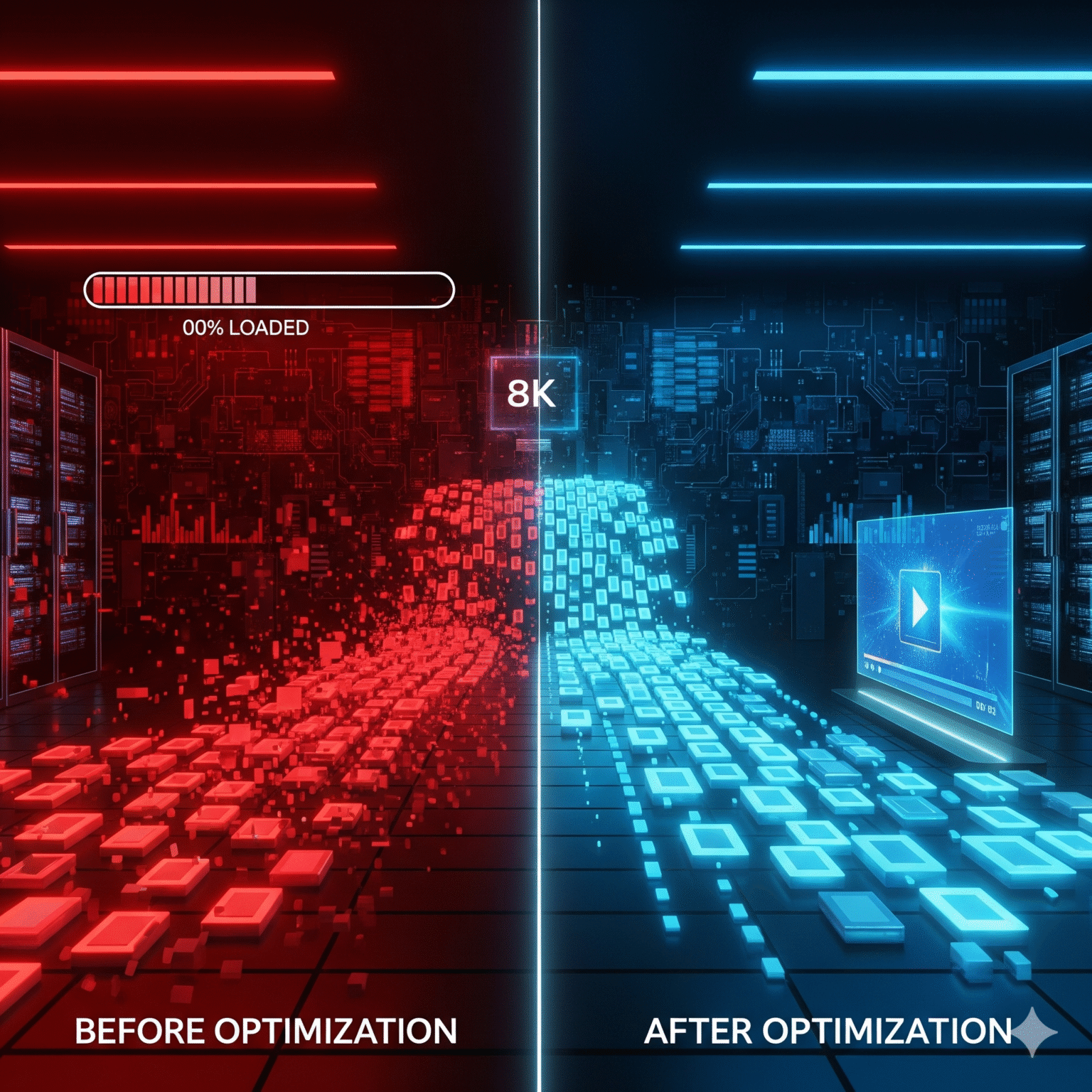
1. The 3 Killers of Video Quality
To fix your stream, you first need to identify exactly what is breaking it. It usually comes down to this deadly triad.
1.1 Latency (The “Glass-to-Glass” Delay)
Latency is the time it takes for a frame to travel from the camera lens to the viewer’s pixel. It stacks up at every stage:
Network Latency: Distance + Packet Size + Queuing (Bufferbloat).
Processing Latency: Encoding + Packaging + Decoding time.
Player Latency: The hidden culprit the client-side jitter buffer.
1.2 Packet Loss
Video data is heavy and bursty. When router queues overflow, packets get dropped.
Random Loss: Scattered drops (common on Wi-Fi).
Burst Loss: Consecutive drops due to congestion. This is the stream killer. Burst loss overpowers standard error correction and forces the player to stall.
1.3 Jitter
Jitter is the variance in delay. If packet A takes 20ms and packet B takes 150ms, your player has to wait. High jitter forces you to increase buffer size, which destroys your low-latency goals.
2. TCP vs. UDP vs. QUIC: Which Protocol Wins?
Your choice of transport protocol determines your ceiling for quality. Choose wisely.
2.1 TCP: The Reliable Standard (HLS, DASH)
TCP guarantees delivery, but it comes with a tax: Head-of-Line (HOL) blocking. If packet #3 is lost, packets #4 and #5 are held hostage in the kernel until #3 is retransmitted.
The Secret Weapon: BBR Congestion Control
The default TCP algorithm (CUBIC) is bad for video because it panics at the first sign of packet loss.
Switch to BBR (Bottleneck Bandwidth and RTT): BBR is model-based. It understands that loss $\neq$ congestion. It maintains high throughput even with 1-2% packet loss, making it essential for 4K/8K streaming.
2.2 UDP: The Real-Time Choice (WebRTC, SRT)
UDP is “fire and forget.” No holding back packets.
The Trade-off: You get speed, but you lose reliability. You must implement your own error correction layer (see Section 3) or accept visual artifacts.
Best for: Interactive apps (Zoom, Twitch Low Latency) where >500ms latency is a failure.
3. Stop Buffering: ARQ vs. FEC Explained
Since UDP doesn’t guarantee delivery, how do we handle loss without stopping the stream? You have two options.
3.1 ARQ (Automatic Repeat reQuest)
The receiver shouts, “Hey, I missed packet #104!” and the sender re-sends it.
Fordeler: Bandwidth efficient. You only send data when you have to.
Ulemper: Latency penalty. You wait at least one Round Trip Time (RTT) to fix the error.
Dommen: Use for stable, low-latency networks (RTT < 100ms).
3.2 FEC (Forward Error Correction)
The sender adds mathematical “parity” packets. If you send 10 data packets + 2 FEC packets, the receiver can reconstruct any 2 lost packets without asking for help.
Fordeler: Zero latency penalty. No waiting.
Ulemper: You burn 10-20% extra bandwidth constantly.
Dommen: Mandatory for high-latency paths (> 200ms) or noisy networks.
Quick Decision Matrix
Your Network Condition | Recommended Strategy |
|---|---|
RTT < 50ms | ARQ (Retransmission is fast & cheap) |
RTT > 200ms | FEC (Don’t wait; fix it locally) |
Random Packet Loss (< 1%) | ARQ |
Burst Loss (> 5%) | Hybrid (FEC + ARQ) |
Mobile / Wi-Fi | Hybrid (Jitter is high; you need insurance) |
4. Copy-Paste Configs: FFmpeg & NGINX Tuning
Stop using default settings. They are optimized for file storage, not streaming.
4.1 FFmpeg: Tuning for Zero Latency
We need to disable internal buffers and force a strict Group of Pictures (GOP).
The “Low Latency” Command:
ffmpeg -f dshow -i video="Camera" \
  -c:v libx264 \
  -preset fast \
  -tune zerolatency \
  -b:v 2500k -maxrate 2500k -bufsize 5000k \
  -g 60 -keyint_min 60 -sc_threshold 0 \
  -f mpegts udp://127.0.0.1:1234
-tune zerolatency: Critical. Disables frame reordering (no B-frames).-g 60: Locks keyframes to every 2 seconds (assuming 30fps).-maxrate: Forces Constant Bitrate (CBR) behavior to predict bandwidth usage.
4.2 NGINX: Preventing the “Thundering Herd”
If you serve HLS/DASH, unoptimized NGINX configs will kill your origin server during traffic spikes.
Optimized NGINX Block:
location /hls {
    # 1. Lock the Cache: Only allow ONE request to go to origin.
    #    Everyone else waits 5ms for the cache to fill.
    proxy_cache_lock on;
    proxy_cache_lock_timeout 5s;

    # 2. Serve Stale: Never show a 500 error if the origin blips.
    #    Serve the old segment instead.
    proxy_cache_use_stale error timeout updating http_500;

    # 3. Slice Module: Stream the start of the file while the end downloads.
    slice 1m;
    proxy_cache_key $uri$is_args$args$slice_range;
    proxy_set_header Range $slice_range;
}
4.3 The Client: Why You Need BOLA
Throughput-based adaptation is outdated. Use BOLA (Buffer-Based Adaptation).
How it works: It looks at the buffer health, not just download speed.
Why it wins: It prevents “quality flapping” (switching from 1080p to 480p and back) which annoys users more than constant 720p.
5. Metrics That Actually Matter
Vanity metrics won’t help you. These are the KPIs (Key Performance Indicators) you need on your dashboard.
5.1 VMAF (The Netflix Standard)
Don’t trust bitrate. Trust your eyes. VMAF scores video from 0-100 based on human perception.
Target: > 93 (Indistinguishable from source).
Danger Zone: < 70 (Visible artifacts).
5.2 Time to First Frame (TTFF)
$$ \text{Startup Time} = \text{DNS} + \text{TCP Handshake} + \text{TLS} + \text{Manifest} + \text{Buffer Fill} $$
Goal: < 2s for VOD, < 500ms for Live.
5.3 Rebuffering Ratio
$$ \text{Rebuffer Ratio} = \frac{\text{Total Time Spent Buffering}}{\text{Total Playback Time}} $$
The Hard Rule: Keep this under 1%. Anything higher, and you are losing users.
Summary: Your QoS Optimization Checklist
Ready to fix your stream?
[ ] Protocol: WebRTC for interaction, LL-HLS for live scale.
[ ] Server: Aktivere BBR congestion control immediately.
[ ] Encoder: Bruk
-tune zerolatencyand align GOP size with segment duration.[ ] Network: Bruk ARQ for fast networks; add FEC if packet loss > 2%.
[ ] Player: Switch ABR logic to BOLA to stop quality flapping.
 Norwegian
  English (United States)
  German
  Dutch
Dutch  Swedish
  Danish
  English (UK)
  English (Australia)
  English (New Zealand)