
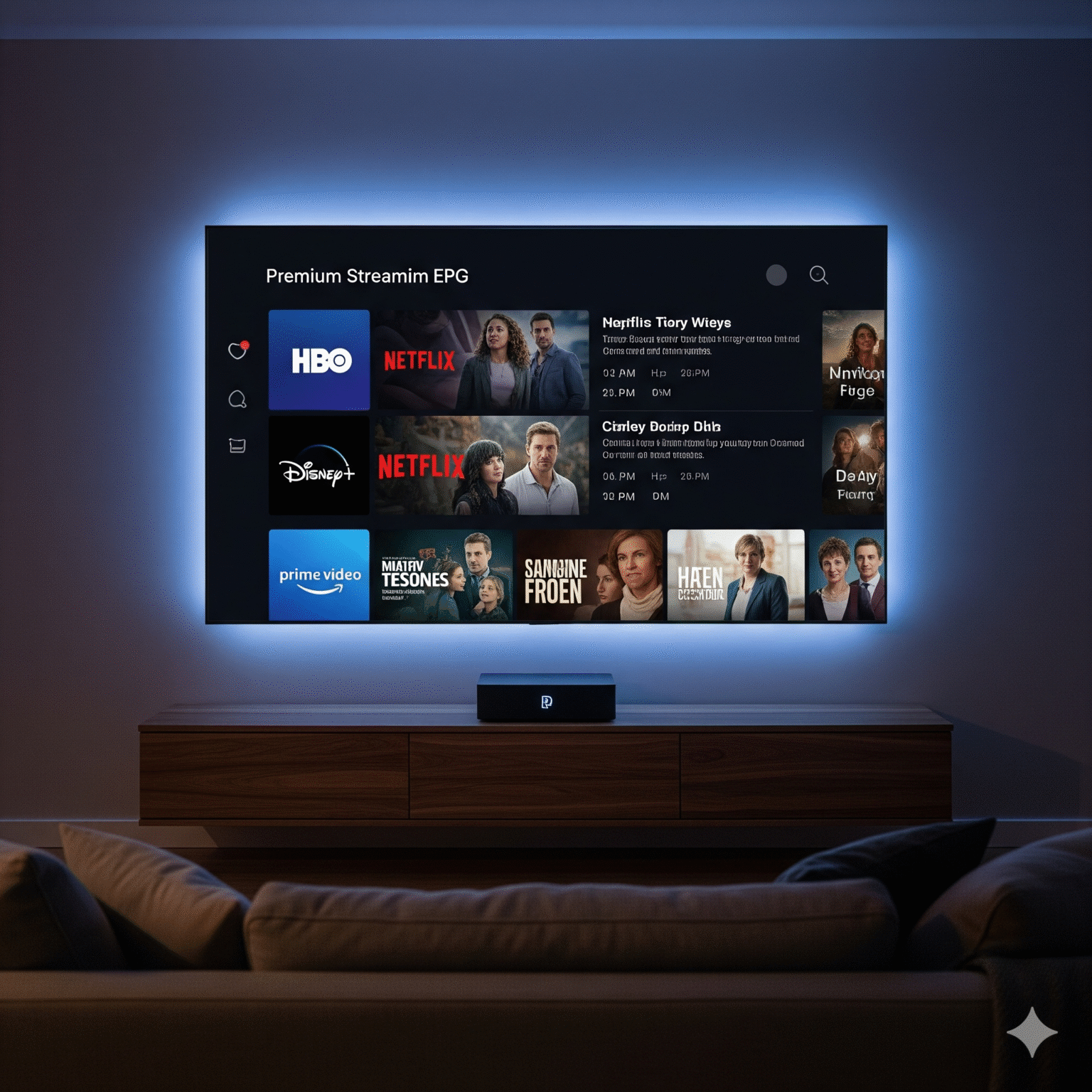
Nothing ruins a premium streaming setup faster than a sea of “No Information” labels across your TV guide. You’ve paid for a subscription, set up your favorite player, but your EPG (Electronic Program Guide) is a ghost town.
I’ve spent years fine-tuning IPTV setups, and I can tell you: 90% of EPG issues are caused by simple sync errors or ID mismatches. In this guide, I’m going to show you exactly how to repair your guide data, fix broken channel logos, and finally get that professional cable-TV feel on your device.
1. The "Quick Refresh" Protocol
Before we dive into technical editors, we start with the “Nuclear Option.” Often, your player’s database is just hung on an old or corrupted file.
Clear and Force Update: In apps like TiviMate, OTT Navigator, eller IMPlayer, navigate to Settings > EPG. Don’t just click “Update” look for “Clear EPG“ first. This wipes the local cache and forces the app to pull a fresh XMLTV file.
The User-Agent Trick: Some ISPs or EPG hosts throttle requests from “Generic” IPTV apps. Go to your app’s General Settings and change the User-Agent til
VLCellerIPTVSmarters. This often bypasses blocks and allows the data to flow.Sync Your System Clock: If your device (Shield, Firestick, or BuzzTV) is even two minutes off, the EPG won’t display because the timestamps don’t align. Set your “Date & Time” to Automatic/Network Provided.
2. Fixing "No Information" (Manual EPG Mapping)
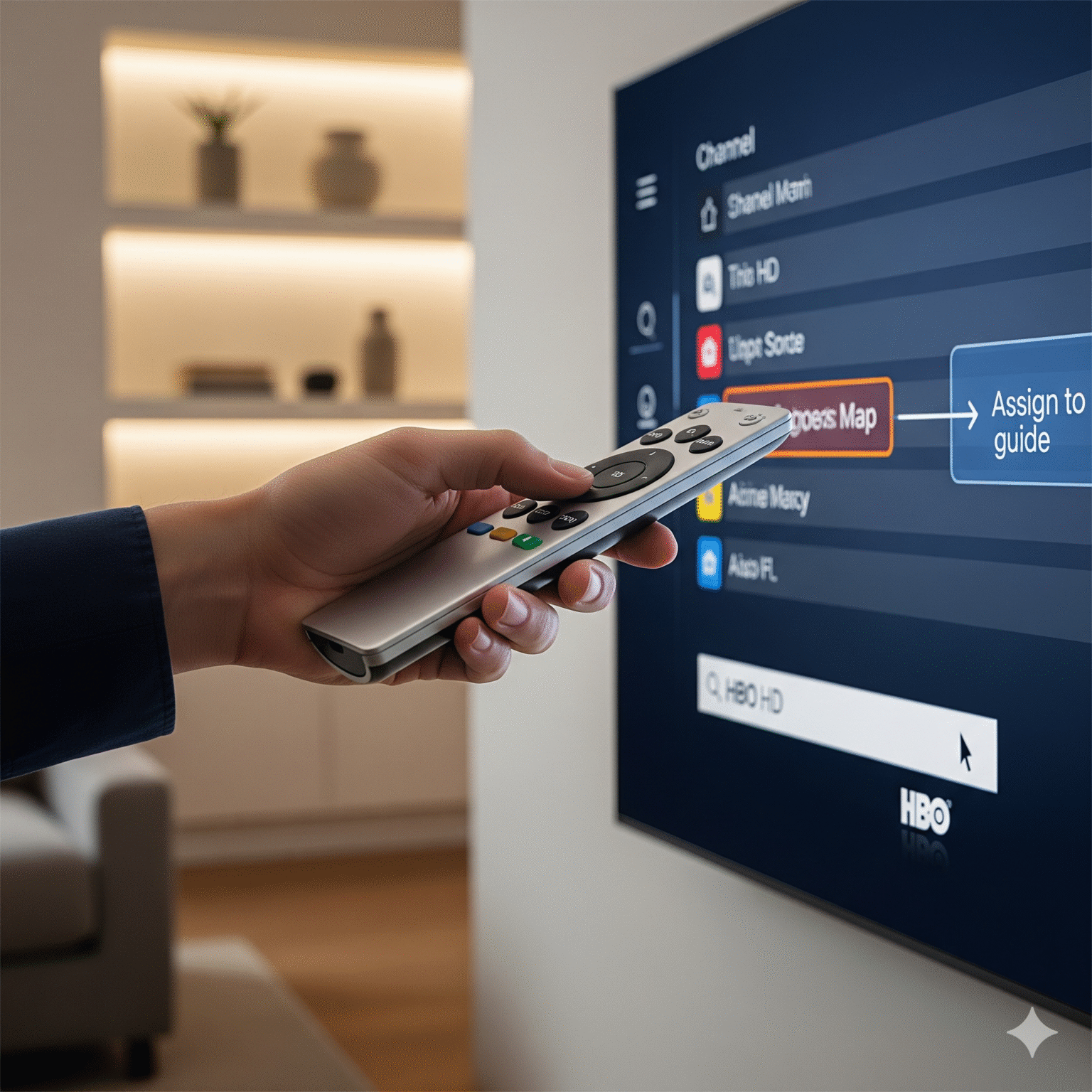
If your guide works for some channels but shows “No Information” for others, the Channel ID in your M3U-spilleliste doesn’t match the ID in the EPG provider’s database.
The TiviMate Pro Method
TiviMate is the king of EPG management for a reason. Here is how I fix individual missing channels:
Highlight the broken channel in the TV Guide.
Long-press the Select button on your remote.
Velg Assign EPG.
Search for the channel name (e.g., “HBO HD”). TiviMate will scan all your loaded EPG sources.
Select the match. The data will populate instantly.
Adding High-Quality Backup EPGs
Sometimes your provider’s EPG is just bad. I always recommend adding a secondary, “unbiased” EPG source to fill the gaps.
Free US Data:
https://epgshare01.online/epgshare01/epg_ripper_US1.xml.gzFree UK Data:
https://epgshare01.online/epgshare01/epg_ripper_UK1.xml.gz
3. How to Repair Missing or Broken Logos
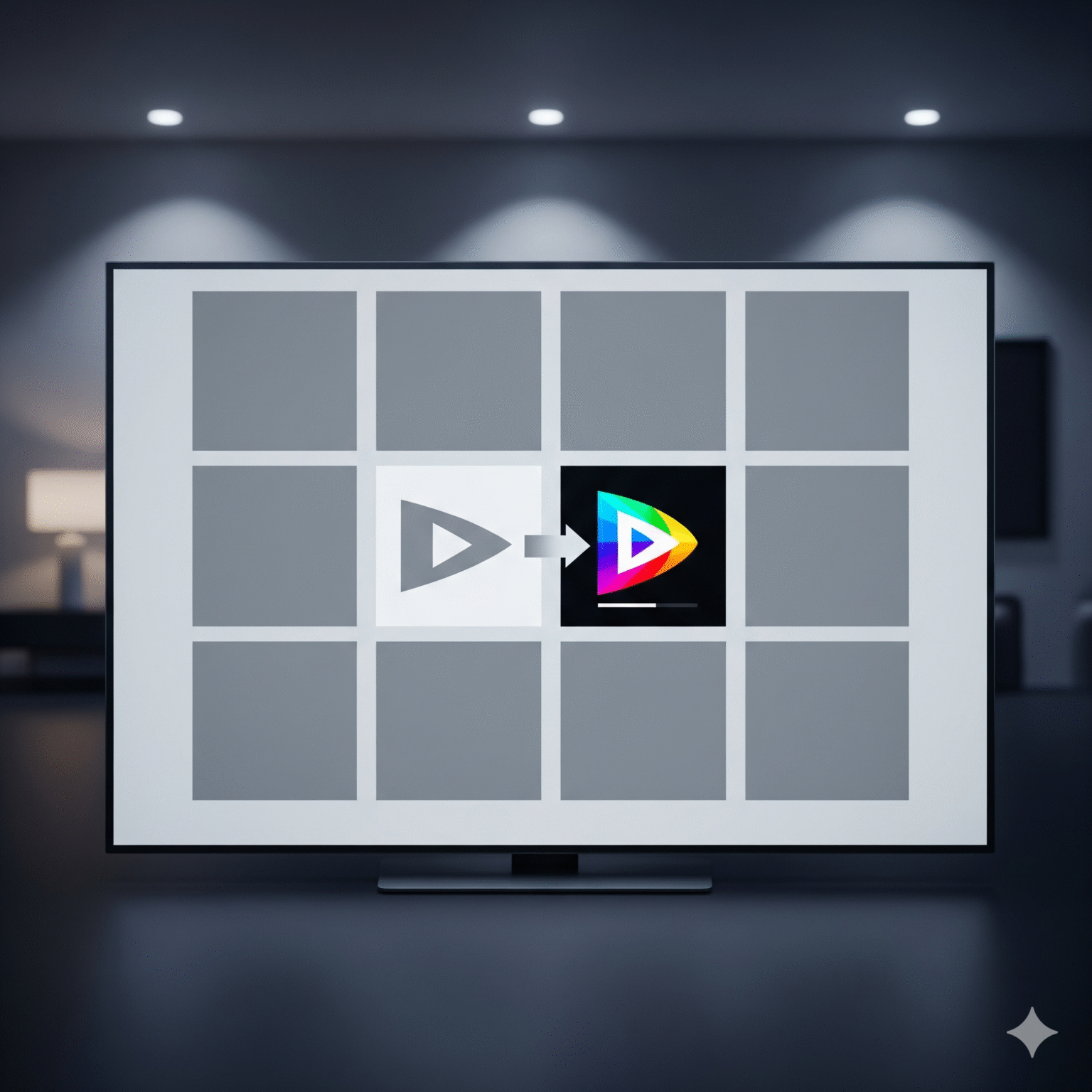
Missing logos make a playlist look cheap. This usually happens because the tvg-logo link in your M3U is dead or blocked.
Switch Priority to XMLTV: By default, most players look at the M3U for logos. If your M3U is the problem, go to Settings > Appearance > Logos and set “Logo Priority” til XMLTV. This tells the app to use the high-quality icons provided by the guide data instead of the provider’s link.
The Local Logo Folder (Kodi/PC): If you’re a power user, download a “transparent logo pack.” Point your player to a local folder on your device. This ensures logos load instantly even if your internet is sluggish.
4. Professional Playlist Editors: The Pro's Secret
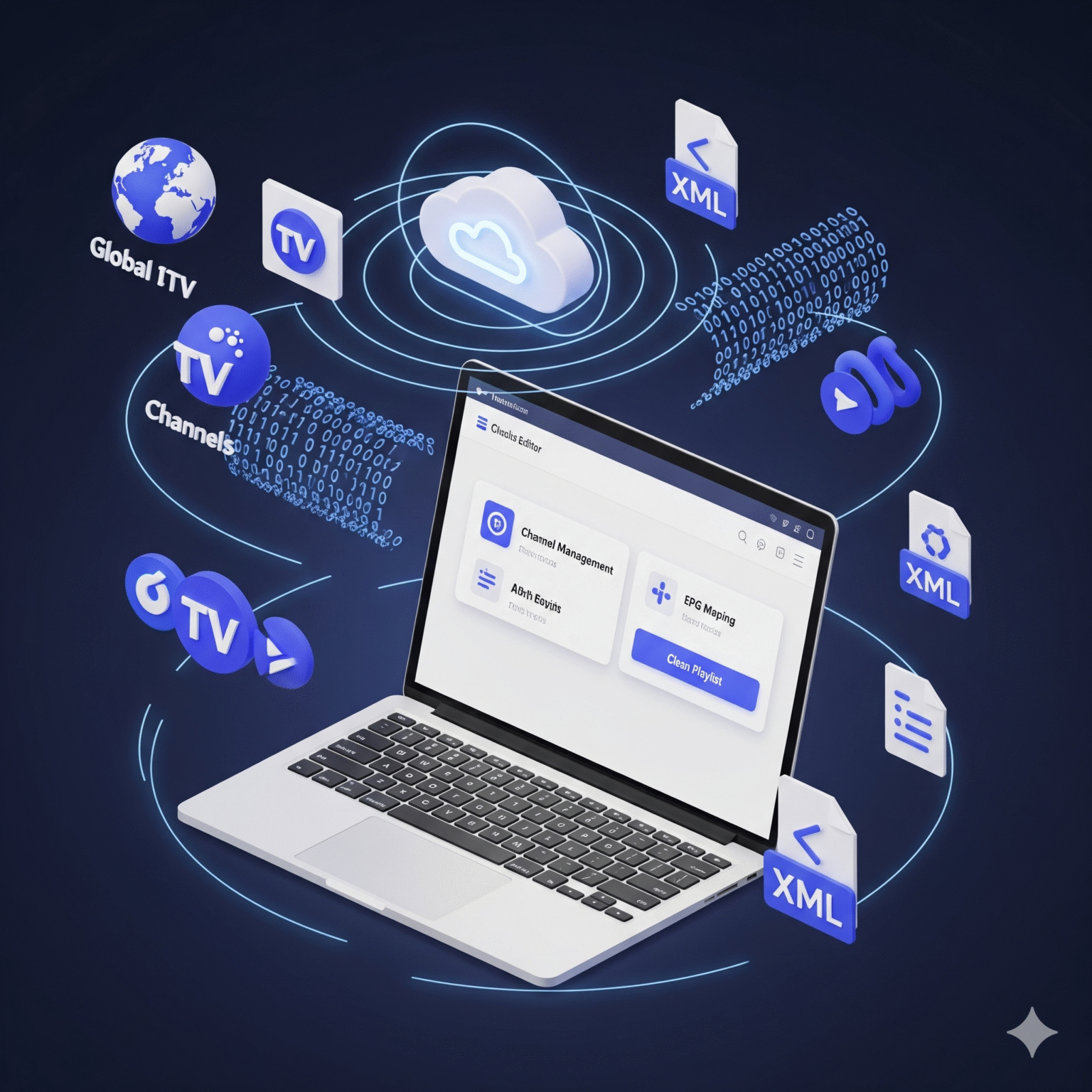
If you have a playlist with 10,000 channels, you cannot fix them one by one. You need a cloud-based M3U editor. These tools allow you to “clean” your playlist on a PC, map EPGs automatically, and then provide you with a single, “clean” link to put into your TV.
Tool | Best for | Verdict |
|---|---|---|
m3u4u.com | Budget/Free | The best free tool. Excellent for automated EPG matching. |
IPTVEditor | Brukeropplevelse | A premium paid service with a massive internal database. Very fast. |
IPTVBoss | Power Users | A desktop application that gives you total control over every XML tag. |
5. Platform-Specific Troubleshooting
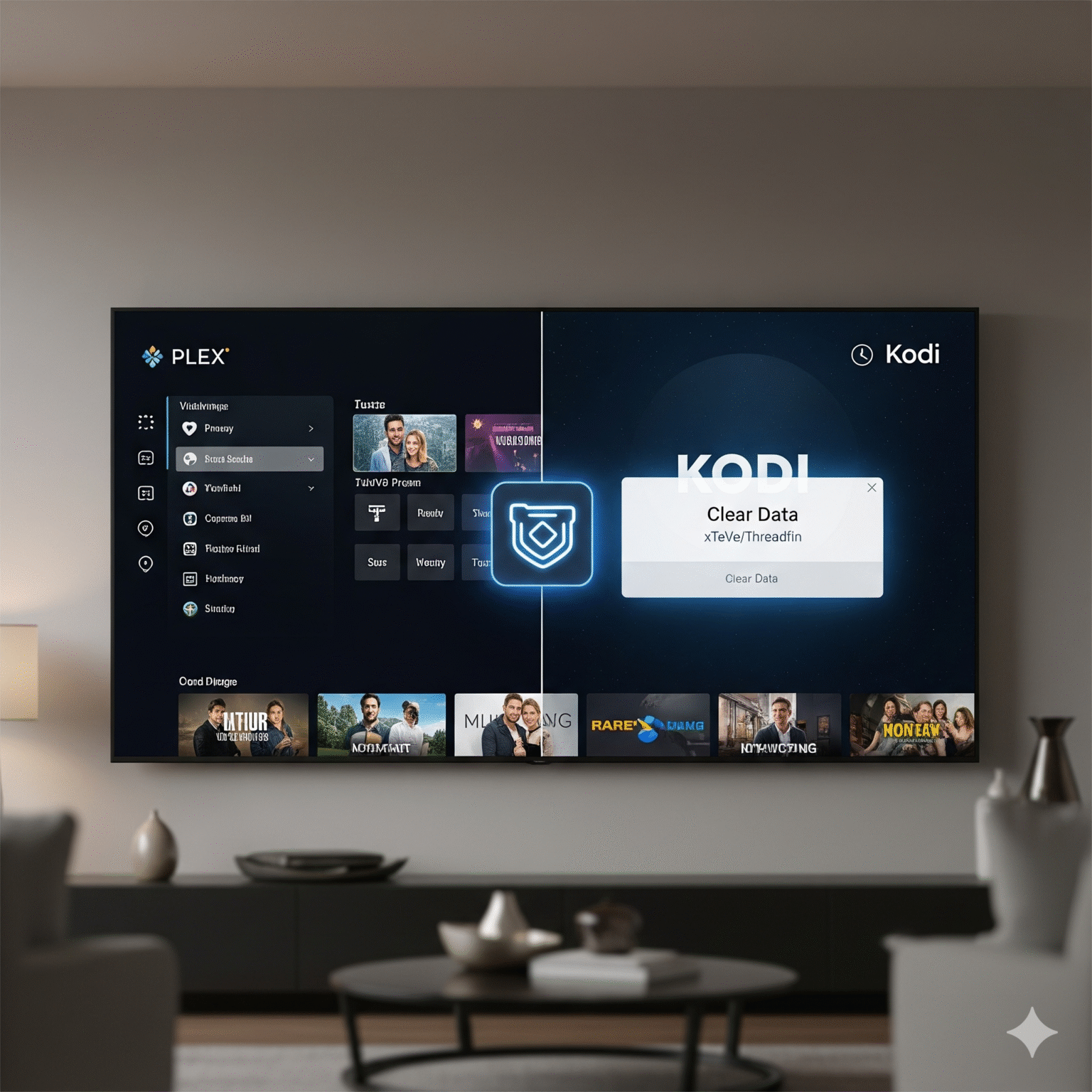
Plex Users: Plex is notoriously picky with EPGs. If you are using an IPTV tuner, I highly recommend using xTeVe eller Threadfin as a proxy. These tools “trick” Plex into thinking your IPTV is a standard HDHomeRun tuner with a perfectly formatted guide.
Kodi Users: If your guide is blank, go to Settings > PVR & Live TV > General and click Clear Data. It’s the only way to force Kodi to re-index the PVR IPTV Simple Client.
Final Pro-Tip: The "Less is More" Rule
The #1 reason EPGs fail is Playlist Bloat. If you are loading 20,000 channels from 50 different countries, your device will likely run out of RAM and crash the EPG service. Use an editor to strip your list down to only the channels you actually watch. Your guide will be faster, more accurate, and 100% reliable.
Still seeing “No Information”? Drop a comment with the name of your player and your provider (don’t post links!), and I’ll help you troubleshoot your specific setup.
 Norwegian
  English (United States)
  German
  Dutch
Dutch  Swedish
  Danish
  English (UK)
  English (Australia)
  English (New Zealand)