
Finding the right IPTV app can feel like searching for a needle in a digital haystack. You’ve probably got your playlist ready, but if your player is clunky, prone to buffering, or simply hard to navigate, your streaming experience will suffer.
Whether you’re setting up a new IPTV box fully loaded for your living room, trying to stream live sports on an IPTV fire stick, or watching on the go from your mobile device, the application you choose matters. It dictates everything from how your channels are organized to whether you can record that game you’re going to miss.
In this guide, we break down the top IPTV player apps of 2026, comparing their features, user interfaces, and overall performance so you can make an informed decision and get the most out of your IPTV subscription.
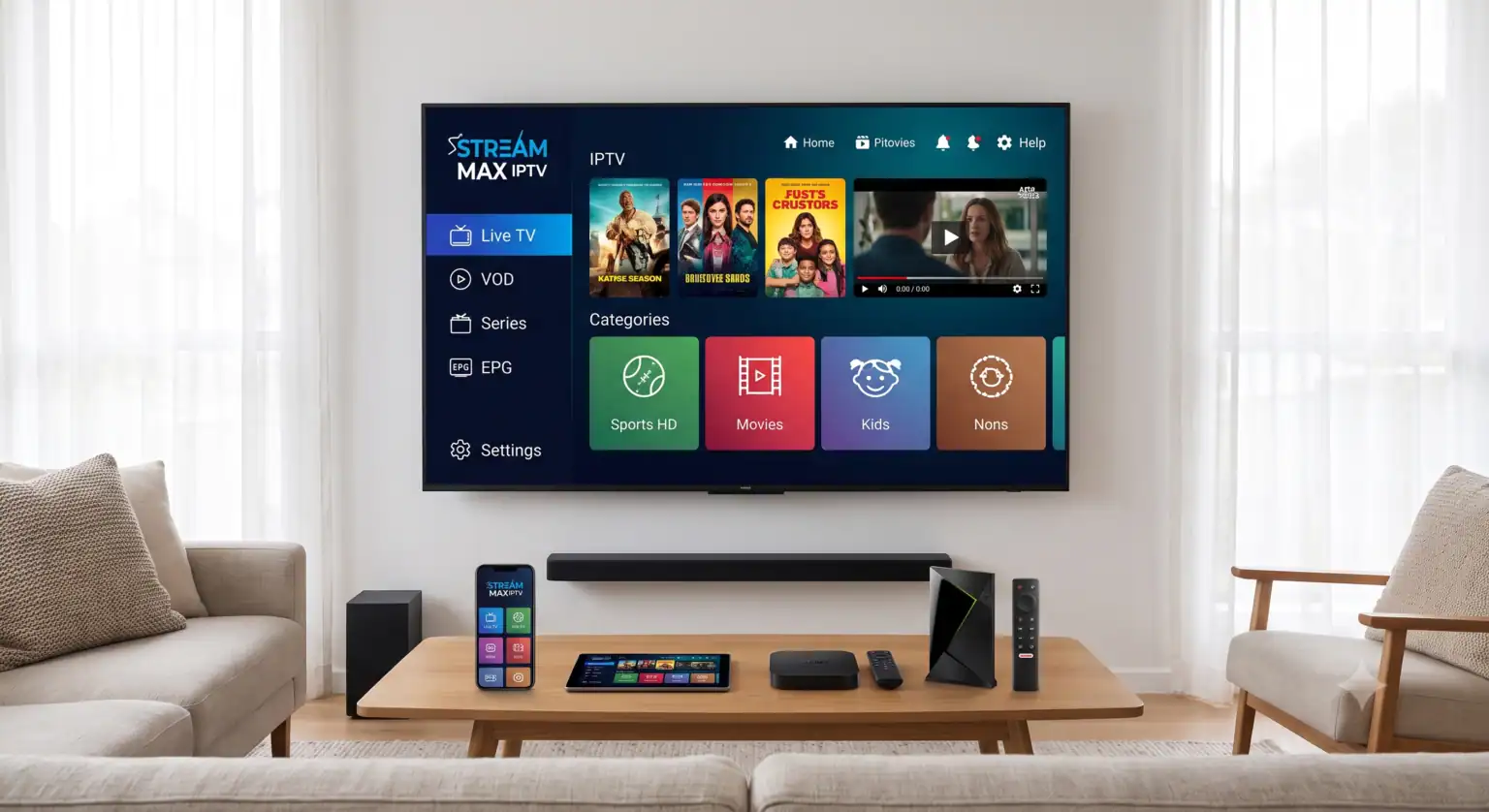
What Makes a Great IPTV Player App?
Before we dive into the specific apps, it’s important to understand what separates a premium player from a frustrating one. When evaluating an app, consider these key features:
Electronic Program Guide (EPG): A robust EPG is non-negotiable. It transforms a random list of channels into a navigable TV guide, showing you what’s playing now and what’s coming up.
Organization and UI: The best apps automatically sort your provider’s M3U playlist. Instead of endless scrolling, movies, series, and live TV (like sports or news) should be categorized logically.
PVR/Timeshift (Recording): If you want to record live TV or pause and rewind a live stream, you’ll need an app that supports PVR (Personal Video Recorder) and timeshift functionality.
Format Support: Ensure the app functions as a reliable m3u player and supports Xtream Codes API logins, as these are the standard formats used by most providers.
Multi-Device Sync: The ability to start a movie on your TV and finish it on your phone is a game-changer for modern viewing habits.
Top IPTV Apps Reviewed
Here is a closer look at the leading IPTV players currently dominating the market.
1. TiviMate: The Gold Standard for Power Users
TiviMate consistently ranks as the top choice for Android TV and Fire TV users. Its interface is heavily inspired by traditional, premium cable boxes, making it intuitive for those transitioning away from cable.
Why it stands out: It handles massive playlists with ease and boasts features like multi-screen viewing, customizable channel grouping, and robust scheduled recording capabilities. It is widely considered the best choice if you are using an IPTV box 4k setup.
The Catch: While there is a free version, you really need to purchase the premium unlock to access its best features, like the EPG and recording.
2. Sparkle TV: The DVR Champion
If recording live TV is your primary concern, Sparkle TV is a strong contender. It is often viewed as the closest rival to TiviMate.
Why it stands out: It offers excellent local timeshift (the ability to pause/rewind live TV) and strong DVR capabilities. It’s also praised by privacy-conscious users.
The Catch: The initial setup can be slightly more complex than some of the more beginner-friendly apps.
3. IPTV Smarters Pro: Best for Beginners and Cross-Platform Use
IPTV Smarters Pro is perhaps the most widely recognized name in the space, and for good reason. It’s available on almost every platform imaginable, including iOS, Android, and Fire OS.
Why it stands out: It’s incredibly straightforward to set up, usually requiring just an Xtream Codes API login (username, password, and server URL). The layout is clean and logical, dividing content clearly into Live TV, Movies, and Series.
The Catch: It lacks some of the hyper-advanced customization and recording features found in apps like TiviMate.
4. Perfect IPTV: The Smooth Operator
Perfect IPTV is an excellent choice for users looking for a clean, polished interface without overwhelming menus.
Why it stands out: It offers a layout that adapts seamlessly to every screen size, whether you are on a phone, tablet, or TV. It is a highly capable m3u player and handles Xtream Codes effortlessly, ensuring top-quality streams, including 4K and HDR.
The Catch: Like most apps on this list, it does not provide any content itself; you must supply your own sources.
5. GSE Smart IPTV: The Mobile Powerhouse
If you primarily stream on your smartphone or tablet, GSE Smart IPTV is a robust, long-standing option.
Why it stands out: Available on both iOS and Android, it handles a massive variety of stream formats and allows you to easily cast to other devices. It’s fantastic for taking your TV package on the road.
The Catch: The interface can feel a bit dated and utilitarian compared to newer apps designed specifically for large TV screens, and some features sit behind a paywall.
Quick Comparison Summary
To help you decide at a glance, here is a comparison of how these top apps stack up against one another:
| App | Best For | Platforms | EPG Support | PVR/Recording |
| TiviMate | Power Users / Customization | Android TV, Fire TV | Yes | Yes |
| Sparkle TV | DVR & Timeshift | Android TV, Fire TV | Yes | Yes |
| IPTV Smarters Pro | Beginners / Cross-Platform | Android, iOS, Fire OS, Smart TVs | Yes | Limited |
| Perfect IPTV | Adaptive UI / Multi-Device | Android | Yes | No |
| GSE Smart IPTV | Mobile Streaming | iOS, Android | Yes | No |
Note: You must have an active subscription with an IPTV provider to use these apps; they do not supply content on their own.
 English (UK)
  English (United States)
  German
  Dutch
Dutch  Danish
  Norwegian
  Swedish