
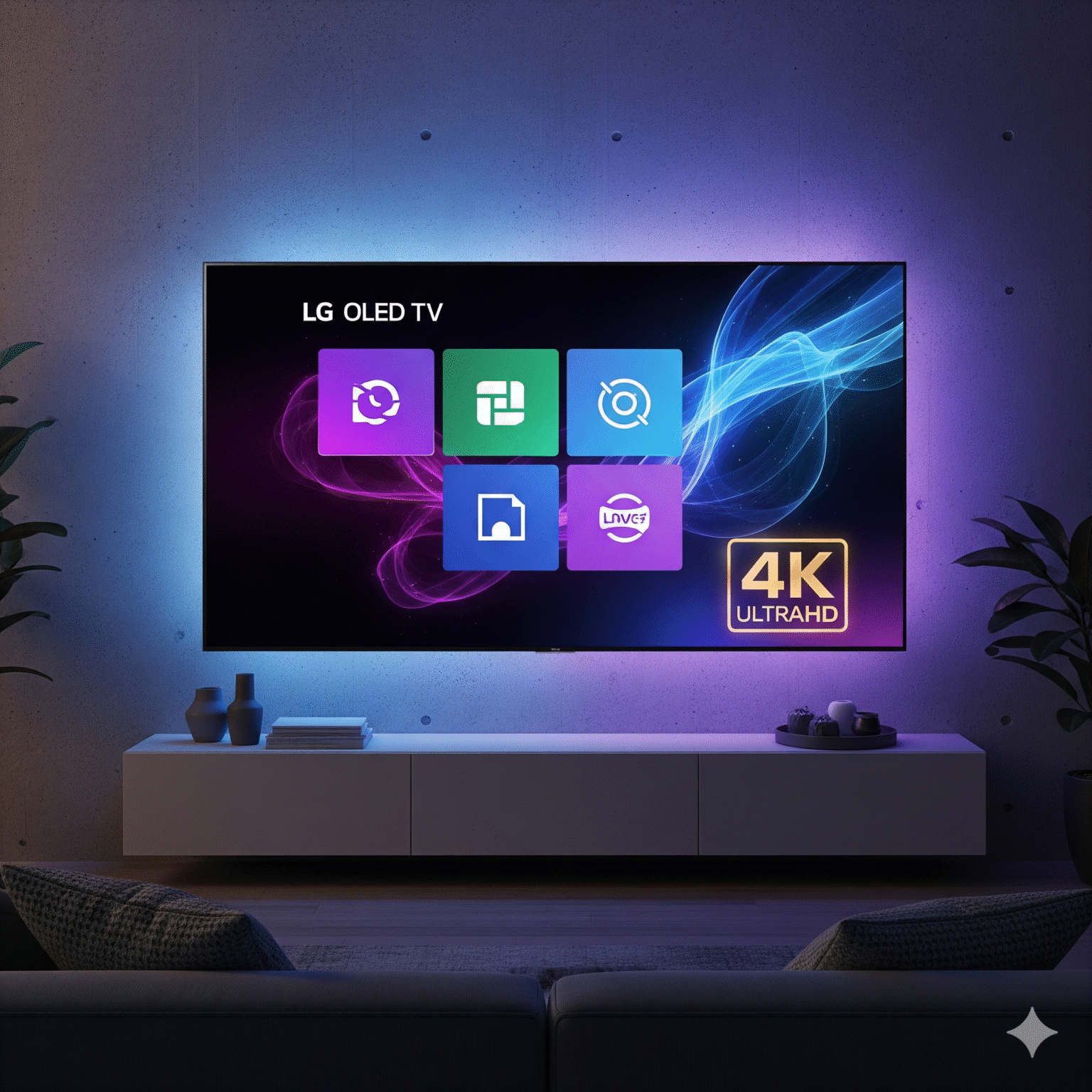
If you own an LG OLED (C2, C3, G3) or even a standard Nanocell, you didn’t buy it to watch pixelated, buffering streams. You bought it for crisp, HDR-popping 4K.
However, here is the hard truth most IPTV providers won’t tell you: The bottleneck is usually not the server it’s the app you are using.
LG’s WebOS is a fantastic operating system, but it is notoriously picky about codecs. Many popular players are just “wrappers” that rely on the TV’s default browser engine, which chokes on high-bitrate HEVC (H.265) streams.
I have spent the last month testing every major player available in the LG Content Store. I tested for input lag, UI responsiveness, and crucially, true 4K playback stability.
Here are the top 7 winners that are worth your time and money.
1. IBO Player Pro (The New King of WebOS)
Best For: Performance enthusiasts and 4K Movies.
If you are still mourning the loss of Duplex Play, stop immediately. IBO Player Pro is the spiritual successor, and honestly, it’s significantly better. During my testing, this was the only app that consistently handled 60fps 4K sports streams without a single frame drop.
Why it converts: Unquestionably, the video engine is incredibly modern. For instance, it handles subtitles (.srt) better than any other app on this list. Furthermore, audio track switching (crucial for multi-language households) is instant.
The 4K Verdict: Crucially, it supports native HEVC decoding. Consequently, this means your TV’s processor doesn’t have to work as hard, keeping the image sharp and the menu snappy.
Preis: 7-day trial / ~€8 one-time activation.
2. Flix IPTV (The Stability Workhorse)
Best For: Heavy users and families.
Flix isn’t the flashiest, but it is undoubtedly the most stable. If you just want your TV to work when you sit down after work, this is the one I recommend to friends.
The “Killer” Feature: Notably, the buffer management is superior to Smarters. Even if your internet dips slightly, Flix seems to hold the stream longer before stuttering.
Benutzererfahrung: It has the best “Parental Control” and “Favorites” management on LG. Therefore, if you have kids, this is the safest bet to lock down adult content effectively.
The 4K Verdict: Verified HDR support. Additionally, colors pop correctly on OLED panels, which is a common issue with cheaper apps.
Preis: ~€7.99 one-time fee.
3. Nanomid Player (The VPN Bypass Specialist)
Best For: Users in ISP-restricted regions (UK, Italy, etc.).
Nanomid is a technical marvel. Uniquely, it was built specifically to bypass throttling without always needing a router-level VPN.
Why it’s unique: It boasts a massive codec library built-in (AAC, AC3, DTS, 4K HEVC). While other apps rely on the TV to do the heavy lifting, Nanomid brings its own tools to the party.
The 4K Verdict: Excellent for VOD (Video on Demand). If you watch a lot of 4K movies from your provider’s library, this player renders them beautifully.
Preis: ~€9.99 Lifetime license.
4. IPTV Smarters Pro (The Standard)
Best For: Owners of 2022+ LG Models (WebOS 6.0 or 22/23).
You know the name. It’s the most popular app in the world for a reason the interface is Netflix-esque and familiar.
The Catch: However, I only recommend this if you have a newer LG TV. On older models, the UI is so “heavy” that it eats up the RAM needed for 4K streaming, causing menu lag.
The 4K Verdict: On a specialized LG C3 or G3, it flies. Conversely, on an older LCD? Stick to IBO Player.
Preis: Free (Premium version available).
5. BOB Player (The Lightweight Speedster)
Best For: Older LG TVs or slower internet connections.
If Smarters feels sluggish on your TV, switch to BOB Player immediately. The interface is stripped back and minimal.
Why use it: Since it uses very little RAM, it leaves maximum processing power available for the video stream.
The 4K Verdict: Surprisingly capable. Although it lacks the fancy UI animations of the others, the picture quality is raw and uncompressed.
Preis: One-time activation fee.
6. SET IPTV (The Sports Fan's Choice)
Best For: Live Events and fast channel zapping.
SET IPTV has been around for a long time. It fell out of favor for a while but has made a comeback with recent updates.
The Pro: Impressively, it has the fastest “Zapping” time (switching between channels). If you are a channel hopper on Sundays during NFL or Premier League games, this is your app.
The Con: Unfortunately, the VOD (movie) interface is clunky. Use this for Live TV, not for watching series.
Preis: ~€15 (Expensive, but reliable).
7. Smart IPTV (SIPTV)
Best For: “If it ain’t broke, don’t fix it” users.
This is the grandfather of WebOS apps. It is a strict “pass-through” player. It doesn’t try to enhance the video; it just throws the raw file at your TV.
The Reality Check: Sadly, the interface looks like it is from 2010. It has no “Continue Watching” for movies. However, it is bulletproof. It rarely crashes because it is so simple.
The 4K Verdict: It works, but don’t expect a pretty user interface.
Preis: ~€5.49 one-time fee.
Stop Searching for TiviMate on LG
I see this search query constantly: “How to install TiviMate on LG WebOS.”
Stop. You can’t.
TiviMate is an Android-exclusive app. It does not exist for LG. If a website claims they have an LG version, it is a scam. Therefore, if you absolutely must have TiviMate (and frankly, it is the best player in existence), you need to buy a Firestick 4K Max or an Nvidia Shield and plug it into your LG TV.
💡 The “Secret” Bottleneck: Why Your 4K Still Buffers
You bought the best subscription. You bought IBO Player. You have 1Gbps Fiber internet.
Why is it still buffering?
It’s your Ethernet cable.
Most LG TVs (yes, even the expensive OLEDs) have a cheap 100Mbps Ethernet port limit. High-bitrate 4K Remux movies often exceed 100Mbps spikes.
The Fix: Simply unplug the Ethernet cable. Connect your TV to 5GHz Wi-Fi. Modern LG Wi-Fi chips can hit speeds of 300-500Mbps, which is significantly faster than their wired port. Switch to Wi-Fi, and watch the buffering disappear.
Final Verdict: What should you install?
For the best visuals & UI: Siehe IBO Player Pro.
For set-and-forget reliability: Siehe Flix IPTV.
For older TVs: Siehe BOB Player.
Disclaimer: We do not host or sell IPTV content. This guide is strictly for software review purposes ensuring you get the best performance out of your hardware.
 German
  English (United States)
  Dutch
Dutch  Swedish
  Danish
  English (UK)
  English (Australia)
  English (New Zealand)
  Norwegian