
If you are looking to cut the cord and stream live TV, movies, and series effortlessly, IPTV-Smarter Pro remains one of the best, most user-friendly media players available for the Amazon Firestick.
Because it is a media shell, IPTV Smarters Pro doesn’t provide any content itself. Instead, it lets you stream channels from your choice of IPTV provider within a sleek, organized interface. Since it is currently not available natively on the Amazon Appstore, you will need to “sideload” it.
The process is simple and entirely safe if you follow these exact steps.
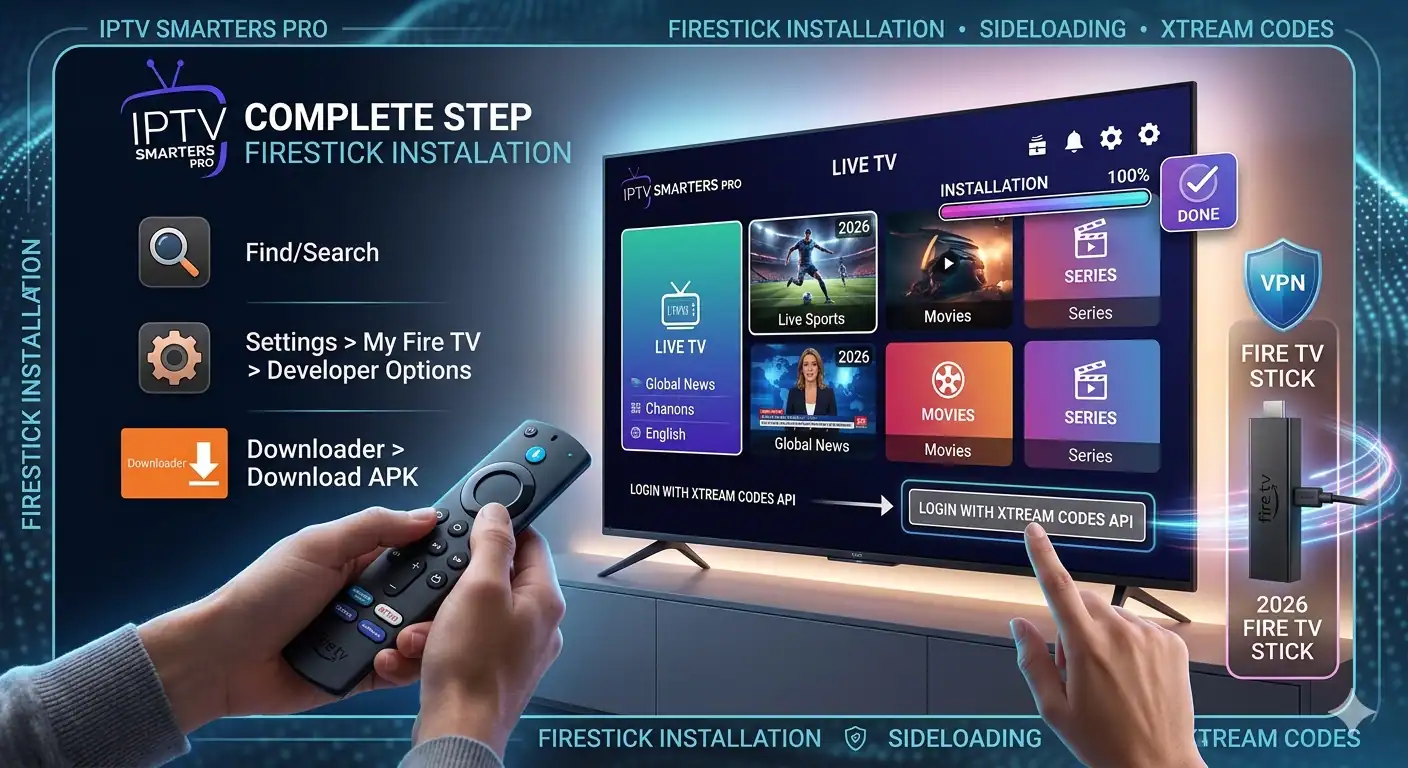
Prerequisites Before You Start
Before diving into the installation, ensure you have:
An active Amazon Firestick connected to your TV and Wi-Fi.
Login credentials from your IPTV-Diensteanbieter (either an M3U URL or Xtream Codes API details).
Phase 1: Enable Developer Options on Your Firestick
Amazon requires you to give explicit permission before downloading third-party apps outside of its official app store.
Anmerkung: On newer Firestick models or recent OS updates, the “Developer Options” menu is hidden by default. Here is how to unlock it:
Navigieren Sie zum Einstellungen menu (the gear icon on the far right of the Firestick home screen).
Klicken Sie auf Mein Fire TV.
Wählen Sie Über.
Hover over your Fire TV-Stick name and click the Select/OK button on your remote control 7 times continuously.
You will see a notification at the bottom saying: “Keine Notwendigkeit, Sie sind bereits ein Entwickler.”
Press the back button once on your remote, and you will now see Optionen für Entwickler listed right below Über.
Klicken Sie auf Optionen für Entwickler, go to Unbekannte Apps installieren, and ensure your file manager tool (like Downloader) is turned AN. (If you don’t have Downloader yet, we will get it in the next step).
Phase 2: Install the Downloader App
To get the IPTV Smarters Pro installation file (APK), you need a trusted utility tool called Downloader.
Go back to the Firestick Home screen and click on the Finden/Suchen Symbol.
Typ Downloader into the search bar and select it from the list.
Click the orange Downloader app icon.
Klicken Sie auf Herunterladen oder Siehe um es zu installieren.
Once installed, open the app and click Erlauben Sie when it asks for permissions to access your files.
Phase 3: Sideload and Install IPTV Smarters Pro
Now that your Firestick is ready to accept third-party installations, let’s pull the official IPTV-Smarter-App.
Launch the Downloader app.
Click on the URL/Search bar on the home screen of Downloader.
Type in the direct official download link:
https://www.iptvsmarters.com/smarters.apkor use a verified Downloader code like 78522.Klicken Sie auf Weiter.
Wait a few moments for the APK file to finish downloading.
Once the download completes, a prompt will automatically appear. Click Installieren Sie.
After the app installs, click Erledigt.
Profi-Tipp: Klicken Sie auf Löschen on the subsequent Downloader prompt to remove the installation file. This frees up valuable storage space on your Firestick!
You can now find IPTV Smarters Pro in your Ihre Apps und Kanäle section. Feel free to pin it to your home screen for quick access.
Phase 4: How to Configure IPTV Smarters Pro
When you launch the app for the first time, you will need to link your playlist. The two most common integration methods are outlined below:
Option A: Login with Xtream Codes API (Highly Recommended)
This method is faster, more stable, and populates your Electronic Program Guide (EPG/TV Guide) automatically.
| Field | What to Enter |
| Beliebiger Name | Give your playlist a nickname (e.g., “My IPTV”) |
| Benutzername | The username provided by your IPTV provider |
| Passwort | The password provided by your IPTV provider |
| Server-URL | The portal address link from your provider |
Once filled out, click Benutzer hinzufügen, and your channels, movies, and series will start downloading immediately.
Option B: Load Your M3U Playlist
If your provider only gave you a long URL string, select Laden Sie Ihre Wiedergabeliste oder Datei/URL. Drop the long link into the URL field, give it a name, and click Benutzer hinzufügen.
Quick Tips for Smoother Streaming
Verwenden Sie ein VPN: Many internet service providers (ISPs) throttle streaming bandwidth if they detect high IPTV traffic. A reliable VPN secures your data and prevents artificial buffering.
Clear Cache Frequently: If the app ever lags, head to Settings > Applications > Manage Installed Applications > IPTV Smarters Pro und klicken Sie Cache löschen.
Connect to 5GHz Wi-Fi: For seamless 4K and HD streaming, ensure your Firestick is connected to a 5GHz Wi-Fi band or use an Ethernet adapter if you are far from your router.
You can watch this IPTV Smarters Pro Firestick 2026 Installation Guide
 German
  English (United States)
  Dutch
Dutch  Danish
  English (UK)
  Norwegian
  Swedish