
If you’re reading this, you’ve probably just looked at your monthly cable bill and wondered how you ended up paying over $100 just to flip past 80 channels you never watch.
The cord-cutting movement isn’t new. Millions of people have already ditched traditional TV. But right now, the biggest question isn’t whether to cancel cable it’s whether Internet Protocol Television (IPTV) is actually a reliable replacement, or just a frustrating experiment.
The short answer? Yes, IPTV can entirely replace your cable box. But the long answer is that it depends heavily on your viewing habits, your hardware, and your tolerance for a slightly different setup process.
Let’s strip away the marketing hype and look at the reality of replacing traditional TV with an internet-based stream.
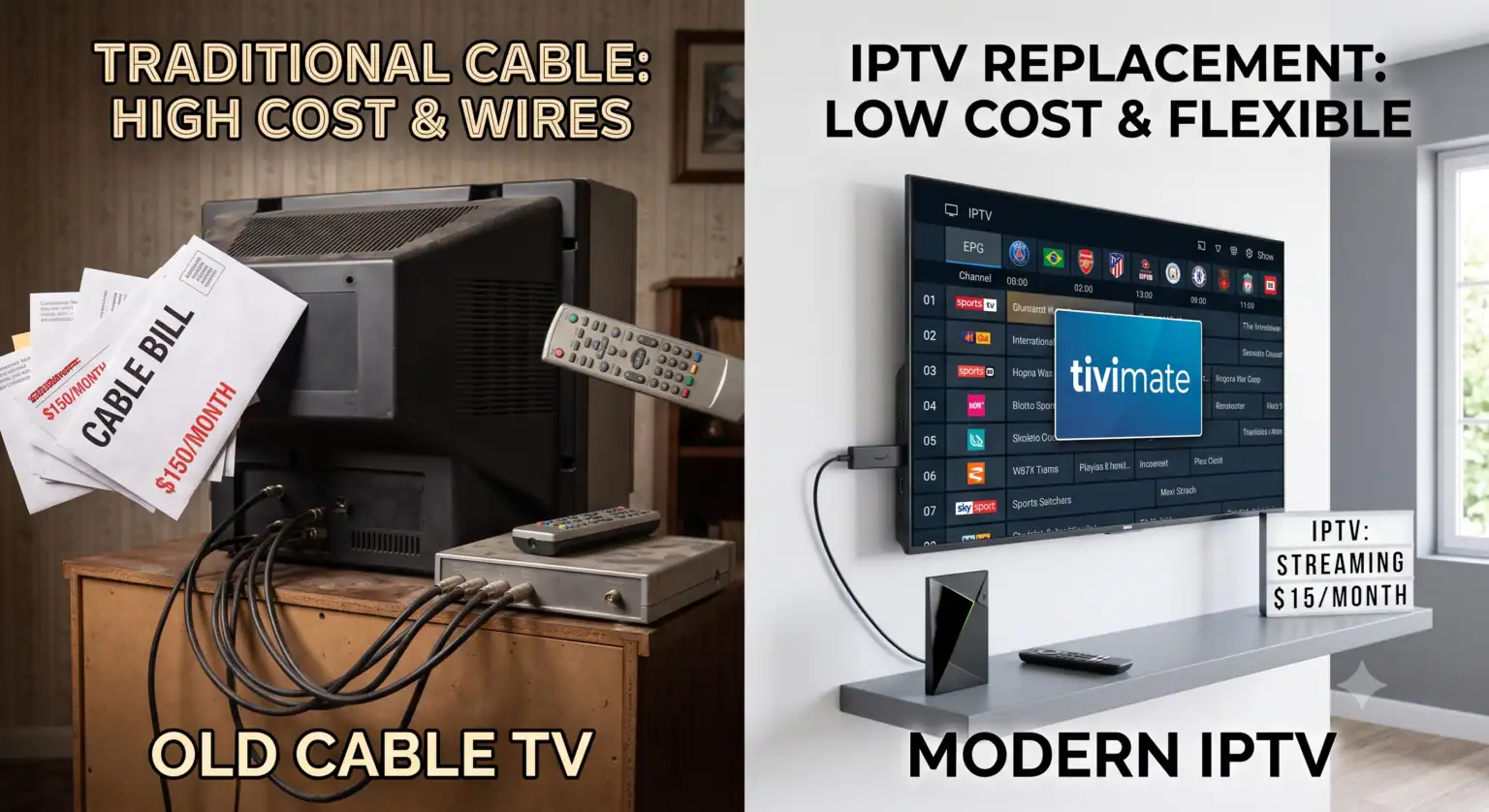
The Math is Hard to Ignore
The primary driver away from traditional television is cost. Cable companies have relied on bundled packages for decades, forcing you to pay for a massive catalog of filler just to get the handful of networks you actually care about.
When you add up broadcast TV fees, regional sports fees, and the cost of renting the hardware itself, a “basic” $70 package often inflates to $130 or more by the time the bill hits your inbox.
IPTV completely flips this model. Because the infrastructure relies on remote servers rather than physical local networks and satellites, overhead is drastically lower. Eine Prämie IPTV-Dienst generally costs between $10 and $20 a month. That price usually includes:
Thousands of live channels from around the world
Live sports coverage (often bypassing regional blackout restrictions)
A massive Video on Demand (VOD) library covering movies and series
Where IPTV Completely Outclasses Cable
Beyond the obvious financial savings, streaming your TV over the internet offers a few distinct advantages that traditional broadcasts simply can’t match.
Unrestricted Sports Access
If you follow a specific sports team but live out of market, or if you’re tired of local blackout rules preventing you from watching a home game, IPTV solves this. Because you aren’t bound by local broadcast territories, you get access to global feeds and direct sports networks without jumping through geographic hoops.
Global Content on Demand
Cable limits you to what’s available in your specific region. IPTV-Plattformen regularly host channels from the UK, Canada, Europe, and South America all in the same interface. If you’re an expat or just want to watch international news, the variety is untouchable.
Hardware Flexibility
You don’t need to rent a clunky box for every room in your house. Once you have a subscription, you can run the service on a Smart TV, an Amazon Firestick, an Apple TV, or even your smartphone while traveling.
The Catch: Where Cable Still Holds Ground
It wouldn’t be an honest comparison without looking at the downsides. IPTV isn’t flawless, and for a specific demographic, sticking with traditional TV still makes sense.
Total Reliance on Your Network
Cable TV runs on a dedicated line. If your internet goes down, your cable usually stays up. With IPTV, your viewing experience is entirely at the mercy of your Wi-Fi connection and your ISP. If someone in the house is downloading massive files and your router can’t handle the traffic, your live stream is going to buffer. You need a stable connection ideally 25 Mbps or higher for 4K-Streaming to make this work smoothly.
The “Wild West” of Providers
Unlike calling up Comcast or Spectrum, finding a reliable IPTV-Anbieter requires a bit of homework. The market is flooded with low-quality services that overpromise and underdeliver, often suffering from server crashes during major live events like the Super Bowl or massive pay-per-view fights. Finding a premium, stable provider is the biggest hurdle for new users.
Setup Friction
Cable is plug-and-play. The technician sets it up, hands you a remote, and you press the power button. Getting started with IPTV requires a small learning curve: buying a streaming device, installing a dedicated player app (like Tivimate or Smarters), and inputting your subscription credentials. It takes about ten minutes, but for users who aren’t comfortable navigating app stores, that friction is a real barrier.
How to Make the Switch Seamlessly
If you’re ready to make the jump, don’t just cancel your cable immediately. Do a test run first.
Get the Right Hardware: Don’t rely on the built-in apps on a cheap Smart TV; their processors usually struggle with live high-bitrate video. Pick up a dedicated streaming device. The Nvidia-Schild TV Pro is the gold standard for processing power, but a 4K Amazon Firestick or a Chromecast with Google TV works perfectly for most households.
Hardwire When Possible: If your TV is near your router, plug it in with an Ethernet cable. Eliminating Wi-Fi interference is the easiest way to prevent buffering.
Run a Trial: Most reputable IPTV-Dienste offer a 24-hour or 48-hour trial for just a few dollars. Test the service during prime time (usually weekend evenings) to see how their servers handle heavy traffic.
Das endgültige Urteil
Can IPTV replace cable? Absolutely. For 90% of households, the switch results in more content, better flexibility, and massive financial savings.
The only people who should firmly stick with traditional cable are those who have slow, unreliable internet connections, or those who want absolute zero-setup simplicity and don’t mind paying a massive premium for it. For everyone else, the technology has evolved enough that paying $150 a month for television is simply no longer necessary.
 German
  English (United States)
  Dutch
Dutch  Danish
  English (UK)
  Norwegian
  Swedish