
If you’ve recently picked up an LG Smart TV, you already know how sleek the WebOS interface is. But when it comes to cutting the cord and setting up IPTV, things can get a little tricky.
Unlike Android TV devices where you can sideload virtually any APK in seconds, LG’s closed WebOS ecosystem forces you to rely entirely on the official LG Content Store. The good news? Developers have stepped up massively in 2026. You no longer have to compromise on features, Electronic Program Guide (EPG) functionality, or codec support just because you aren’t using an Android box.
Whether you are looking to stream 4K sports or manage multiple VOD libraries, finding the right media player is the difference between constant buffering and a flawless cinematic experience. Let’s break down the best IPTV apps currently available for LG WebOS and what makes them worth installing.
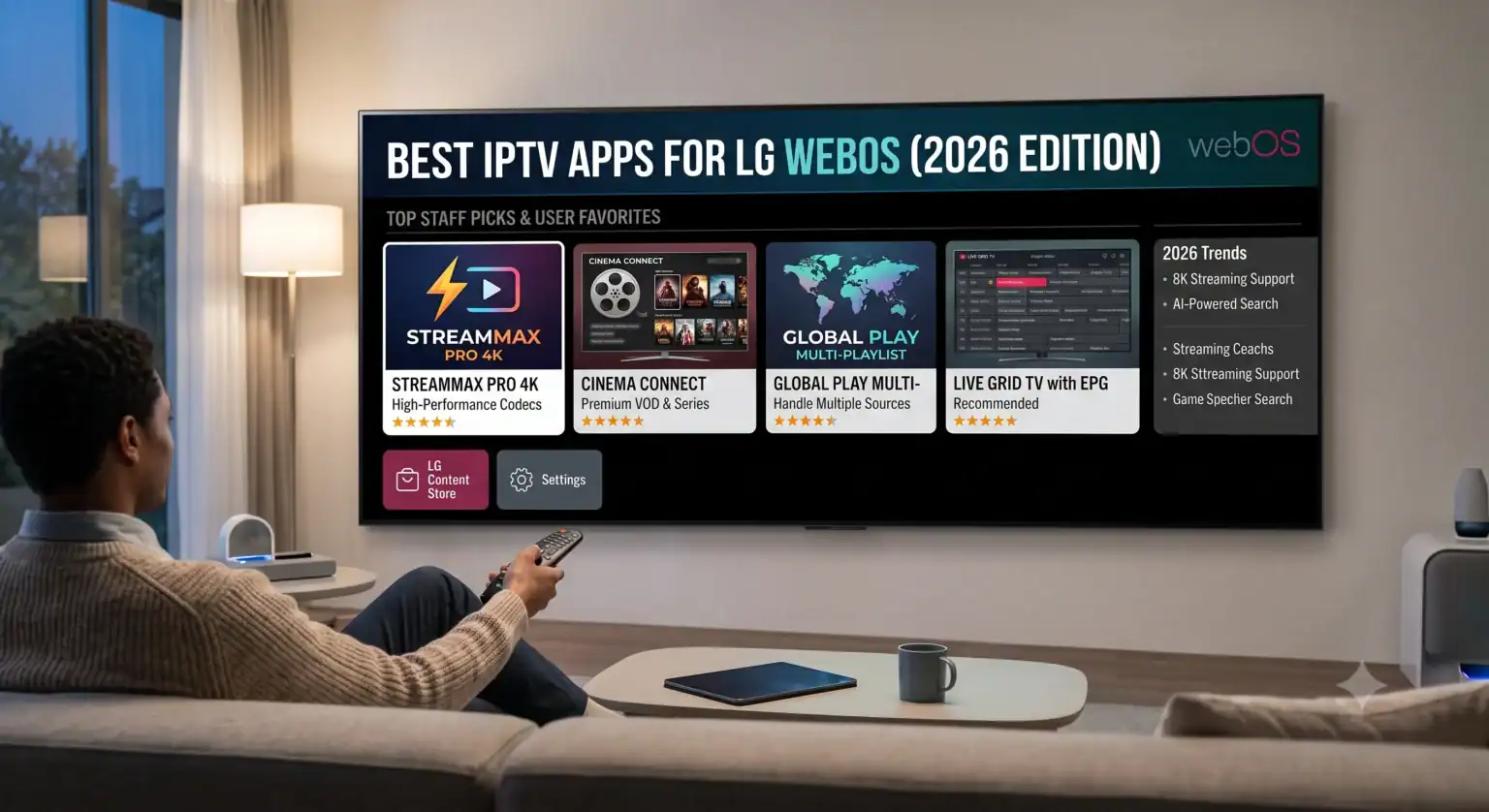
What Makes a Premium WebOS IPTV Player?
Before diving into the list, it’s important to understand that none of these apps provide content. They are purely media players designed to decode and display the M3U-Wiedergabelisten or Xtream Codes provided by your IPTV-Dienst.
When evaluating an app from the LG Content Store, an expert setup requires a few non-negotiable features:
Advanced Codec Support: The player must efficiently handle modern compression standards like HEVC (H.265) and ideally AV1. This is what allows you to stream heavy 4K HDR files without crippling your bandwidth or maxing out the TV’s processor.
Xtream Codes API Integration: While standard M3U links work, logging in via Xtream Codes (URL, Username, Password) pulls your provider’s VOD library, series metadata, and live TV categories much faster and keeps them organized.
Dynamic EPG: A live TV experience is useless without a working TV guide. The best apps parse XMLTV data quickly so your guide populates the second you open the app.
1. Smart IPTV (SIPTV): The Undisputed Classic
If you’ve been in the streaming world for a while, you know SIPTV. It is arguably the most recognized IPTV player on the market and has been the go-to solution for LG and Samsung owners for years.
Warum es funktioniert: SIPTV is incredibly lightweight. It doesn’t feature a flashy, graphics-heavy interface, which means it runs exceptionally smoothly even on older WebOS versions. It handles massive M3U playlists with ease and supports multiple EPG sources.
Der Haken: The setup isn’t exactly plug-and-play for beginners. You have to find your TV’s MAC address within the app, go to the SIPTV website on your phone or computer, and manually upload your playlist URL. It requires a one-time activation fee of around €5.49 after a 7-day trial.
2. IBO Player: The Modern Heavyweight
IBO Player has rapidly climbed the ranks to become a favorite for users who want a more premium, Netflix-style interface on their LG TV.
Warum es funktioniert: It’s visually stunning and highly optimized for WebOS. If your provider offers a massive VOD library with high-quality movie posters and series synopses, IBO Player displays them beautifully. More importantly, its underlying playback engine handles HEVC streams brilliantly, making it highly resilient against buffering on high-bitrate 4K channels.
Der Haken: Like SIPTV, it operates on a MAC address upload system via their portal and requires a paid activation (usually around €8 once the trial expires).
3. SmartOne IPTV: The Multi-Playlist Master
If you use multiple IPTV-Anbieter perhaps one dedicated to local sports and another for international cinema SmartOne is the application you want.
Warum es funktioniert: It offers one of the most intuitive multi-playlist management systems available on WebOS. The navigation is swift, and it supports a wide variety of formats. It also includes robust parental controls and allows you to customize the interface heavily, making it a great option if you are setting up a TV for the whole family.
4. HotPlayer: The Rising Star
HotPlayer has been gaining serious traction in 2026 across both LG and Samsung app stores as a top-tier media player.
Warum es funktioniert: It was built from the ground up for modern smart TV operating systems. It features a lightning-fast search function, A-Z channel sorting, and allows you to lock your MAC address so no one else can accidentally overwrite your playlist via the web portal.
The Golden Rule of WebOS Setup
Almost all premium WebOS IPTV apps use the same fundamental setup process. Because typing long URLs using a TV remote is a nightmare, developers use a web-based portal system.
Download the app from the LG Content Store.
Open the app and locate the Device MAC Address displayed on the screen.
Go to the app developer’s official website on your laptop or smartphone.
Enter your MAC Address and paste your provider’s M3U-Link oder Xtream-Codes Empfehlungsschreiben.
Restart the app on your LG TV.
Endgültiges Urteil
If you want the absolute most stable, lightweight experience and don’t care about flashy menus, Intelligentes IPTV (SIPTV) is still king. However, if you are running a newer LG OLED and want an interface that matches the premium price tag of your TV complete with high-res VOD posters and butter-smooth navigation IBO-Spieler is the way to go in 2026.
 German
  English (United States)
  Dutch
Dutch  Danish
  English (UK)
  Norwegian
  Swedish