
Are you tired of seeing your monthly cable bill creep up to $100, $150, or even $200? You aren’t alone. The cord-cutting revolution is here, and IPTV (Internet-Protokoll-Fernsehen) is the leading technology driving it.
As someone who has tested dozens of services and devices, I’ve written this guide to help you navigate the world of IPTV. Whether you want to catch every NFL game, watch international news, or just save money, this guide will show you exactly how to get started safely and easily.
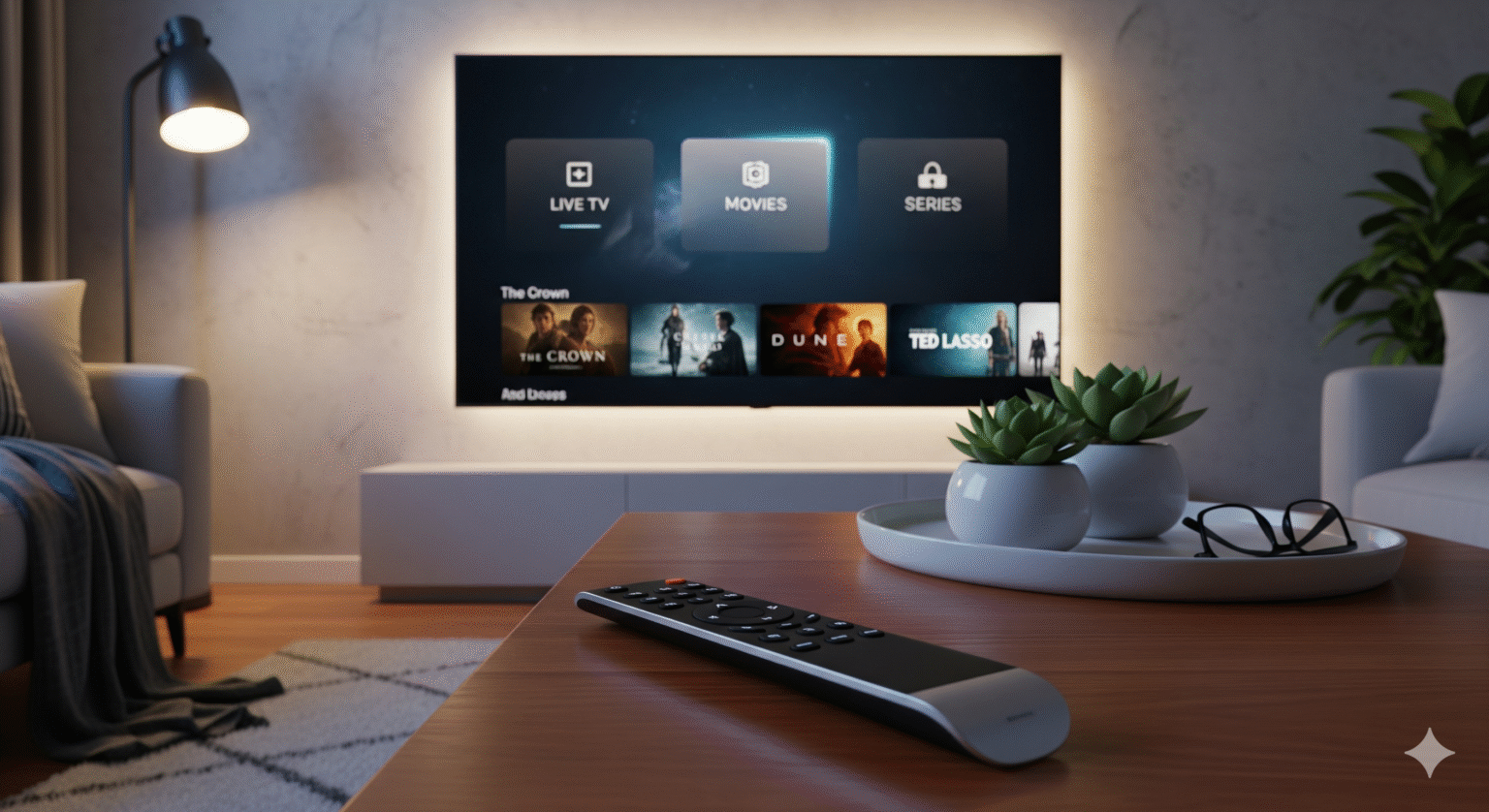
1. What is IPTV and Why Switch?
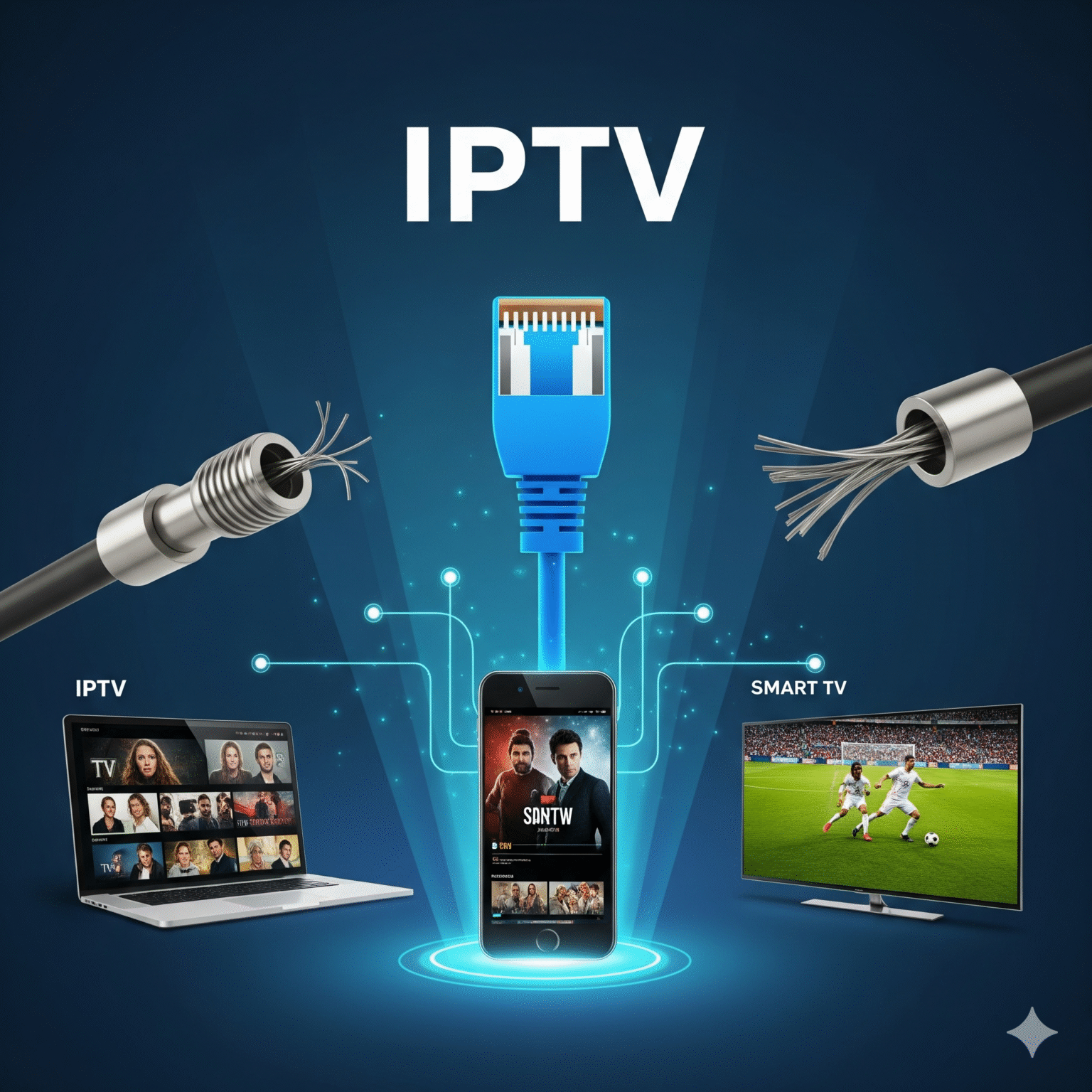
IPTV steht für Internet-Protokoll-Fernsehen. Forget about expensive satellite dishes or clunky cable boxes. IPTV delivers live TV, movies, and series directly through your internet connection.
The Top 4 Benefits of Switching
Massive Savings: Most users save over $1000/year by switching from cable to IPTV.
Device Freedom: Watch on your Firestick, Android phone, iPad, or Laptop. No proprietary boxes needed.
On-Demand Power: It’s not just live TV; it’s like having a DVR that holds 10,000 movies.
4K Streaming: Many services now support UHD/4K streaming better than traditional cable.
2. Which Type of IPTV is Right for You?
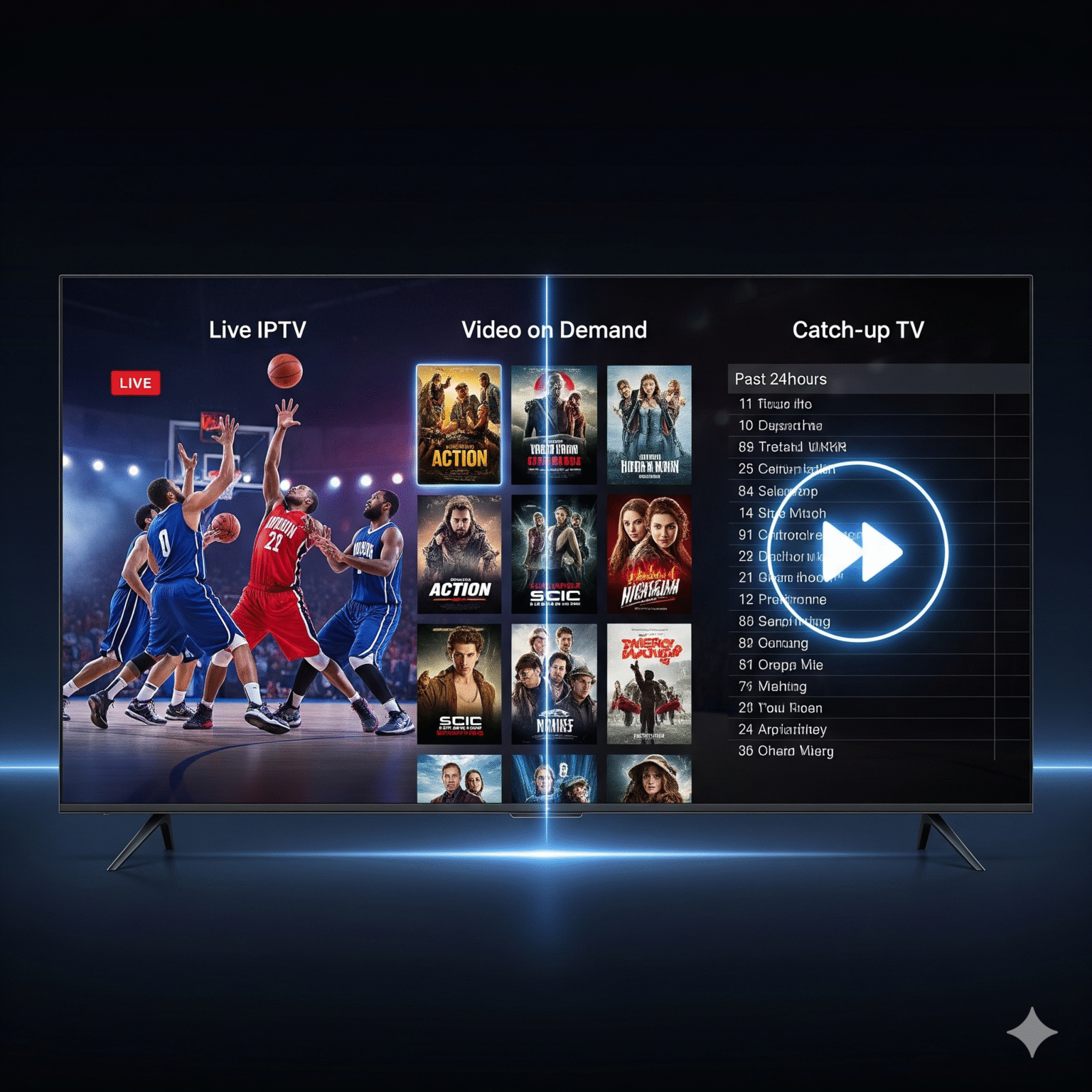
Not all IPTV services are created equal. Knowing the difference ensures you don’t pay for what you don’t need.
Typ | Best For… | Beispiele |
|---|---|---|
IPTV live | Sports fans & News junkies who need real-time action. | YouTube TV, Sling TV, FuboTV |
Video auf Abruf (VOD) | watchers who hate commercials. | Netflix, Disney+, Amazon Prime |
Catch-up-TV | Busy professionals who miss live airings. | BBC iPlayer, Peacock |
3. The 4 Essentials for a Buffer-Free Experience
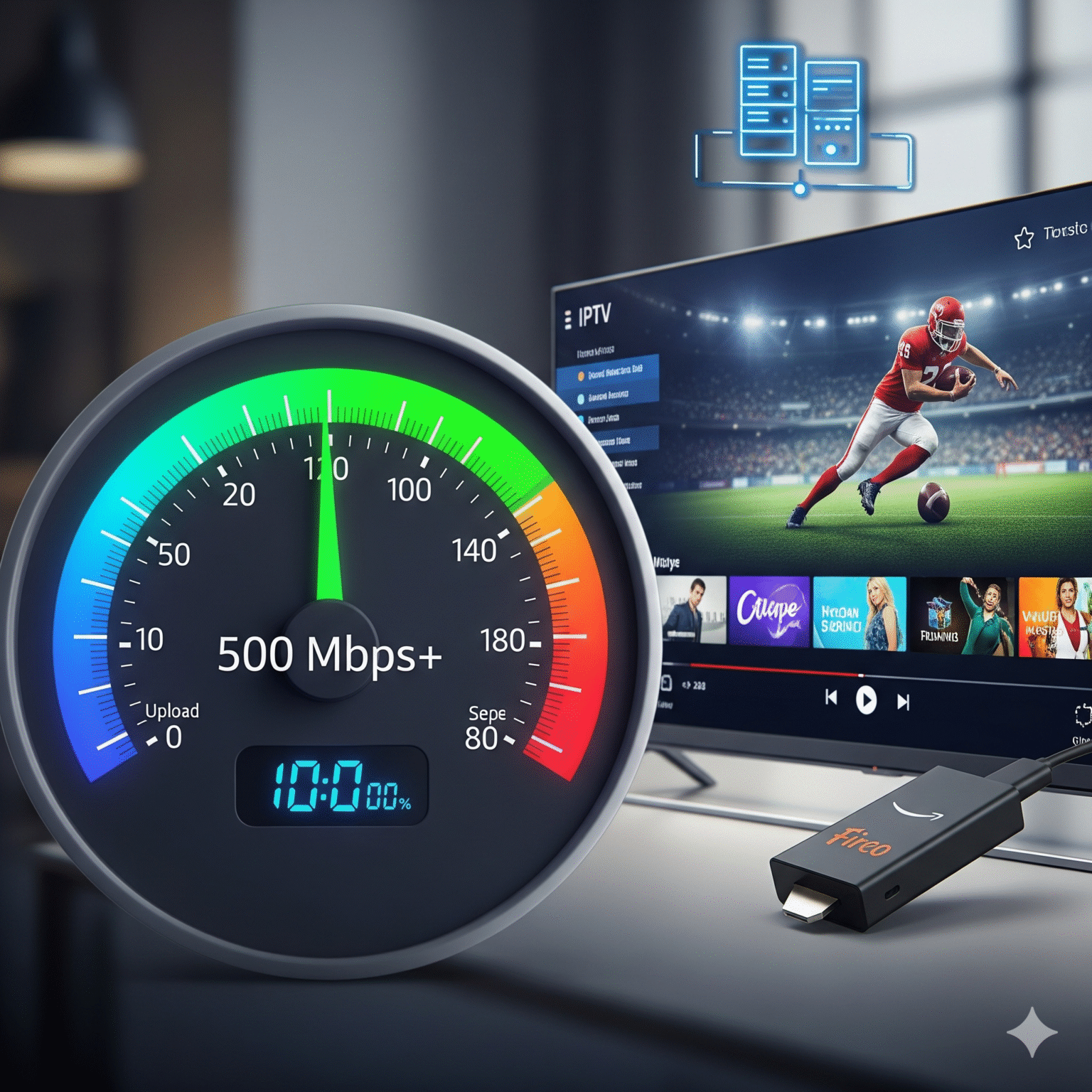
Before you subscribe to anything, make sure your setup is ready.
High-Speed Internet: Don’t settle for less than 25 Mbit/s. If you want 4K sports without the spinning wheel of death, aim for 100+ Mbps.
The Right Hardware: Die Amazon Firestick 4K Max is currently the king of IPTV due to its speed and sideloading capabilities. The NVIDIA Shield is the premium choice for power users.
A Reliable IPTV Provider: This is your content source. You will receive an M3U URL oder Xtream-Codes login from them.
A Premium IPTV Player: The interface matters. Apps like TiviMate (Android/Firestick) or IPTV-Smarter offer the closest experience to a traditional cable guide.
4. Master Setup Guide: Get Running in 5 Minutes
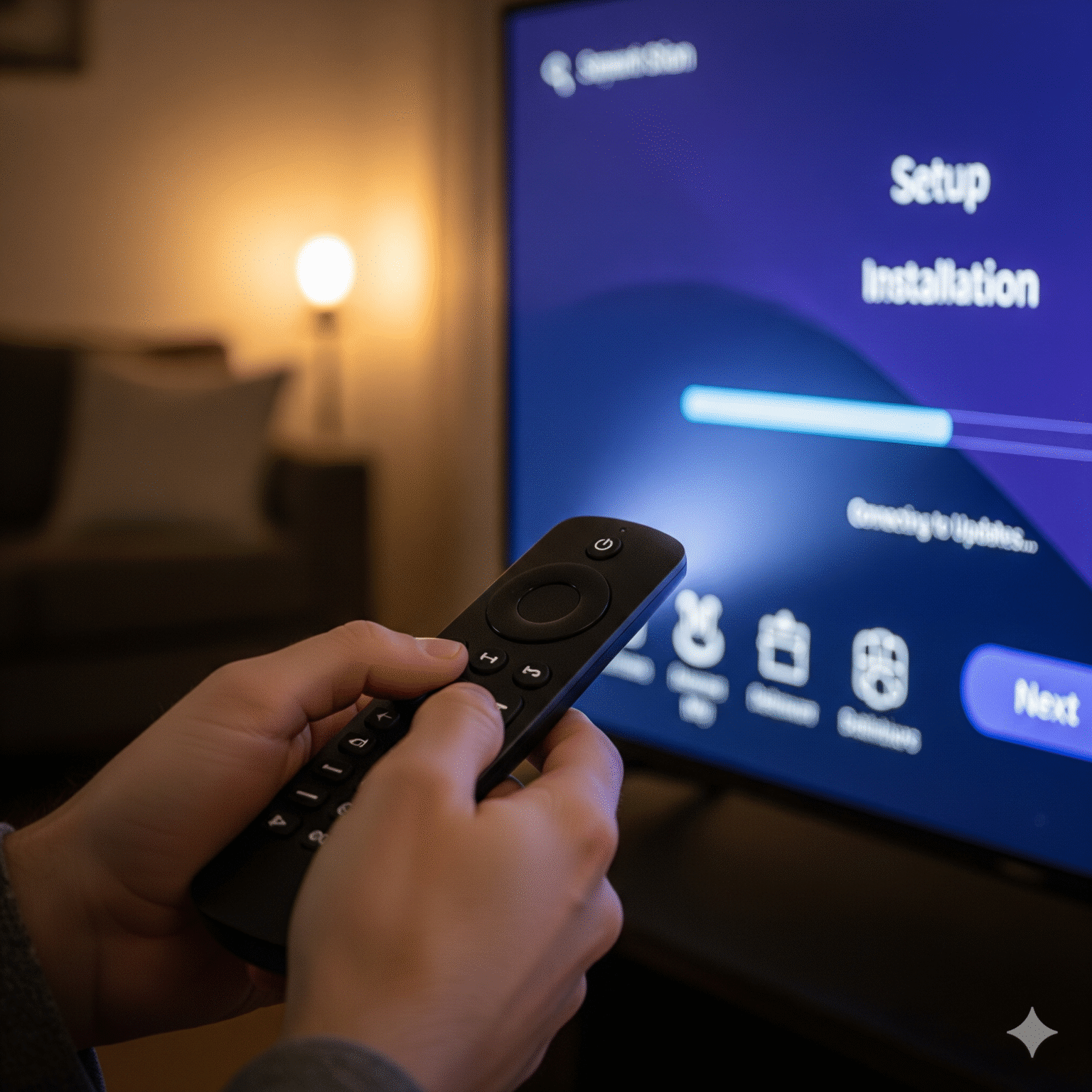
Option A: The Firestick / Android Box Method (Most Popular)
This is the gold standard for living room viewing.
Unlock Your Device: Navigieren Sie zu Einstellungen > My Fire TV > Developer Options. Toggle Install unknown apps to ON.
Pro Tip: Don’t see Developer Options? Go to ‘About’ and click the device name 7 times fast.
Get the Downloader App: Search for “Downloader” in the Amazon store. This is your gateway to side-loading apps.
Install the Player: Open Downloader and type in the shortcode for IPTV-Smarter oder TiviMate.
Connect Your Service: Launch the app, select “Login with Xtream Codes API,” and input the credentials emailed to you by your provider.
Option B: The Smart TV Method (Samsung/LG)
Great for a clean setup with no extra remotes.
Search the Store: Go to your TV’s app store and search for IPTV-Smarter, Nanomid, oder IBO-Spieler.
Activate: Note the MAC address displayed on the screen.
Wiedergabeliste hochladen: Go to the app developer’s website on your phone/PC, enter your TV’s MAC address and your M3U Playlist URL. Restart your TV app, and your channels will appear.
5. Critical Warning: Security & Legality
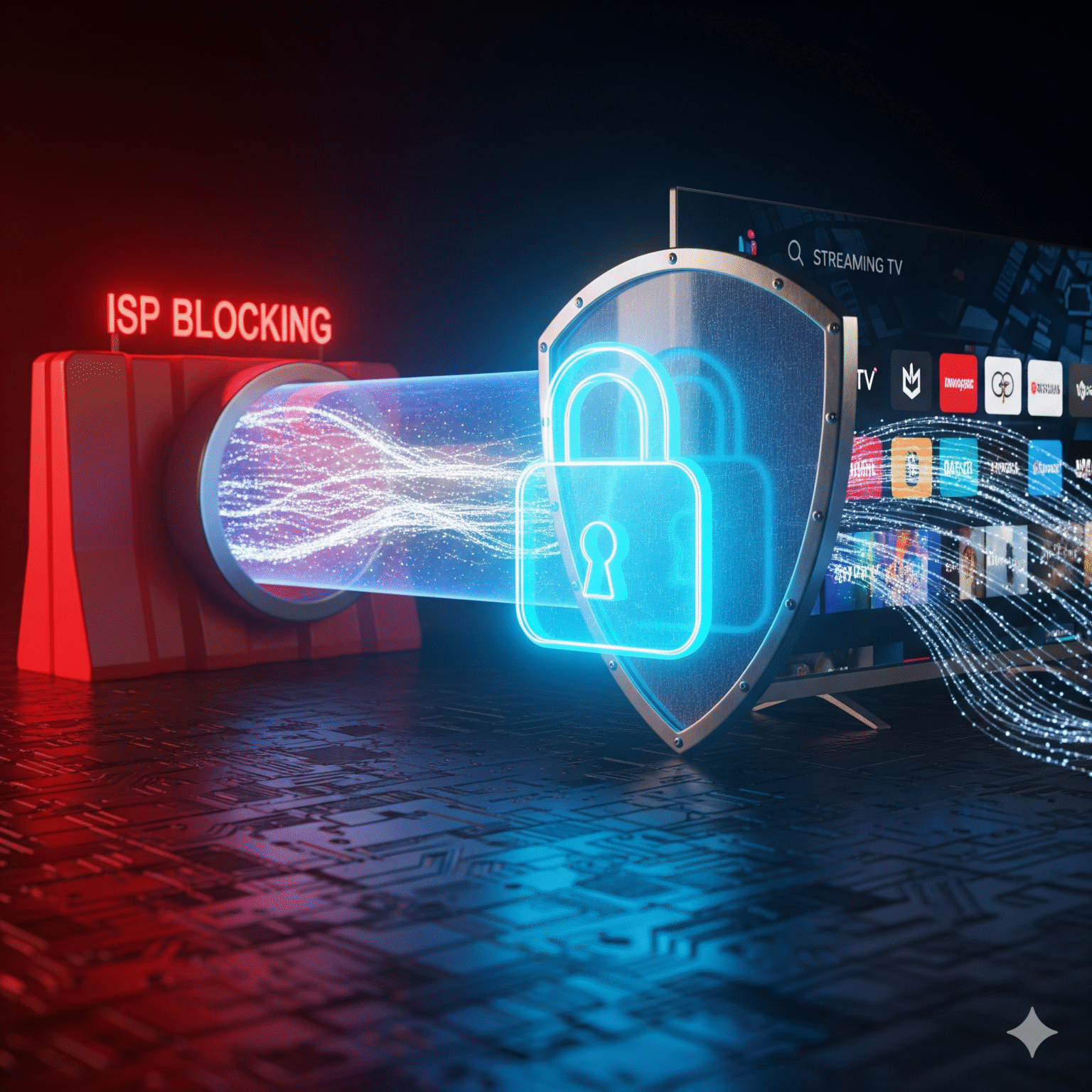
This is the most important section of this guide. The world of IPTV is vast, and while services like Hulu are fully licensed, “Unverified” services inhabit a grey area.
Why You Must Use a VPN If you are streaming content especially from third-party sources your ISP (Internet Service Provider) is logging everything. They can:
Throttle your speed: Intentionally slowing you down when they detect streaming.
Block connections: Preventing you from accessing live sports servers.
The Solution: Always use a premium VPN (Virtual Private Network). A VPN encrypts your traffic, making you invisible to your ISP and hackers. It also allows you to unlock region-locked content (like watching UK TV while in the US).
6. Troubleshooting Like a Pro
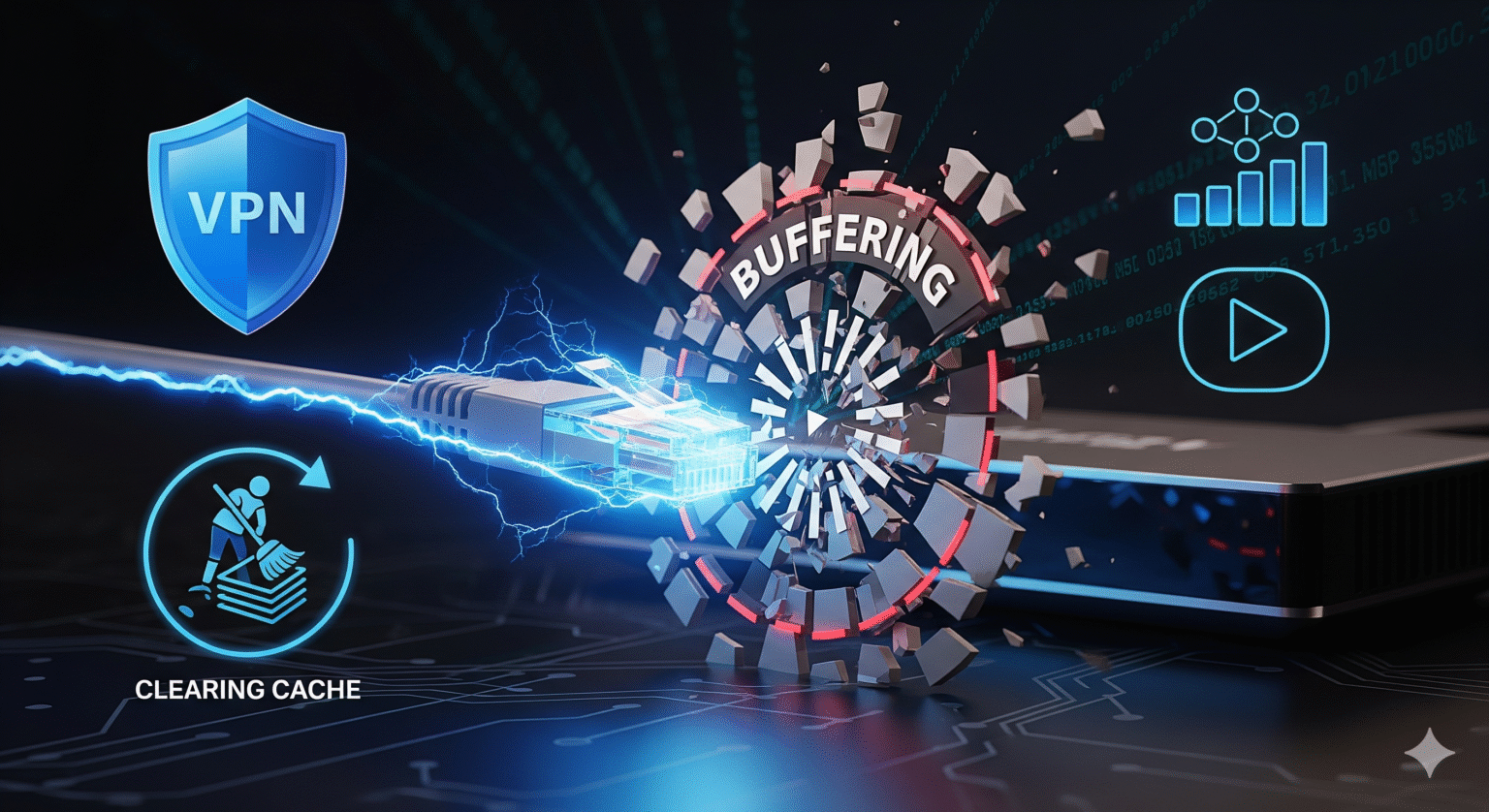
Is your stream buffering? Here is how to fix it fast:
Hardwire It: Wi-Fi is convenient, but Ethernet is king. Use a LAN adapter for your Firestick.
Refresh the DNS: Sometimes your ISP’s routing is the issue. A VPN usually solves this instantly.
Cache löschen: Go to Einstellungen > Applications > Manage Installed Applications > [Your IPTV App] > Cache löschen. Do this weekly.
Häufig gestellte Fragen (FAQ)

Q: Is IPTV Legal? A: The technology is 100% legal. However, accessing copyrighted content without a license via unauthorized providers can be illegal depending on your country’s laws.
Q: Do I need a satellite dish? A: Absolutely not. IPTV works entirely over the internet.
Q: Can I use one subscription on multiple TVs? A: Most providers offer “multi-connection” plans. Check with your specific provider before sharing your login.
Ready to Start?
Secure your connection with a high-speed VPN.
Pick a device (I recommend the Firestick 4K).
Choose a provider and start saving money today.
 German
  English (United States)
  Dutch
Dutch  Swedish
  Danish
  English (UK)
  English (Australia)
  English (New Zealand)
  Norwegian