
Ønsker glat live-sport og krystalklar film på dit Smart TV uden buffering eller komplicerede opsætninger?
Dette IBO Player-spilleliste guide viser dig, hvordan du Optimer M3U-spillelister specifikt til sport og film, så du får hurtigt kanalskift, stabile streams og afspilning i biografkvalitet i 2026.
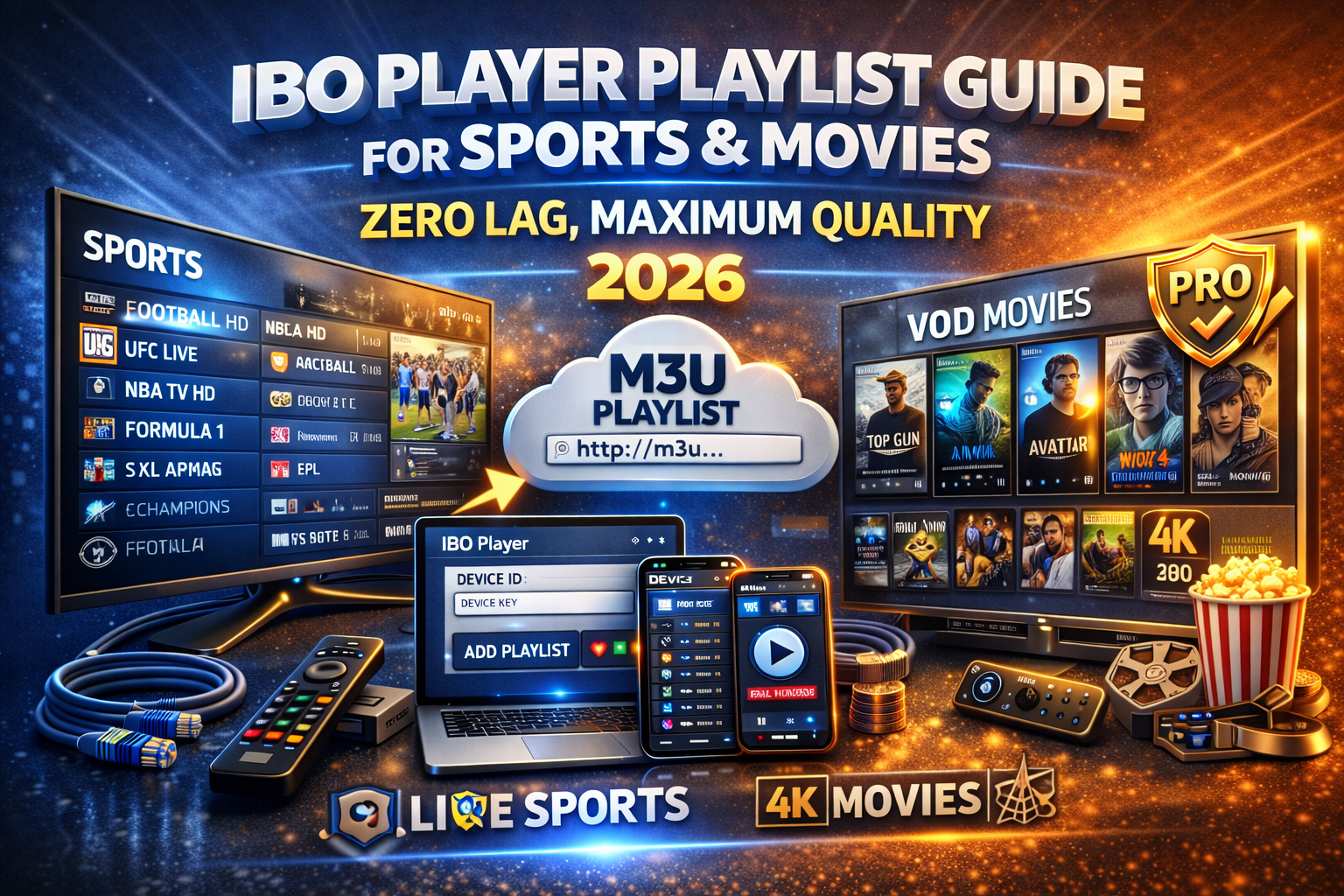
Hvorfor IBO Player er det bedste valg til sport og film
IBO-spiller er bygget til streaming med høj bitrate, præcis hvad live sport og VOD-film efterspørgsel. Det er meget brugt på Samsung, LG og Android TV fordi den prioriterer hastighed, stabilitet og ren navigation.
Hvad får IBO Player til at konvertere sports- og filmfans
Hurtigt kanalskift (perfekt til live-kampe)
Jævn HD-, Full HD- og 4K-afspilning
Klar adskillelse: Direkte tv/film/serier
Pålidelig håndtering af M3U-spillelister
Pro-aktivering på én gang (ingen månedlige app-gebyrer)
Vælg den rigtige IBO Player Playlist (det er det vigtigste)
Din oplevelse afhænger mere af Afspilningslistens kvalitet end selve appen. Til sport og film kan din IBO-afspiller M3U bør omfatte:
Essentielle playlister til sport
Dedikerede sportskategorier (Fodbold, UFC, F1, NBA osv.)
Flere kilder pr. kanal (backup-streams)
Høj bithastighed for klarhed i hurtige bevægelser
Servere med lav latenstid (afgørende under live-events)
Essentielle film- og VOD-afspilningslister
Organiserede VOD-kategorier (action, drama, børn)
Full HD- og 4K-filmfiler
Plakatkunst og metadata
Hyppige opdateringer med nye udgivelser
👉 En svag playliste vil buffer selv på det bedste tv.
Sådan tilføjer du en sports- og filmafspilningsliste til IBO Player
Åben IBO-spiller på dit Smart TV
Bemærk din Enheds-id og enhedsnøgle
Åbn den IBO Player-playlisteportal på telefon eller pc
Tilføj din M3U-afspilningsliste-URL (eller Xtream-koder)
Gem → Genstart appen
✔ Sportskanaler indlæses med det samme
✔ Film og serier vises automatisk
Bedste IBO-afspillerindstillinger til live-sport (ingen buffering)
For at holde kampene flydende selv i spidsbelastningsperioder:
Brug Ethernet i stedet for Wi-Fi
Luk andre apps, der kører på tv'et
Belastning kun én playliste pr. enhed
Brug HD i stedet for 4K hvis båndbredden er begrænset
Genstart IBO Player før store begivenheder
⚠️ Disse trin forhindrer frysninger under store spil.
Bedste IBO-afspillerindstillinger til film og serier
For en biograflignende oplevelse:
Aktiver IBO Player Pro for jævnere navigation
Brug playlister med korrekte VOD-metadata
Foretrækker udbydere med dedikerede VOD-servere
Undgå overbelastede gratis playlister
🎬 Resultat: hurtigere indlæsning, færre nedbrud, bedre kvalitet.
IBO Player Free vs Pro til sport og film
❌ IBO Player Pro er ikke gratis, men det anbefales på det kraftigste, hvis du ser sport eller film regelmæssigt.
Gratis version
Kort prøveperiode
Grundlæggende afspilning
Ikke ideel til tung brug
Pro-version (bedst til sport og film)
Engangsaktivering
Ubegrænset antal playlister
Hurtigere indlæsning og bedre stabilitet
Ingen afbrydelser
👉 Hvis du ser live-sport ugentligt eller film dagligt, Pro er det smarte valg.
Almindelige sports- og filmproblemer (og øjeblikkelige løsninger)
| Problem | Løsning |
|---|---|
| Buffering under sport | Ethernet + lavere opløsning |
| Kampen fryser fast | Genstart appen før begivenheden |
| Filmen vil ikke starte | Opdater playliste |
| Mangler sportskanaler | Problem med afspilningslisten (ikke appen) |
| Ingen filmplakater | Afspilningsliste mangler metadata |
Endelig dom: Er IBO Player det værd til sport og film?
Helt sikkert. Når det kombineres med en IPTV-playliste i høj kvalitet og Pro-aktivering, IBO Player leverer en af de bedste sports- og filmoplevelser på Smart TV'er i 2026.
Perfekt, hvis du vil:
🏆 Live sport med minimal forsinkelse
🎬 Film i HD & 4K
📺 Enkel Smart TV-kontrol
👉 Hurtig opsætning. Ren grænseflade. Pålidelig streaming.
 Danish
  English (United States)
  German
  Dutch
Dutch  Swedish
  English (UK)
  English (Australia)
  English (New Zealand)
  Norwegian