
If there’s one thing we can all agree on right now, it’s that the original dream of “cutting the cord” has completely backfired.
You cancel cable to save money, only to find yourself juggling subscriptions for Netflix, Hulu Live, Disney+, Max, and whatever app is currently hoarding your favorite sports team’s broadcasting rights. By the time you add it all up, you’re basically paying a premium cable bill all over again.
Enter IPTV. It has become the go-to alternative in 2026, offering tens of thousands of channels, massive on-demand libraries, and global sports for a fraction of the cost. But if you’ve ever tried to buy an IPTV subscription, you already know the headache. Every provider promises “True 4K quality,” “zero buffering,” and “99.9% uptime.”
Spoiler alert: Most of them are stretching the truth.
Choosing the best IPTV subscription isn’t about finding the service with the flashiest website. It’s about looking under the hood. Here is exactly how to analyze a provider and avoid getting scammed this year.
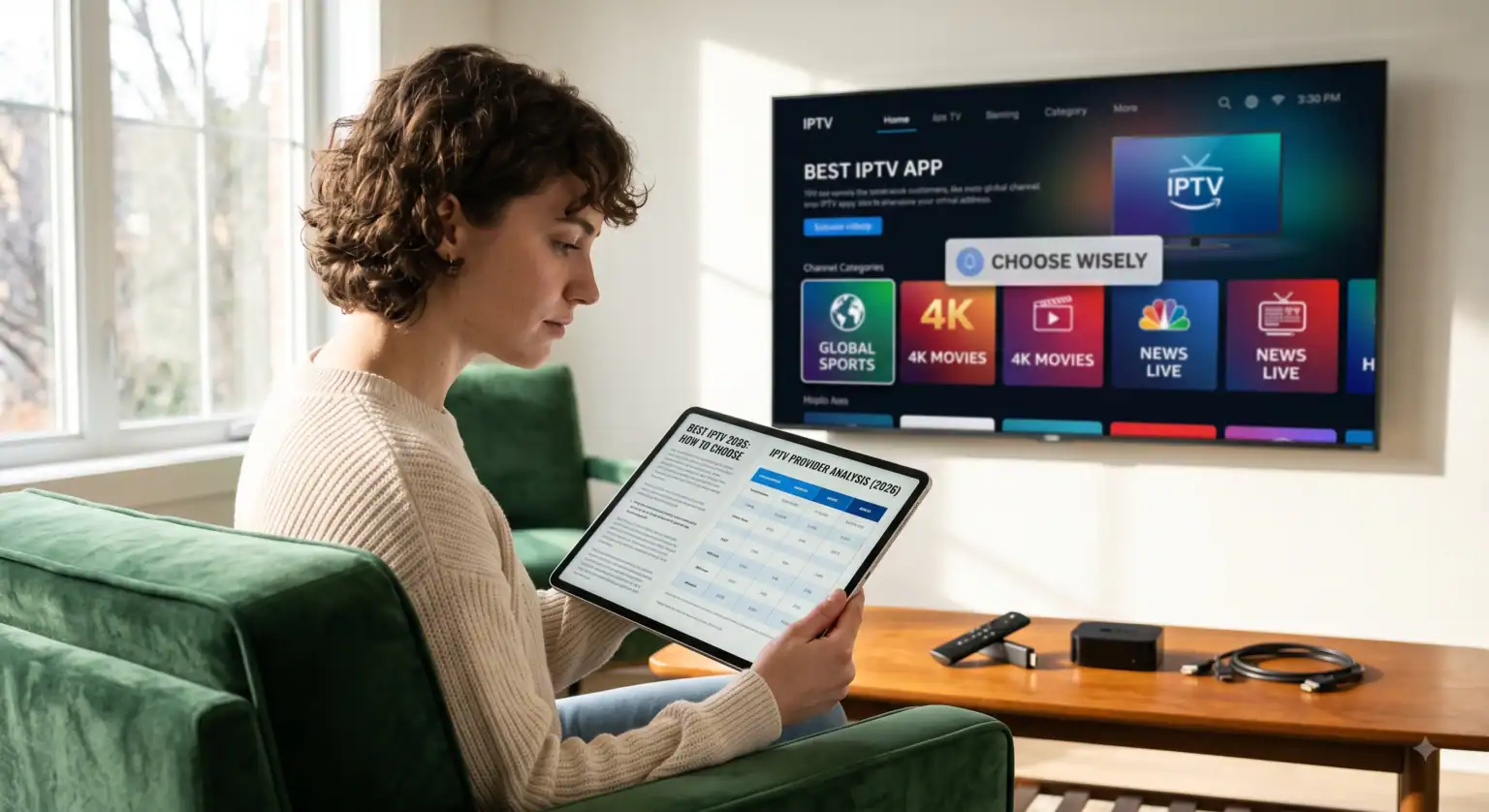
1. Stop Looking at Channel Counts (Look at Infrastructure)
Every IPTV website will try to sell you on having 50,000 to 100,000 channels. Ask yourself: are you really going to watch a local news broadcast from a small town halfway across the world? Probably not.
What you actually need to prioritize is server stability. When a massive Pay-Per-View (PPV) fight or a major football final goes live, millions of people log on at exactly the same time. Cheap providers resell space on crowded servers, meaning the moment the match kicks off, your screen freezes.
What to look for: Seek out providers that explicitly mention “Anti-Freeze Technology” or active load-balancing. Premium networks automatically shift your stream to an uncrowded server node if a specific gateway gets overloaded.
2. The EPG is Your Best Friend
An IPTV service without a working Electronic Program Guide (EPG) is like a library without a catalog you’ll spend more time blindly scrolling than actually watching TV.
A premium service uses structured XMLTV data to populate a clean, cable-style grid. If a provider just hands you a raw .m3u link and leaves you to figure it out, walk away. You want a service compatible with the Xtream Codes API. This protocol loads channel categories sequentially on demand, which preserves your streaming device’s RAM and keeps the menus fast and snappy.
3. Test the VOD Update Frequency
Having a massive Video-on-Demand (VOD) library is a great perk, but it’s completely useless if it’s filled with dead links or heavily compressed 720p rips from a decade ago.
When you test a service, head straight to the “Recently Added” section. If the latest theatrical releases or newly aired TV episodes aren’t there, it tells you a lot about the provider. A top-tier service aggressively updates and maintains its servers on a weekly basis.
4. The Hardware and App Equation
You can buy the most expensive, high-end IPTV subscription on the market, but if you run it on a cheap, five-year-old Android box over a weak Wi-Fi signal, it’s going to buffer. Your subscription is only as strong as the ecosystem running it.
To get the most out of your setup:
The App: Ditch the generic, clunky built-in web players. Route your subscription credentials through professional player apps. TiviMate remains the absolute gold standard for Android TV and Firestick users, while IPTV Smarters Pro is excellent for Apple devices and cross-platform viewing.
The Connection: Hardwire your device using an Ethernet cable. If you absolutely must use Wi-Fi, ensure your streaming device is close to your router and connected to the 5GHz band.
5. The Golden Rule: Never Buy a Year Upfront
This is the biggest mistake beginners make. A provider will usually dangle a massive discount for a 12-month subscription in front of you. Don’t take the bait. The IPTV landscape shifts incredibly fast; a service that runs perfectly today could get oversold or face server outages three months down the line.
Always demand a 24-hour or 48-hour trial. Use that window to test channel zapping speeds and monitor how the stream behaves during peak evening viewing hours (usually between 7 PM and 10 PM). If it passes the stress test, pay for a single month. Once they earn your trust through consistent performance, then and only then should you consider upgrading to a 3-month or 6-month plan.
Comparison: The 2026 Streaming Landscape
To put things in perspective, here is how the different tiers of streaming stack up against each other right now.
| Feature / Category | Premium IPTV Subscriptions | Budget / Reseller IPTV | Mainstream Live TV (e.g., YouTube TV, Hulu Live) |
| Average Monthly Cost | $15 – $25 | $5 – $10 | $75 – $90+ |
| Live Channel Count | 20,000+ (Global) | 10,000+ (Mixed reliability) | ~100 – 150 (Regional) |
| VOD Library | Huge (100k+ titles) | Small & often outdated | App-specific network content |
| Live Sports & PPV | Fully included | Freezes during big events | Requires expensive add-ons |
| Server Stability | High (Active load-balancing) | Poor (Frequent buffering) | Flawless (Corporate servers) |
| Setup Process | Moderate (Requires 3rd party apps) | Moderate | Very Easy (Plug & Play) |
Conclusion
Finding the best IPTV subscription in 2026 takes a little bit of homework, but the financial payoff is undeniable. The trick is to stop falling for flashy marketing that promises the world for five bucks. Prioritize server infrastructure, demand a trial, use a high-quality app like TiviMate, and protect your wallet by refusing to commit to year-long plans blindly.
Do it right, and you’ll build an entertainment center that completely blows traditional cable out of the water without the ridiculous monthly bill.
 English (UK)
  English (United States)
  German
  Dutch
Dutch  Danish
  Norwegian
  Swedish