
Are you tired of clunky, slow interfaces ruining your streaming experience? If you own an Android TV, Nvidia Shield, or Amazon Fire Stick, you have access to some of the most powerful media players in the world. But here is the catch: the best ones often come with a price tag.
Enter the world of “Freemium” IPTV apps. These are players that let you download and use their core features for completely free, but hide their “superpowers” (like recording, catch-up, and multi-view) behind a one-time fee or subscription.
In this guide, we rank the Top 10 Freemium IPTV Apps for Android TV, breaking down exactly what you get for free and whether the premium upgrade is worth your hard-earned cash.
1. TiviMate IPTV Player

If you search for “best IPTV player” on Reddit or tech forums, TiviMate is almost always the top answer. Designed exclusively for the big screen (Android TV), it offers a user interface that feels just like a high-end cable or satellite box. It is fast, modern, and supports high refresh rates.
The Freemium Deal
What’s Free: You get a basic, beautiful player. You can add one playlist and watch live TV channels with a modern guide.
The “Premium” Wall: To unlock the real power, you need the Premium version (approx. $10/year or $30 lifetime). This unlocks Catch-up (Archives), Recording (DVR), Multi-View (watching 4 channels at once), and the ability to manage unlimited playlists.
Verdict: The free version is a great “trial,” but TiviMate is practically built to be bought.
Best For: The Power User who wants the absolute best experience and doesn’t mind paying for it.
2. IPTV Smarters Pro
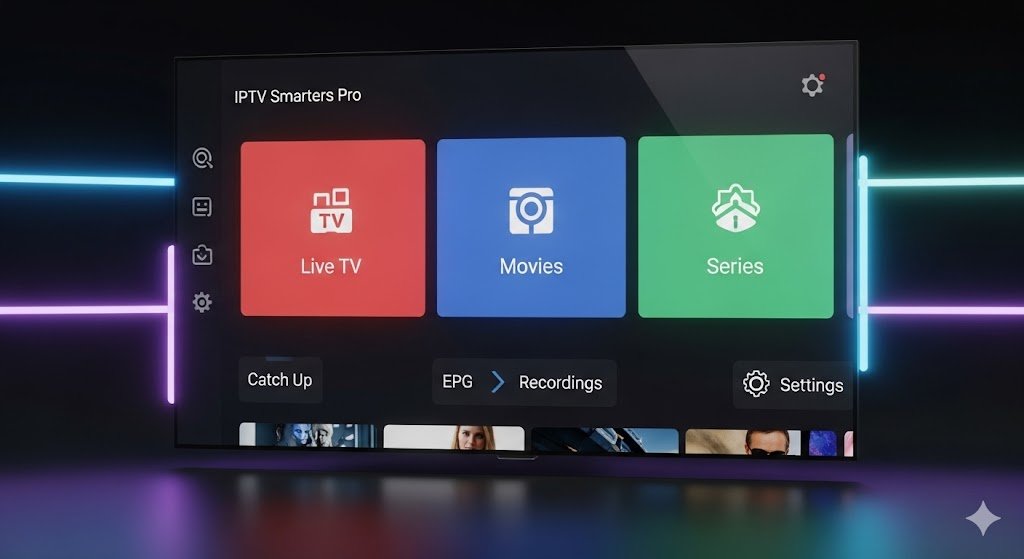
IPTV Smarters Pro (often just “Smarters”) is perhaps the most recognized name in the industry. Its interface is incredibly user-friendly, organizing content into “Live,” “Movies,” and “Series” clearly. It is widely used because it’s compatible with almost every device, not just Android TV.
The Freemium Deal
What’s Free: The “Lite” version usually allows you to log in with your credentials (Xtream Codes API) and watch Live TV, Movies, and Series without issues. The layout is clean and functional.
The “Premium” Wall: The Pro version unlocks Master Search (searching across all categories at once), Parental Controls, Picture-in-Picture (PiP), and EPG Management.
Verdict: For 80% of users, the free version is more than enough.
Best For: Casual Viewers who want a simple, “Netflix-style” layout for their movies and series.
3. OTT Navigator IPTV
The Customization Powerhouse
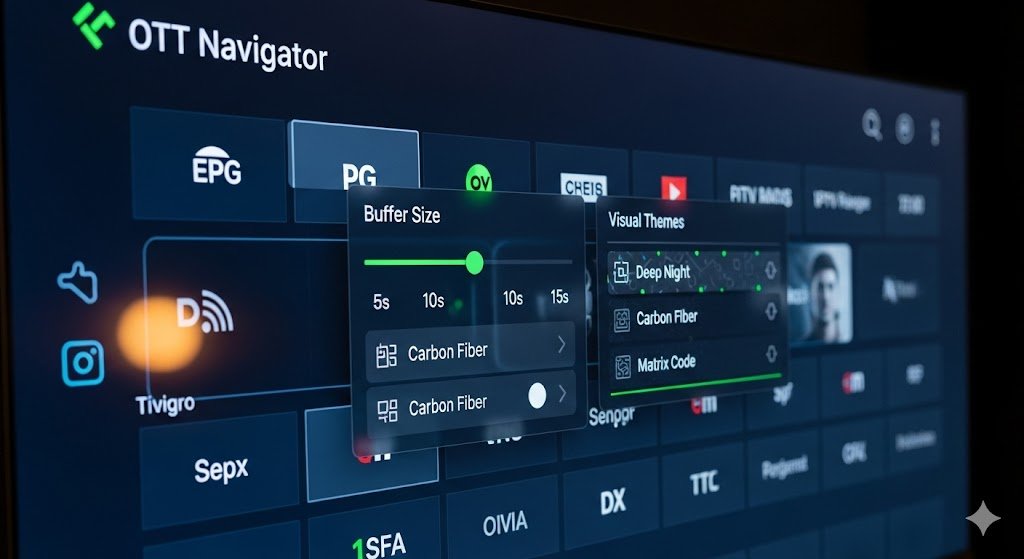
If TiviMate is the “Apple” of IPTV players (polished, simple), OTT Navigator is the “Android.” It is infinitely customizable. You can tweak every color, menu item, and buffer setting. It is known for its ability to handle large playlists without lagging.
The Freemium Deal
What’s Free: The free version is surprisingly generous. It includes reliable EPG support, excellent sorting filters (by genre, year, country), and solid playback stability.
The “Premium” Wall: Paying unlocks advanced codecs, auto-frame rate (AFR) switching, and deep archiving/catch-up features. It also removes the occasional banner ads found in the menu.
Verdict: A fantastic free alternative to TiviMate if you don’t care about the “cable box” aesthetic.
Best For: Tech Enthusiasts who love tweaking settings to get the perfect stream.
4. Televizo
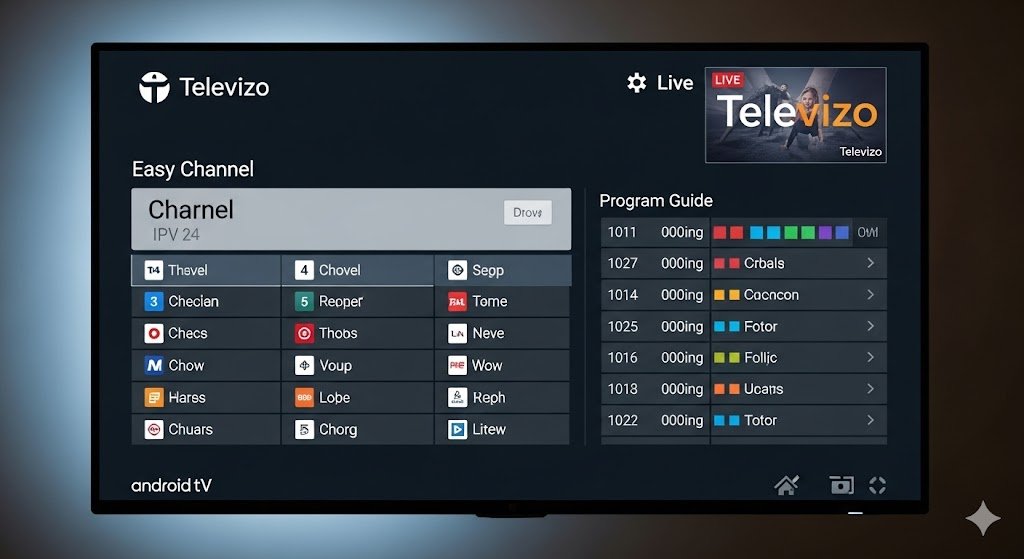
Televizo has gained a massive following for being lightweight and fast. It doesn’t bog down older Android TV boxes. The interface is cleaner than Smarters but simpler than TiviMate, striking a nice balance.
The Freemium Deal
What’s Free: You get full access to Live TV and VOD (Video on Demand). However, the free version is ad-supported (usually banner ads in the menus, not during playback).
The “Premium” Wall: The Pro version is a small one-time purchase. It removes all ads and unlocks full Parental Controls and the DVR (Recording) functionality.
Verdict: If you can ignore menu ads, the free player is excellent.
Best For: Budget Users with older devices (like older Fire Sticks or Mi Boxes).
5. Sparkle TV
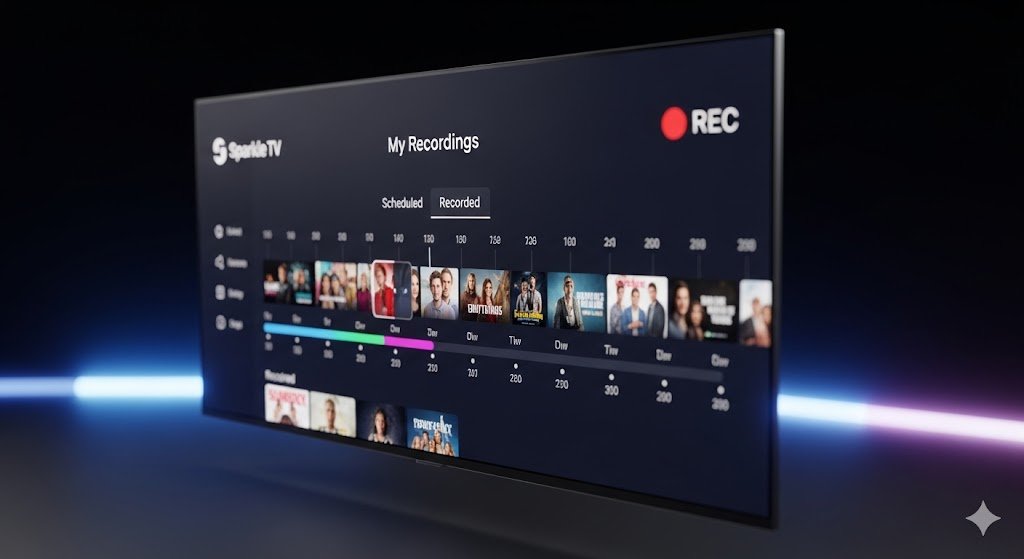
Sparkle TV is a newer contender that focuses heavily on one thing: Recording. It allows you to use your Android TV as a true PVR (Personal Video Recorder). It integrates sources like HdHomeRun and Enigma2 alongside standard IPTV M3U playlists.
The Freemium Deal
What’s Free: A solid player with a nice UI that supports basic streaming and EPG.
The “Premium” Wall: Sparkle “Plus” is required for Timeshift (pausing live TV), Recording series, and Multi-view.
Verdict: If your main goal is to record sports or shows to watch later, Sparkle is a top-tier choice.
Best For: Sports Fans and “Time-Shifters” who need reliable recording.
6. iMPlayer TV Edition
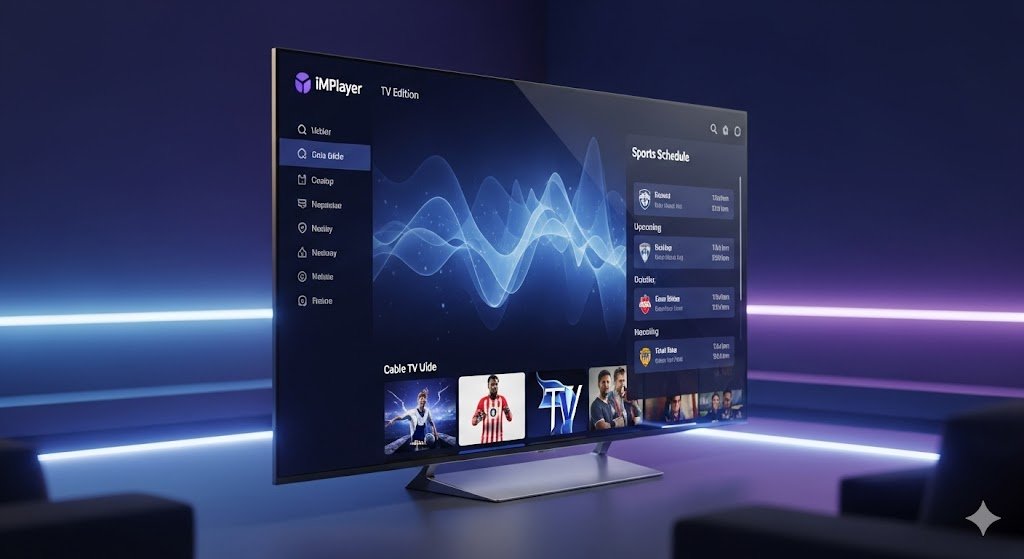
The “Cable Replacement” Experience
iMPlayer is aggressive in its features. It tries to replicate the experience of a specific US cable provider’s interface. It supports unique features like “Sports Schedule” (showing you what games are on today) and a “Manage” mode to sync settings across multiple boxes.
The Freemium Deal
What’s Free: Basic viewing capability.
The “Premium” Wall: Most of the “cool” features like Cloud Sync, Mobile App control, and Multi-view are locked.
Verdict: Similar to TiviMate, it heavily incentivizes the premium upgrade.
Best For: Users managing Multiple Devices in one household who want settings to sync automatically.
7. XCIPTV Player
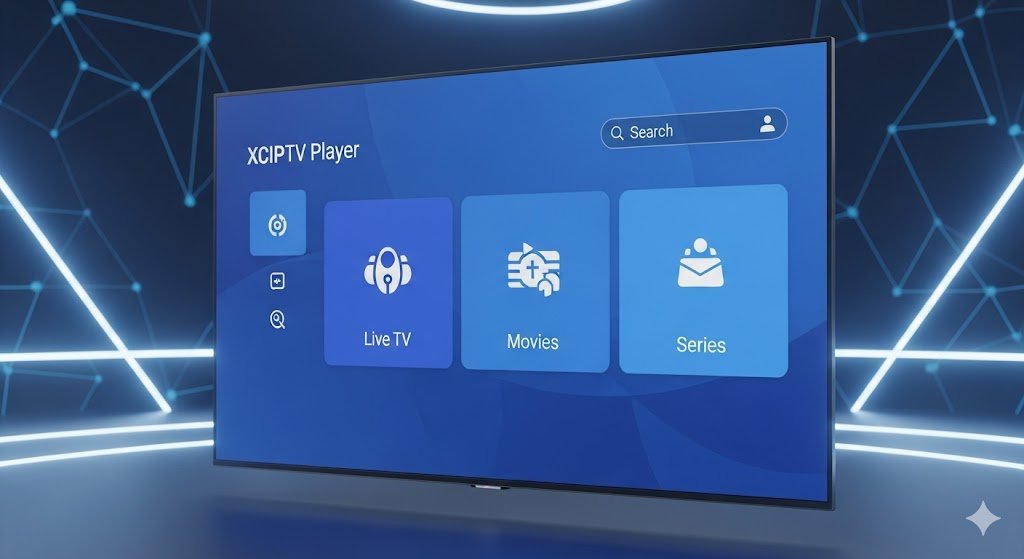
The Professional Look
Often used by providers for their branded apps, the stock XCIPTV Player is available to everyone. It has a very professional, “blue-themed” interface that looks great on big TVs.
The Freemium Deal
What’s Free: The player is generally free to use with integrated ads. It supports EPG, VOD info (IMDb integration), and favorites.
The “Premium” Wall: Premium versions (often handled via in-app purchase) remove ads and unlock media player switching (using VLC or MX Player externally).
Verdict: A solid, reliable workhorse.
Best For: Users who want IMDb info for their Movies and Series VODs.
8. Purple IPTV Player
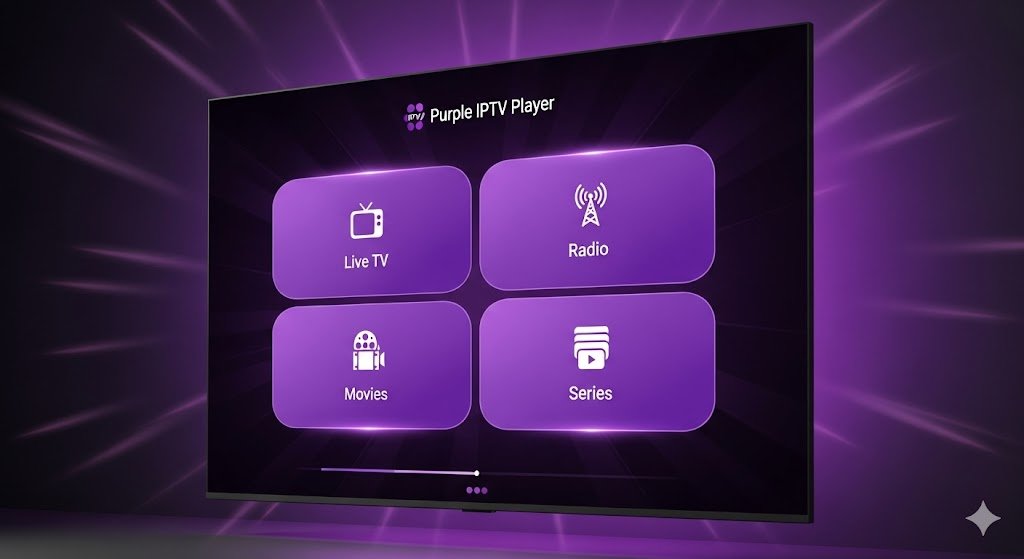
The Elegant All-Rounder
Purple IPTV is known for its accessibility and specialized layouts. It has distinct sections for “Live TV,” “Radio,” “Movies,” and “Series,” and it supports a wide range of file formats.
The Freemium Deal
What’s Free: Standard playback, simple EPG, and basic layout.
The “Premium” Wall: Unlocks “Advanced Layouts” (which look much better), background playback, and removes ads.
Verdict: Good, but the free interface can feel a bit basic compared to the paid layouts.
Best For: Users who want a Simple, Accessible Interface for family members.
9. GSE Smart IPTV
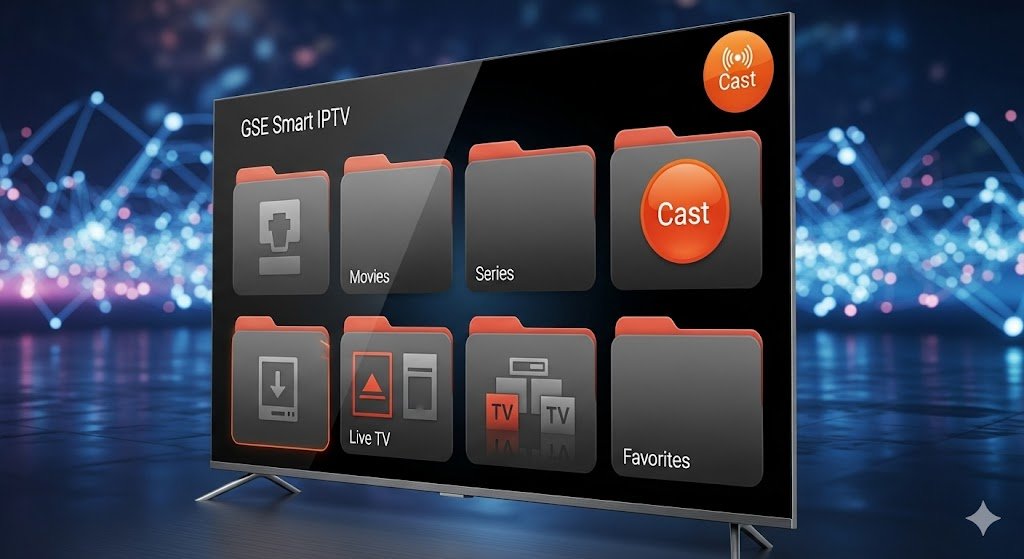
The Old School Classic
GSE Smart IPTV (and its modern variants like “GSE Smart IPTV Pro”) was one of the first major players on mobile, and it works on TV too. It is famous for being able to test nearly any stream format.
The Freemium Deal
What’s Free: Fully functional, but arguably has the most intrusive ads of the bunch. You will see pop-ups when switching channels or playlists.
The “Premium” Wall: A one-time payment removes the ads completely.
Verdict: Good for testing, but the ads in the free version can be annoying for daily use on a TV.
Best For: Testing playlists quickly before setting them up on a better player.
10. TiviApp Live
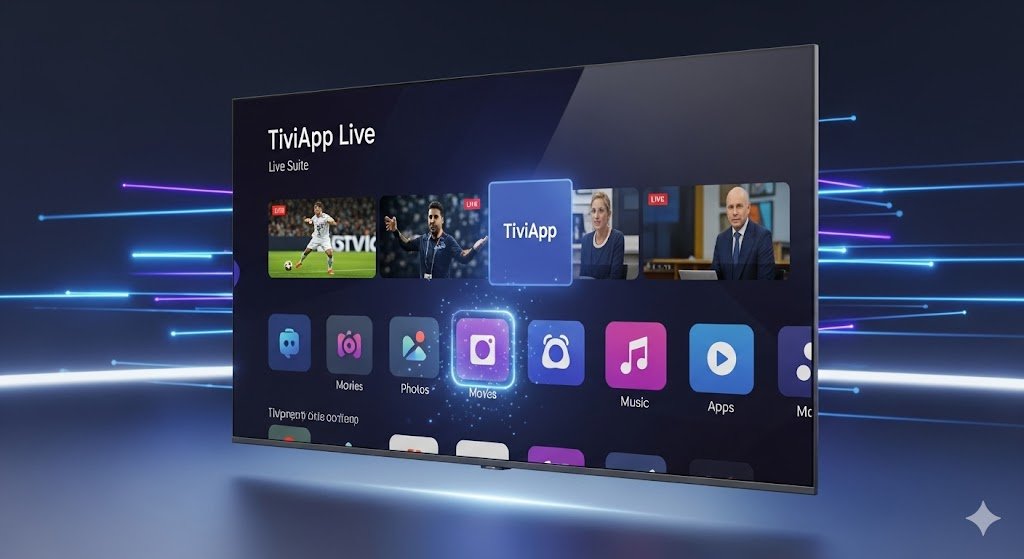
The Hybrid Player
TiviApp is unique because it attempts to blend your own local content, IPTV playlists, and its own “free channels” into one ecosystem. It offers a very distinct “Live Suite” feel.
The Freemium Deal
What’s Free: You can watch live channels and use the basic guide.
The “Premium” Wall: VOD (Video on Demand) support is often locked behind the paywall, along with recording features.
Verdict: A unique experiment, but restricting VOD to paid-only makes it tough for some users.
Best For: Users who only care about Live TV and want a unique interface.
Comparison: What do you really need?
Feature | TiviMate (Free) | Smarters (Free) | OTT Navigator (Free) | Televizo (Free) |
|---|---|---|---|---|
Live TV | ✅ Yes | ✅ Yes | ✅ Yes | ✅ Yes |
Catch-up | ❌ Premium | ⚠️ Limited | ✅ Yes (Basic) | ✅ Yes |
Recording | ❌ Premium | ❌ Premium | ❌ Premium | ⚠️ Limited/Ads |
Movies/Series | ✅ Yes | ✅ Yes | ✅ Yes | ✅ Yes |
Ads | 🚫 No Ads | ⚠️ Some Ads | ⚠️ Menu Ads | ⚠️ Menu Ads |
Conclusion

If you are just dipping your toes into the world of IPTV, IPTV Smarters Pro or OTT Navigator are your best “Free” bets. They offer the most functionality without forcing you to pay immediately.
However, if you use your Android TV daily, we strongly recommend treating yourself to the Premium version of TiviMate. The experience is simply unmatched, turning a $50 Android box into a premium cable receiver.
Frequently Asked Questions (FAQ)
1. Are these apps legal? Yes. All the apps listed above are legal media players. They are empty shells. They only become illegal if you use them to stream pirated content.
2. Do I need a VPN for these apps? The apps themselves do not require a VPN. However, many users choose to use a VPN to prevent their ISP from throttling their streaming speed or to protect their privacy while streaming.
3. Why is TiviMate considered the best? TiviMate is optimized specifically for TV remote controls (not touchscreens), making it faster and more intuitive than ported mobile apps. Its premium features like Multi-View and Catch-up are industry-leading.
 English (Australia)
  English (United States)
  German
  Dutch
Dutch  Swedish
  Danish
  English (UK)
  English (New Zealand)
  Norwegian