
There is nothing and I mean nothing more frustrating than watching the spinning wheel of death during the 90th minute of a match or the climax of a movie. You paid for a service, you have high-speed internet, so why is your screen frozen?
As industry veterans, we hear this complaint every single day. IPTV buffering is the #1 enemy of cord-cutters, but 90% of users are blaming the wrong thing.
Is it your ISP throttling you? Is your device overheating? Or is your provider’s server simply melting down?
In this guide, we are going to pull back the curtain. We will show you exactly how to troubleshoot IPTV buffering, how to test your server stability like a pro, and why upgrading your setup might be the only way to fix it for good.
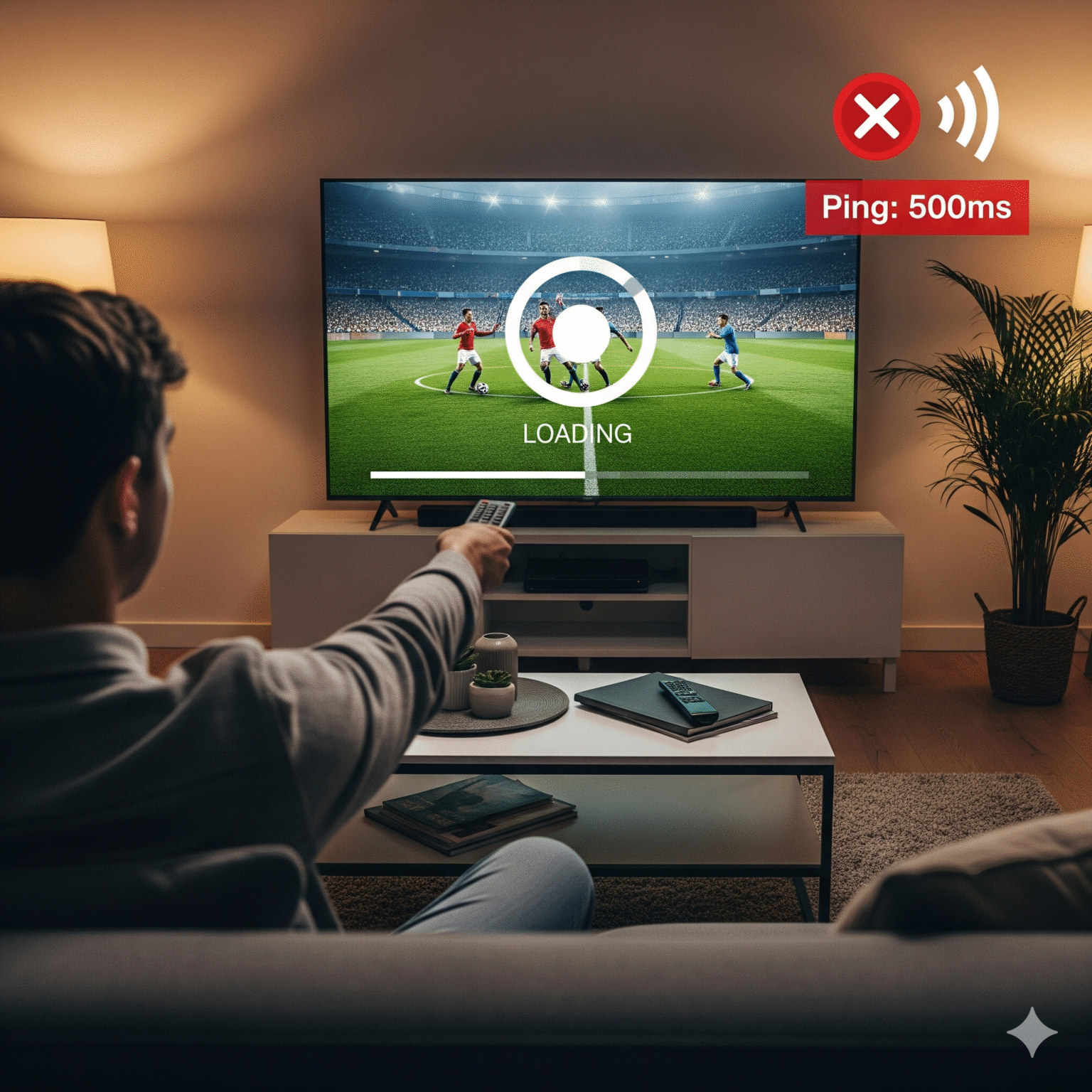
The "Big Three": Why Your IPTV Is Actually Buffering
Before you reset your router for the tenth time, you need to understand the root cause. In our experience, buffering always comes down to one of these three bottlenecks:
1. Internet Jitter (Speed Is Not Stability)
Here is a hard truth: Download speed means nothing if your connection is unstable. You can have 1GB fiber internet, but if you have high jitter (fluctuations in signal) or packet loss, your stream will freeze. Streaming live TV requires a constant, steady flow of data not fast, choppy bursts.
2. ISP Throttling
Your Internet Service Provider (ISP) isn’t inconsiderate,
irrational. They know when you are streaming data-heavy video during peak hours (7 PM – 10 PM). Many ISPs deliberately “throttle” or slow down streaming traffic to save bandwidth. This is why a VPN is often critical.
3. Server Overload (The “Cheap Provider” Problem)
This is the uncomfortable reality. If you are paying $5 a month (or nothing at all), you are likely sharing a server with 50,000 other people. When a big event starts, that server hits 100% capacity, and everyone buffers. Quality costs money because bandwidth costs money.
The Pro Test: How to Diagnose Your Connection & Ping
Stop guessing. Most people run a generic speed test and think everything is fine. To truly fix IPTV lag, you need to test the specific connection between you and the video server.
Follow our step-by-step method to test your ping and server stability.
Phase 1: The Jitter Test
First, let’s rule out your home internet.
Go to Speedtest.net or Cloudflare Speed Test.
Run the test and look closely at the Jitter and Ping results (ignore the big download number for a second).
The Golden Rules:
Ping (Latency): Should be under 20ms ideally. Over 100ms? You’re in trouble.
Jitter: Must be under 30ms. If your jitter is high, your WiFi is the problem, not the IPTV.
Phase 2: The Server Ping Test (Insider Trick)
This is the secret sauce. We are going to ping the IPTV server directly to see if it is the problem.
1. Locate Your Server URL: Check your M3U link or Xtream Codes. It looks like http://premium-server.com:8080.
2. Isolate the Domain: Strip away the http:// and the port (:8080). You just want the clean domain: premium-server.com.
3. Run the Command:
Windows: Hit
Win + R, typecmd, Enter.Mac: Open Terminal.
Type:
ping premium-server.com -t
4. Analyze the Real-Time Data: Watch the time= values for 60 seconds.
Good Server: Time=40ms, Time=42ms, Time=41ms. (Consistent).
Bad Server: Time=40ms, Time=300ms, Time=Request Timed Out, Time=50ms.
Verdict: If you see “Timed Out” or huge spikes, your provider is overloading. It is time to switch.
Free vs. Premium: Why You Get What You Pay For
We see users trying to save a few dollars on free or ultra-cheap lists, only to spend hours troubleshooting. Is it worth the headache?
Feature | Free / Cheap IPTV | Premium Private Server |
|---|---|---|
Uptime | Unreliable. Buffers during big games. | 99.9% Uptime with Anti-Freeze Tech. |
Picture Quality | Compressed 720p/SD. | True 4K & FHD (Raw Streams). |
Bandwidth | Shared with thousands. Clogged. | Dedicated Bandwidth per user. |
Security | Dangerous. Malware & Ads common. | Encrypted & Ad-free. |
Support | Good luck finding them. | 24/7 Priority Support on WhatsApp. |
Our Advice: If you value your time and want a cable-like experience, a premium subscription is an investment in your sanity.
Stop Using Bad Hardware (Compatibility Guide)
You cannot run a Ferrari engine in a bicycle. If you are using a 5-year-old Smart TV or a $20 stick to run high-bitrate 4K streams, you are going to buffer. Period.
The Gold Standard: Nvidia Shield Pro. It is expensive, but it handles everything you throw at it. Zero lag, AI upscaling.
The Best Value: Amazon Firestick 4K Max (2nd Gen). Powerful, affordable, and WiFi 6E ready.
The “Avoid” List: Built-in Smart TV apps (LG WebOS/Samsung Tizen). Their processors are too weak for modern IPTV decoding.
Pro Tip: Ethernet is King. WiFi is convenient, but a wired connection eliminates interference. If you can plug in, plug in.
Essential Features You Should Be Demanding
When shopping for a stable provider, look for these features. If they don’t have them, walk away.
1. 7-Day Catch Up
Life happens. You shouldn’t have to miss your show. Catch Up lets you rewind the EPG (TV Guide) on supported channels and watch past events instantly. It turns live TV into a personal DVR.
2. Xtream Codes Login (Not Just M3U)
If a provider only gives you a messy M3U link, they are behind the times. The Xtream Codes API (Server URL, Username, Password) connects faster, updates the EPG automatically, and works seamlessly with pro apps like TiviMate and IPTV Smarters.
3. Dedicated Radio & Backup Streams
A top-tier service includes global radio stations and “backup” channels (e.g., ESPN FHD and ESPN HEVC). If one stream has issues, you have an instant alternative.
Final Verdict: Fix Your Stream Today
Buffering isn’t a mystery; it’s a math problem.
If your internet jitter is low and your hardware is modern, but you are still freezing, the problem is your provider. Don’t settle for “good enough.” You deserve a crisp, lag-free picture every time you turn on the TV.
Ready for a stable experience? Stop fighting with free links. Test your ping, upgrade your hardware, and choose a provider that invests in server stability.
 English (Australia)
  English (United States)
  German
  Dutch
Dutch  Swedish
  Danish
  English (UK)
  English (New Zealand)
  Norwegian