
Stop overpaying for cable. In 2026, Internet Protocol Television (IPTV) isn’t just an alternative it is the only logical way to consume media. But with thousands of providers popping up overnight, how do you separate the buffer-free 4K streams from the scams?
We have tested over 50 services and devices this year. Whether you want the stability of verified providers or the massive libraries of the “grey market,” this is the definitive guide to cutting the cord without losing your mind.
Quick Verdict: What Should You Buy?
Best for Stability & Families: YouTube TV (The “It Just Works” choice).
Best Value Bundle: Hulu + Live TV (Includes Disney+ & ESPN+).
Best for Sports : Fubo (International Soccer & 4K).
Best Hardware: Nvidia Shield TV Pro (Don’t cheap out on your device).
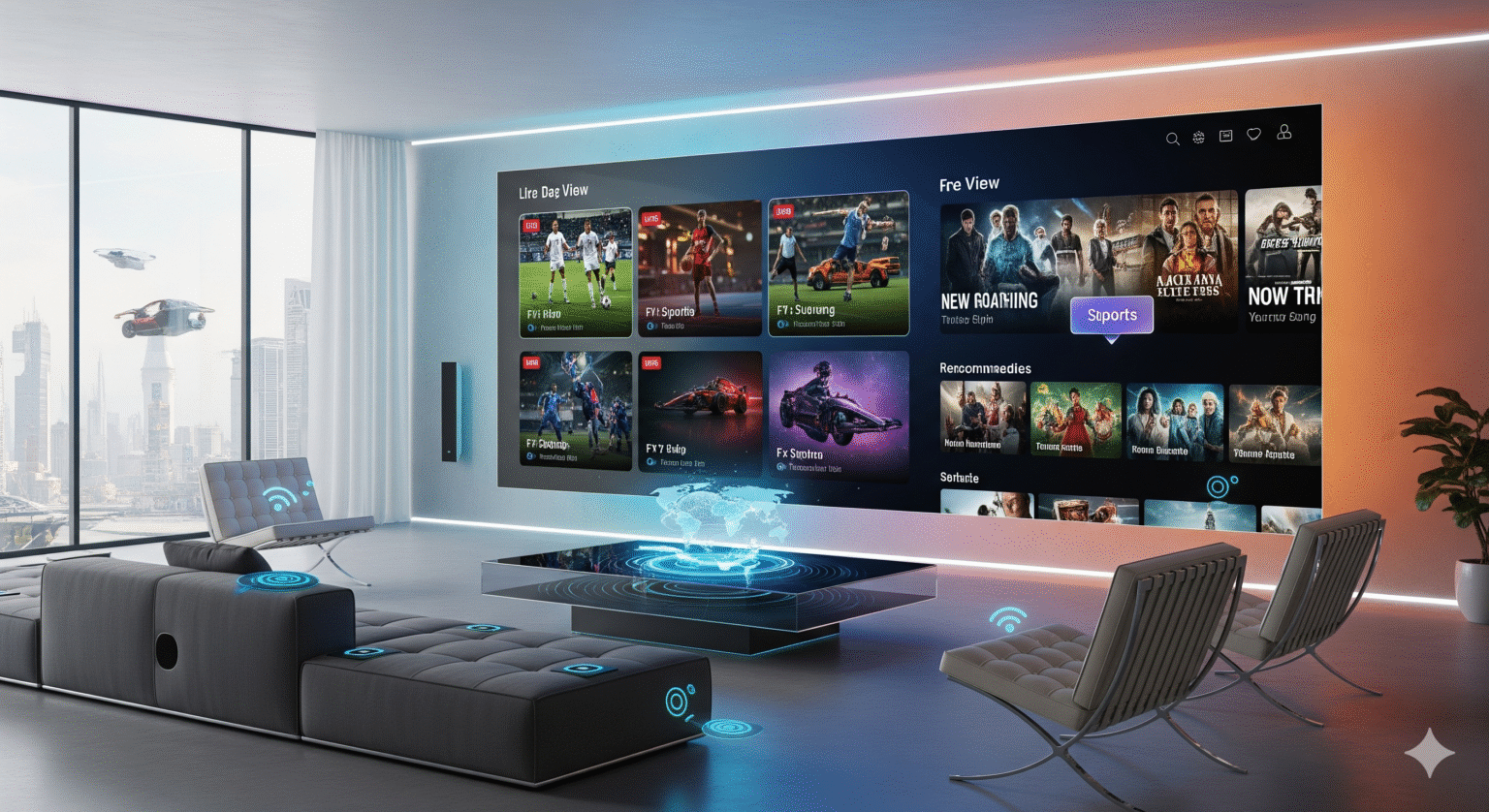
1. The Two Worlds of IPTV: Know Before You Buy
The market is split in two. Your choice depends entirely on your risk tolerance and budget.
Feature | Verified Services (The Safe Bet) | Third-Party / “Grey Market” (The Wild West) |
|---|---|---|
Who are they? | YouTube TV, Hulu, Fubo | TIVORA4K, NigmaTV, Telezic |
Cost | $50 – $160+ / month | $10 – $20 / month |
Reliability | 100% Uptime. No buffering. | Variable. Can buffer during Super Bowl/UFC. |
Legal Risk | None. Fully licensed. | High. “Operation Switch Off” is real. |
Security | Bank-grade security. | DANGER: Requires VPN & Crypto payments. |
Our Take | Recommended for 90% of users. | Only for tech-savvy users with a VPN. |
2. Best Verified IPTV Services (2026 Rankings)
These are legitimate, app-store-approved services. We recommend these for peace of mind and top-tier picture quality.
1. YouTube TV – The Editor’s Choice
Verdict: The gold standard for cord-cutters.
2026 Pricing: ~$82.99/mo.
Why We Love It: The interface is unmatched. The Multiview feature (watch 4 streams at once) is a game-changer for NFL Sundays. Plus, the unlimited cloud DVR means you never miss a show.
Killer Feature: Exclusive home of NFL Sunday Ticket.
2. Hulu + Live TV – Best Value Bundle
Verdict: The smartest buy for families.
2026 Pricing: ~$89.99/mo.
Why We Love It: You aren’t just paying for live TV; you get the entire Hulu on-demand library, Disney+, and ESPN+ included. It justifies the price tag instantly.
Caveat: The live guide UI is still clunky compared to YouTube TV.
3. Fubo – Best for Sports Fanatics
Verdict: If you live for Soccer, this is non-negotiable.
2026 Pricing: Starts at ~$84.99/mo + RSN fees.
Why We Love It: Fubo broadcasts more sports in native 4K than anyone else. It carries Regional Sports Networks (RSNs) that others dropped.
Warning: It is arguably the most expensive option once fees are added.
4. Sling TV – The Budget King
Verdict: The cheapest legal way to watch live TV.
2026 Pricing: ~$45.99/mo.
Pro Tip: Pair Sling Blue (for cable news/sports) with an HD Antenna (for local channels) to save $40/month compared to competitors.
3. The "Grey Market": High Risk, High Reward
Disclaimer: We do not endorse copyright infringement. The following is an analysis of market trends.
In 2026, unverified services like TIVORA4K and NigmaTV are exploding in popularity. Why? Because they offer 20,000+ channels and Pay-Per-View events for the price of a coffee.
Essential Safety Warning
If you enter this market, you are on your own. There is no customer support hotline.
NEVER use your main credit card. Use crypto or a disposable virtual card.
ALWAYS use a premium VPN. ISPs in the US and UK are aggressively throttling these connections.
NEVER buy a 12-month sub. These services can disappear overnight. Buy month-to-month.
4. Hardware Guide: Don't Bottleneck Your Stream
Your stream is only as good as the device running it. Do not use your built-in Smart TV apps. They are slow, underpowered, and rarely updated.
🥇 The Powerhouse: Nvidia Shield TV Pro
Why Buy: It uses AI to upscale 720p/1080p sports streams into crisp 4K. It handles heavy skins and multi-viewers without a stutter.
Best For: Serious streamers who want the best possible picture quality.
🥈 The Best Value: Fire TV Stick 4K Max (2nd Gen)
Why Buy: Cheap, supports Wi-Fi 6E, and runs Android. This is the easiest device to “sideload” 3rd party applications on.
Best For: Most users.
🥉 The Apple Ecosystem: Apple TV 4K
Why Buy: The fastest processor on the market. If you use verified apps like Fubo or YouTube TV, this provides the smoothest experience, period.
5. 2026 Trends: The Future of Streaming
AI Personalization: No more scrolling for 20 minutes. 2026 apps know what you want before you do.
Anti-Freeze Technology: Modern HEVC compression keeps streams smooth even if your internet drops to 25Mbps.
Catch-Up TV: Missed the game? Scroll backward in the guide to watch it instantly.
FAQ: Common Questions
Q: Do I really need a VPN for IPTV? A: For verified services (YouTube TV), no. For any third-party service, YES. Your ISP will throttle your speed or block the service entirely without one.
Q: What internet speed do I need? A: We recommend a minimum of 50 Mbps for consistent 4K streaming.
Q: Can I watch on multiple devices? A: Verified services usually offer 3 streams. Grey market services usually charge extra for multi-room connections.
Ready to cut the cord? Start with a free trial of YouTube TV or grab an Nvidia Shield to future-proof your setup today.
 English (Australia)
  English (United States)
  German
  Dutch
Dutch  Swedish
  Danish
  English (UK)
  English (New Zealand)
  Norwegian