
If you are still trying to run your IPTV service through a laggy, outdated smart TV interface, you are missing out. The app crashes, the buffer wheel spins, and live sports feel like a slideshow. Upgrading to a dedicated Android TV box fixes almost all of these issues instantly.
Not every streaming device handles live TV well. You need hardware that can manage heavy M3U playlists, fast channel zapping, and demanding electronic program guides (EPGs) without choking. Here is a breakdown of the hardware actually worth your money right now.
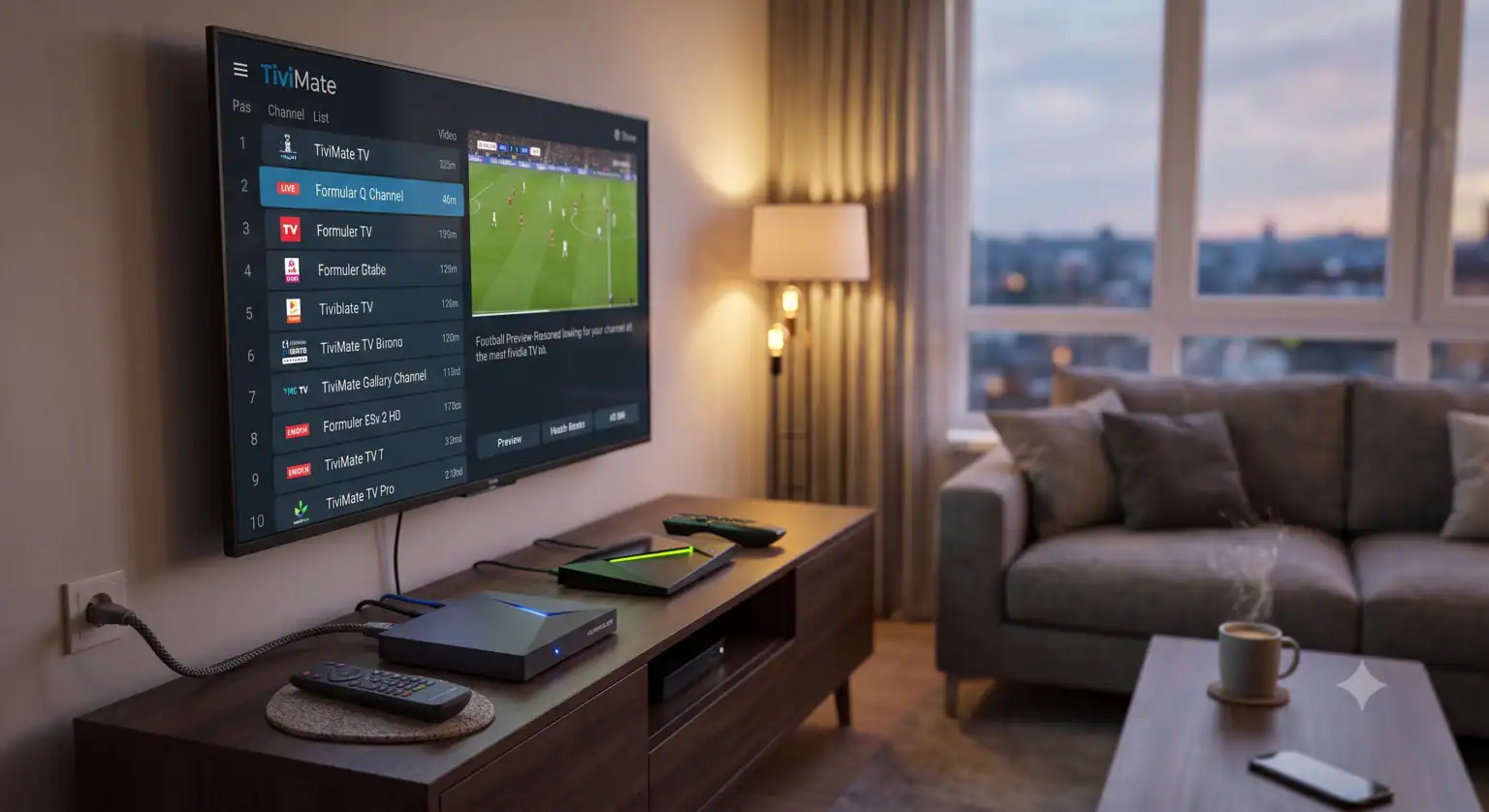
The Heavyweights: Purpose-Built for IPTV
When you want hardware designed from the ground up for live TV, the Formuler lineup is exactly where you should start. The Formuler Z12 Ultra is currently dominating the space. Packed with 4GB of DDR4 RAM and 128GB of storage, it handles massive channel lists without breaking a sweat. More importantly, it runs MYTVOnline, a proprietary app that mimics the traditional cable box experience better than almost anything else on the market.
If you don’t need that much local storage but still want a specialized, highly optimized experience, the Mira X 5200 is a fantastic alternative for pure live TV viewing.
The Premium All-Rounder: Nvidia Shield TV Pro
It is rare for hardware to hold its value for years, but the Nvidia Shield TV Pro remains undefeated for home theater setups. It houses a massive processor that effortlessly powers through 4K streaming, heavy gaming, and the most demanding streaming apps.
The Shield’s built-in AI upscaling makes lower-resolution 720p or 1080p live TV streams look noticeably sharper on a 4K panel. It carries a premium price tag, but if you want zero lag and rock-solid gigabit ethernet stability, this is the benchmark.
The Budget Kings: High Performance, Low Cost
You don’t have to spend $200 to get a clean, buffer-free streaming experience.
Onn 4K Pro & Streaming Boxes: Available for a fraction of the cost of premium boxes, these devices perfectly balance cost and functionality. They support 4K playback seamlessly and handle third-party apps well, provided you aren’t loading them down with heavy local files.
Xiaomi TV Box S (2nd Gen): A sleek, low-cost option that runs Google TV incredibly smoothly. It is highly recommended in regions where Amazon devices are heavily locked down, as it allows for incredibly easy app sideloading.
Why You Should Avoid Certain Streaming Sticks
Amazon is aggressively locking down their Fire TV ecosystem. Recent software updates make it increasingly difficult to install third-party applications or change the default home screen launcher. If you rely on custom APKs for your viewing, you are much better off sticking to an unlocked, standard Android TV or Google TV environment like the Xiaomi or Onn boxes.
The Software That Makes It Work
Hardware is only half the equation. To get the most out of your box, you need a player that can actually organize your content:
TiviMate: Still the absolute gold standard for Android TV. The premium version offers a spotless interface, multi-view capabilities, and excellent recording features.
Sparkle TV: A massive competitor to TiviMate that offers excellent timeshift features and DVR capabilities without logging your data.
Wave IPTV: A newer app known for ultra-fast channel switching (under one second) and a highly modern, Netflix-style layout.
What Specs Actually Matter?
Don’t get distracted by marketing jargon. If you are buying a box specifically for live streams, look for these three things:
Ethernet Port: Wi-Fi 6 is great, but a hardwired ethernet connection is the only true way to kill buffering.
RAM: 2GB is the absolute minimum requirement in 2026. Bumping up to 4GB ensures you can scroll through thousands of channels without the menu freezing.
Storage: 16GB to 32GB is plenty for most users, unless you plan on using timeshift or recording live TV locally to the device.
Grab a reliable box, wire it directly to your router, load up a premium player, and your living room setup will be flawless for the next few years.
 English (United States)
  German
  Dutch
Dutch  Danish
  English (UK)
  Norwegian
  Swedish