
Want smooth live sports and crystal-clear movies on your Smart TV without buffering or complicated setups?
This IBO Player playlist guide shows you how to optimize M3U playlists specifically for sports and movies, so you get fast channel switching, stable streams, and cinema-quality playback in 2026.
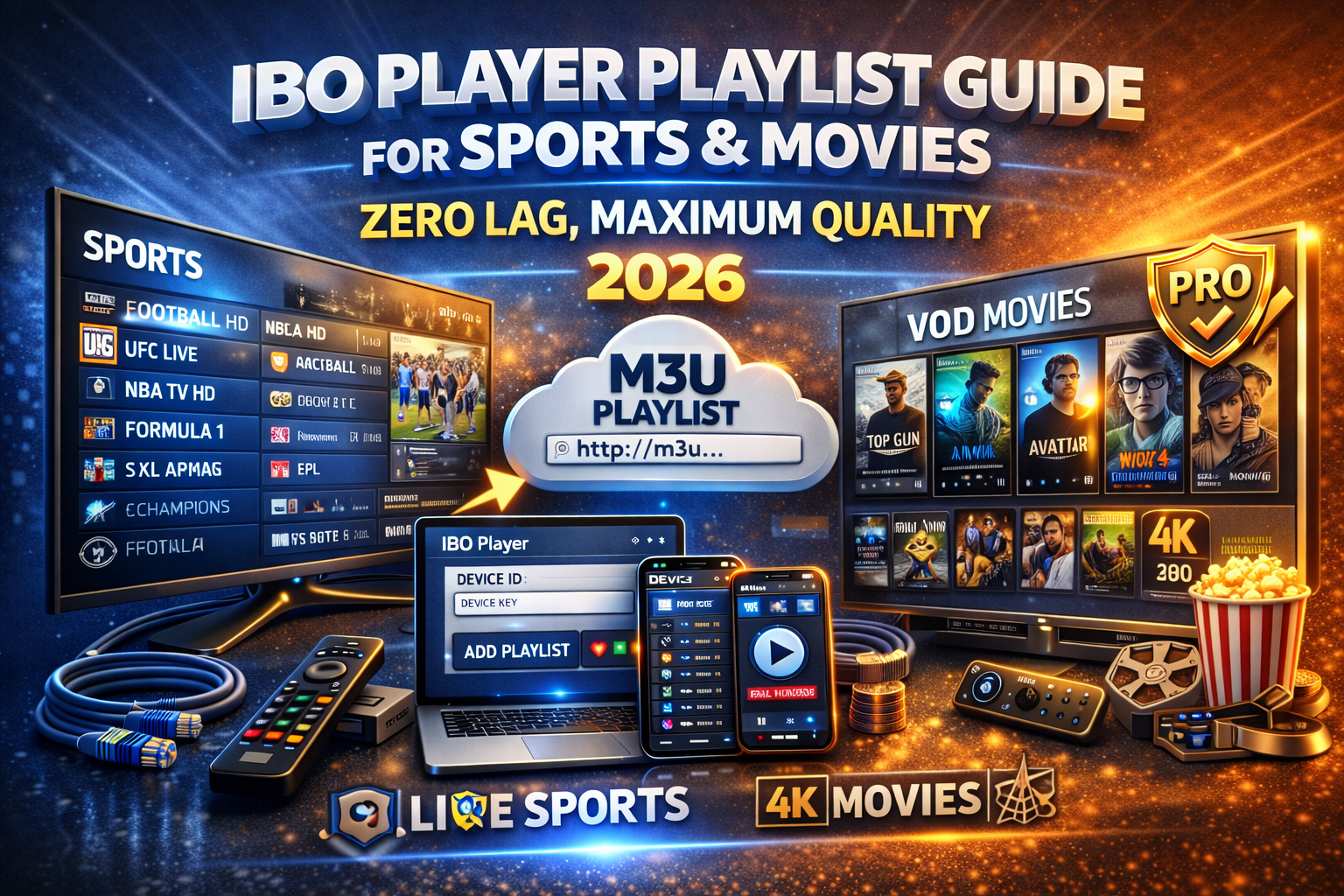
Why IBO Player Is a Top Choice for Sports & Movies
IBO Player is built for high-bitrate streaming exactly what live sports and VOD movies demand. It’s widely used on Samsung, LG, and Android TVs because it prioritizes speed, stability, and clean navigation.
What makes IBO Player convert sports & movie fans
Fast channel switching (perfect for live matches)
Smooth HD, Full HD & 4K playback
Clear separation: Live TV / Movies / Series
Reliable M3U playlist handling
One-time Pro activation (no monthly app fees)
Choose the Right IBO Player Playlist (This Matters Most)
Your experience depends more on the playlist quality than the app itself. For sports and movies, your IBO Player M3U should include:
Sports Playlist Essentials
Dedicated sports categories (Football, UFC, F1, NBA, etc.)
Multiple sources per channel (backup streams)
High bitrate for fast-motion clarity
Low latency servers (crucial during live events)
Movie & VOD Playlist Essentials
Organized VOD categories (Action, Drama, Kids)
Full HD & 4K movie files
Poster artwork & metadata
Frequent updates with new releases
👉 A weak playlist will buffer even on the best TV.
How to Add a Sports & Movies Playlist to IBO Player
Open IBO Player on your Smart TV
Note your Device ID & Device Key
Open the IBO Player playlist portal on phone or PC
Add your M3U playlist URL (or Xtream Codes)
Save → Restart the app
✔ Sports channels load instantly
✔ Movies & series appear automatically
Best IBO Player Settings for Live Sports (No Buffering)
To keep matches smooth even during peak hours:
Use Ethernet instead of Wi-Fi
Close other apps running on the TV
Load only one playlist per device
Use HD instead of 4K if bandwidth is limited
Restart IBO Player before major events
⚠️ These steps prevent freezes during big games.
Best IBO Player Settings for Movies & Series
For a cinema-like experience:
Activate IBO Player Pro for smoother navigation
Use playlists with proper VOD metadata
Prefer providers with dedicated VOD servers
Avoid overloaded free playlists
🎬 Result: faster loading, fewer crashes, better quality.
IBO Player Free vs Pro for Sports & Movies
❌ IBO Player Pro is not free, but it’s strongly recommended if you watch sports or movies regularly.
Free Version
Short trial
Basic playback
Not ideal for heavy use
Pro Version (Best for Sports & Movies)
One-time activation
Unlimited playlists
Faster loading & better stability
No interruptions
👉 If you watch live sports weekly or movies daily, Pro is the smart choice.
Common Sports & Movie Issues (And Instant Fixes)
| Problem | Solution |
|---|---|
| Buffering during sports | Ethernet + lower resolution |
| Match freezes | Restart app before event |
| Movie won’t start | Refresh playlist |
| Missing sports channels | Playlist issue (not the app) |
| No movie posters | Playlist lacks metadata |
Final Verdict: Is IBO Player Worth It for Sports & Movies?
Absolutely. When paired with a high-quality IPTV playlist and Pro activation, IBO Player delivers one of the best sports and movie experiences on Smart TVs in 2026.
Perfect if you want:
🏆 Live sports with minimal delay
🎬 Movies in HD & 4K
📺 Simple Smart TV control
👉 Fast setup. Clean interface. Reliable streaming.
 English (United States)
  German
  Dutch
Dutch  Swedish
  Danish
  English (UK)
  English (Australia)
  English (New Zealand)
  Norwegian